Turning Github Release Notes Into Product Announcements


You just shipped a major release. The code is merged, the tests passed, and the GitHub release is cut. Now you have to tell your users about it.
You open the GitHub release notes. The first line says, "Fixed race condition in webhook retry logic."
You paste that into an email draft. You look at it. You know that if you send this to your customers, they will not understand it. They will not care. They might even be slightly annoyed.
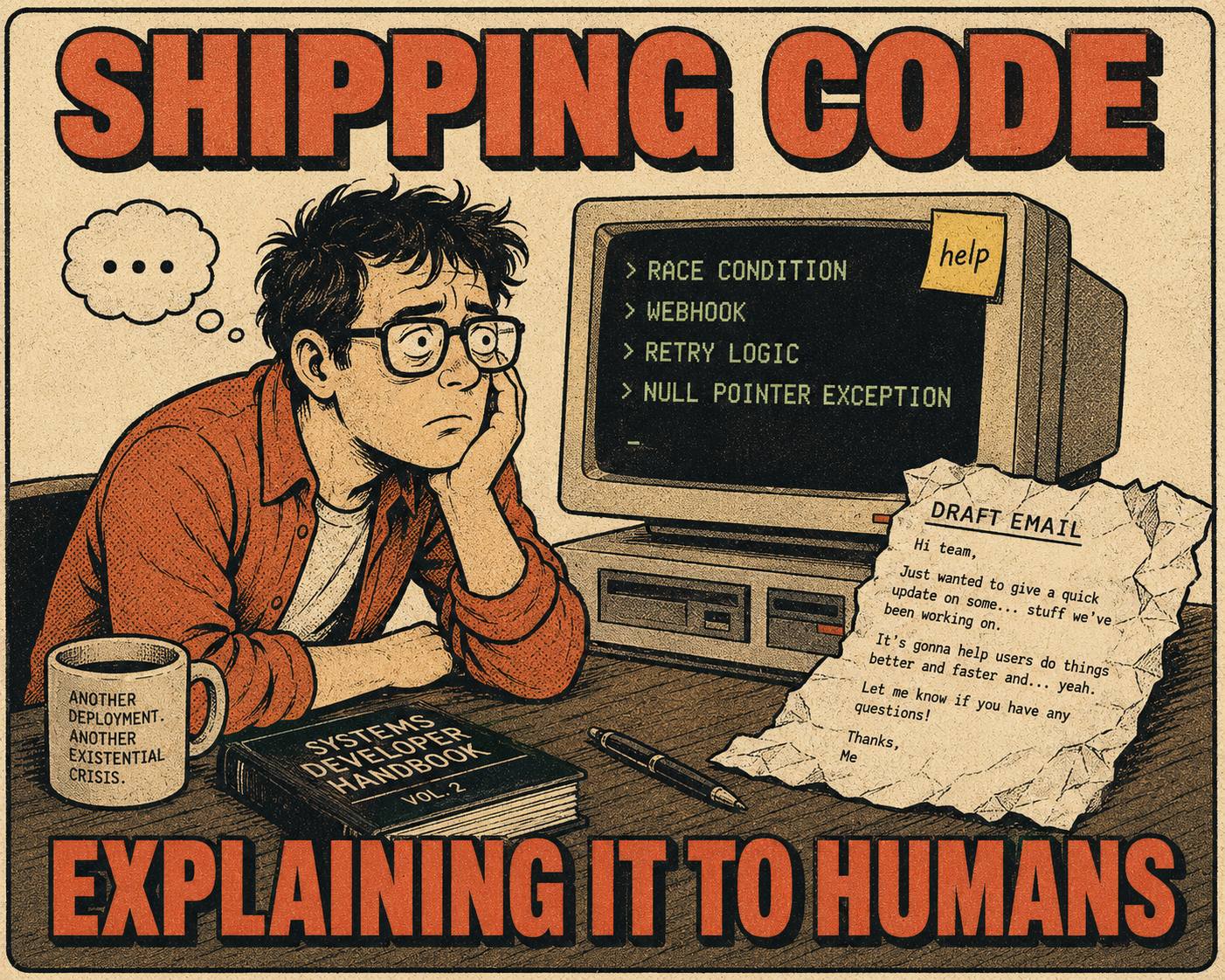
GitHub releases are built for engineers. They document what changed in the system. Product announcements are built for users. They explain what changed in the user's workflow. The gap between those two documents is where most software communication fails.
If you want users to actually read your updates, you have to translate.
What to Pull from the Noise
Not every commit deserves a public announcement.
When you look at a GitHub release, you are looking at an unfiltered log of engineering activity. Most of it is noise to the end user. Your job is to extract the signal.
Look for user-facing changes. A new API endpoint. A redesigned settings page. A bug fix that resolves a common support ticket. These are the things that change how a user interacts with your product.
Look for breaking changes. If a user has to update their code or change their workflow, they need to know. You cannot bury a breaking change in a list of minor improvements. Semantic Versioning exists precisely to signal this kind of disruption, and your announcement copy should do the same work in plain language.
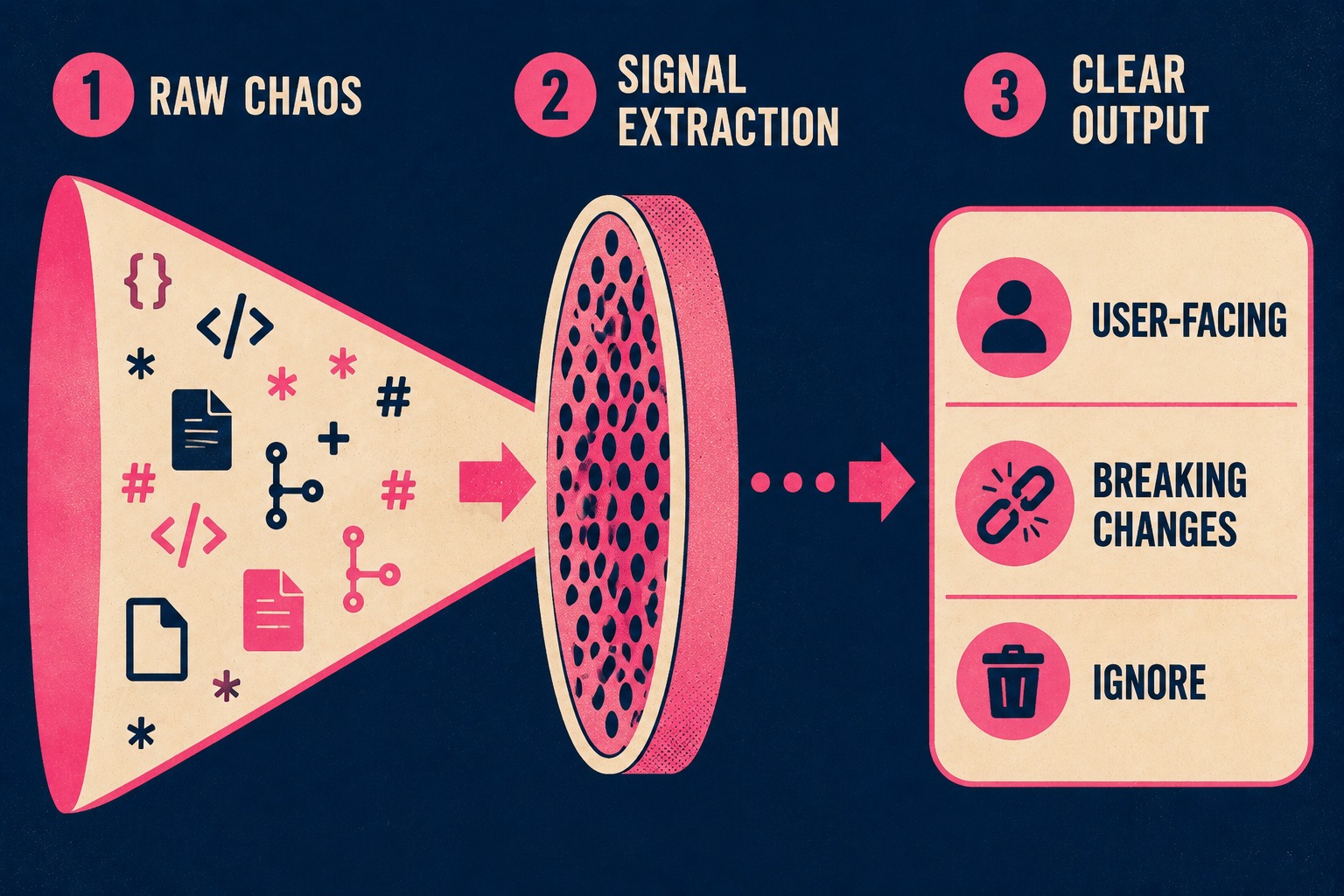
Ignore the internal refactoring. Users do not care that you migrated from Webpack to Vite. They care if the application loads faster. If the internal change does not result in a visible benefit, leave it out of the public announcement.
How to Translate Without Lying
Translation is not marketing. You are not trying to spin a bug fix into a feature. You are trying to explain the technical change in terms of the user's reality.
Take the webhook example. "Fixed race condition in webhook retry logic" is accurate, but it describes the system.
"Webhooks now retry reliably under high load" describes the outcome.
You have to bridge the gap between the code and the customer. You have to explain why the change matters. If you updated the authentication middleware to support OAuth 2.0 with PKCE, the benefit is not the acronym. The benefit is that users can now sign in with their Google accounts.
Do not oversell. If you fixed a minor UI glitch, say you fixed a UI glitch. Do not call it a "reimagined user experience." Users can tell when you are inflating the importance of an update, and it damages your credibility.
What Makes It Actually Readable
A product announcement needs structure. It cannot be a wall of text.
Start with a clear title that summarizes the most important change. "Product Update: March 2026" is useless. "New Analytics Dashboard and Faster Webhooks" tells the user exactly what to expect.
Group the changes logically. GitHub's own release configuration uses categories like "Breaking Changes," "New Features," and "Other Changes" for exactly this reason: it allows users to scan and find what matters to them.
Provide context. If a new feature requires setup, include a brief explanation and a link to the documentation. Intercom's approach to product launches is instructive here: their product managers produce a "What We Built" document for every feature, which becomes the foundation for customer-facing communication. Do not expect users to figure it out on their own.
Keep it brief. You are not writing a novel. If a feature requires a long explanation, write a separate blog post or documentation page and link to it.
When to Send It
Timing matters.
If you ship multiple times a day, you cannot send an announcement for every release. You will exhaust your users. They will stop reading your emails.
Batch your updates. A weekly or bi-weekly cadence is usually sufficient for SaaS products. This gives you enough material to create a substantial update, and it creates a predictable schedule for your users. Treating your userbase as one homogeneous blob is the exact opposite of good release communication: active users and inactive users need different messages, different framing, and different levels of context.
If you have a major release, announce it immediately. Do not wait for the weekly newsletter.
This process takes time. It requires someone to sit down, read the commits, and write the copy.
If you ship frequently, doing this manually every time is unsustainable.
This is where Doc Holiday comes in. It generates first drafts directly from your engineering workflows, including your commits, your pull requests, and your issue tracker. It pulls the structured data and creates a baseline announcement. A senior writer or product manager then reviews it in a dashboard, refines the translation, and approves it. Unmanaged AI struggles to maintain this kind of coherence, but managed AI scales it. It gives lean teams the structure to validate and publish without rebuilding the workflow every release.