How to Write Release Notes That Users Actually Read


Here is a number that should bother you: in a typical SaaS product, fewer than one in ten users will open a "What's New" announcement. The notes were written, published, and ignored — not because nobody cares about the product, but because the notes were written for the person who built the feature, not the person who uses it.
This is not a motivation problem. It is a structural one. Most release notes fail for three predictable reasons: they are addressed to the wrong audience, they are placed somewhere users never look, or they are written in language that means nothing outside the team that shipped the code. All three are fixable, and fixing them does not require more effort — it requires different effort.
The Audience Problem Is the Whole Problem

A large-scale empirical study of 32,425 release notes across 1,000 GitHub projects found significant discrepancies between what release note producers and users consider important (Bi et al., 2021). Both groups agree that well-formed release notes matter. They disagree, often sharply, on what "well-formed" means in practice. Producers tend to optimize for completeness. Users want relevance.
The fix is audience segmentation, and it is simpler than it sounds. Before writing a single word, identify who actually needs to act on this release. Developers integrating your API care about endpoint changes, deprecation timelines, and whether they need to update their code before a certain date. End users care about whether the thing they were complaining about is fixed, or whether there is a new capability that saves them time. Admins care about security patches, permission changes, and anything that requires a configuration update before the next deployment.
These are not the same document. They do not need to be three separate documents either — but they do need to be structured so that each group can find what applies to them without reading through everything else. Stripe's redesigned developer changelog, introduced in late 2024, solved exactly this problem by allowing developers to filter changes by API version and see only the updates that affect their specific integration (Stripe Engineering, 2024). The underlying insight is obvious once stated: the changelog is not a record for the team that shipped the code. It is a navigation tool for the people who depend on it.
What Specificity Actually Looks Like
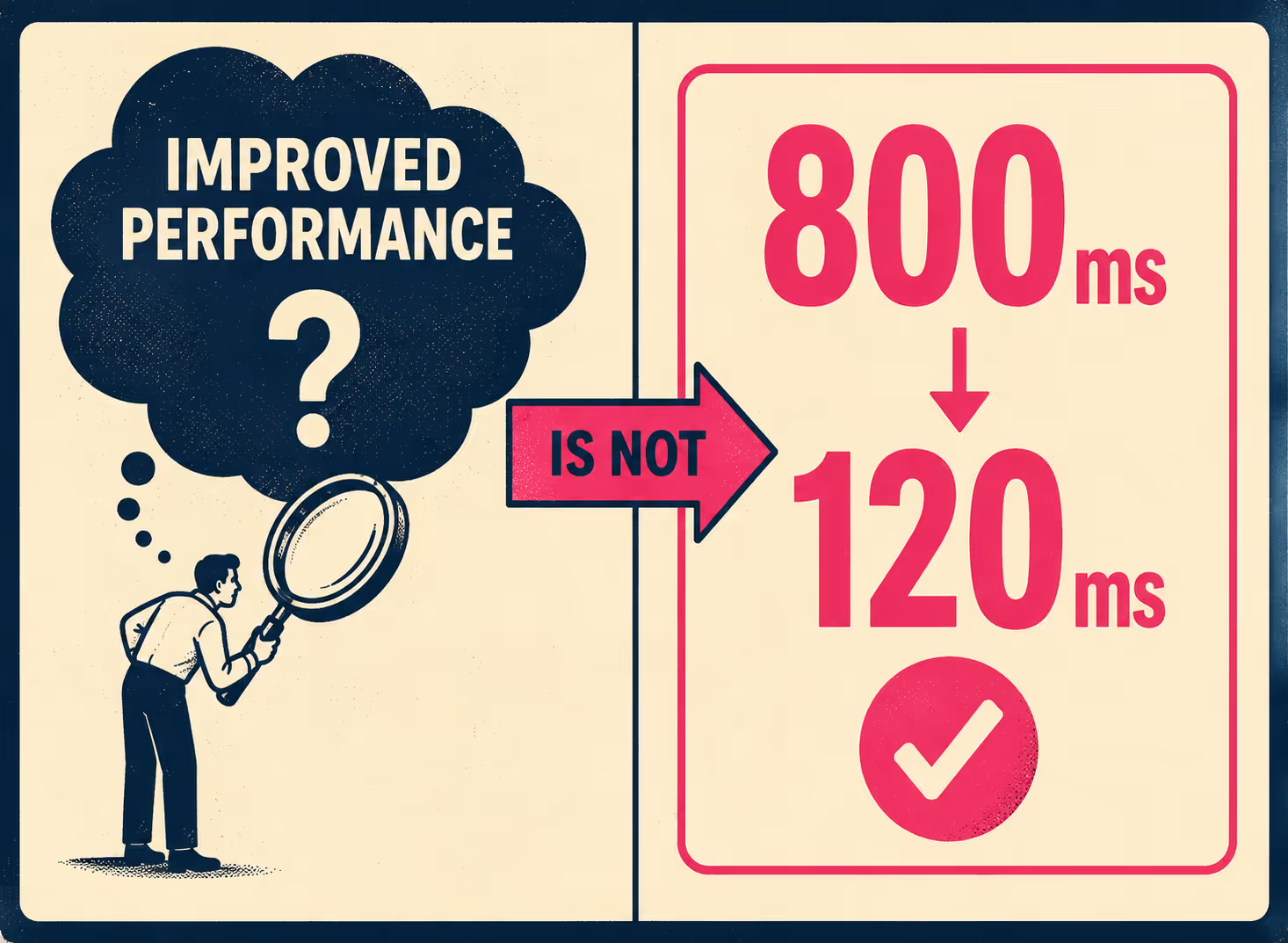
The most common failure mode in release note writing is the vague positive: "improved performance," "enhanced user experience," "better reliability." These phrases are not wrong, exactly. They are just useless. They communicate that something changed without telling the reader what changed, how much it changed, or whether it affects them at all.
Google's technical writing curriculum makes the point directly: replace amorphous adverbs and adjectives with objective numerical information (Google Technical Writing, 2025). "Setting this flag makes the application run screamingly fast" becomes "Setting this flag makes the application run 225–250% faster." The same principle applies to release notes. "Reduced API response time from 800ms to 120ms" is a release note. "Improved performance" is a press release.
The structure that works, consistently, is: what changed, why it matters, and what action (if any) the reader needs to take. The community standard at keepachangelog.com formalizes this into six categories — Added, Changed, Deprecated, Removed, Fixed, Security — which is useful not because the categories are magic but because they force the writer to classify the change before describing it. Classification is the first step toward specificity.
The "no action required" note in the security row is worth dwelling on. A study of 155 users evaluating software update messages found that annoyance and confusion with update messages predicted hesitation to apply updates — meaning that a poorly written security notice can actively make your users less secure (Fagan, Khan & Nguyen, 2015). Clarity is not just a nicety. For security-related notes, it is a safety property.
Breaking Changes Are a Category of Their Own
Breaking changes deserve treatment that is categorically different from everything else in a release. A breaking change is any modification that disrupts compatibility with previous versions — and the damage is not always obvious. Syntactic changes cause compilation errors, which are at least visible. Behavioral changes are worse: the code continues to compile and run, but it produces different results than before (Endor Labs, 2024). The Python 2-to-3 transition is the canonical example of how a behavioral change — the rounding function returning different values for negative numbers — can create a decade of migration pain.
The Semantic Versioning specification has a specific requirement here: before removing functionality in a major release, there must be at least one prior minor release that contains the deprecation, giving users a documented window to transition (Semantic Versioning 2.0.0). This is not bureaucratic process. It is the minimum notice required to avoid breaking your users' systems without warning. The deprecation notice in the minor release is itself a release note — one that should name the deprecated element, explain what replaces it, and give a specific date or version number for removal.
Stripe's changelog redesign included step-by-step upgrade guidance for every breaking change, precisely because the old approach of listing all changes in a flat log made it too easy to miss the ones that required action (Stripe Engineering, 2024). If your breaking change requires a migration guide, link to it directly from the release note. Do not make users search for it.
Where the Notes Live Matters as Much as What They Say
A release note that lives only on a changelog page that users have to navigate to deliberately is not doing much work. The question of placement is really a question about who you expect to read the note and when. Developers integrating an API are likely to check a changelog before upgrading a dependency — so a dedicated, well-structured changelog page is the right home for technical notes. End users are not going to visit a changelog page unprompted. They need the note to come to them, in context, at the moment they encounter the changed behavior.
Simon Willison, whose writing on open-source documentation practices is widely cited in the developer community, makes the case for making release notes linkable and structured enough to be referenced in other contexts (Willison, 2022). A note that can be linked to is a note that can be shared in a support ticket, a Slack thread, or a customer email. That is distribution without extra work.
The MDN Web Docs team frames this as the difference between documentation that exists and documentation that is discoverable: "Good documentation is like a piece of the puzzle that makes everything click — the key for encouraging feature adoption" (MDN Web Docs, 2024). The same logic applies to release notes. The best-written note in the world does nothing if the user who needs it never sees it.
When to Automate, When to Write It Yourself
The volume problem is real. Teams shipping multiple times a week cannot hand-craft every release note, and they should not try. Routine bug fixes, dependency updates, and minor configuration changes can be generated from structured commit data, pull request labels, and issue tracker metadata. GitHub's built-in release note generation, for example, pulls from merged pull requests and their labels to produce categorized changelogs automatically (GitHub Docs, 2024). The output is not beautiful prose, but it is accurate and consistent, which is what matters for low-impact changes.
The threshold for human involvement is impact. Major feature launches need a writer who can explain the feature in terms of user benefit, not implementation detail. Breaking changes need someone who has thought through the migration path and can describe it clearly. Security patches need language that is precise without being alarming — and that explicitly tells the user whether they need to do anything. A PhD-level study of the release note generation process found that automated approaches perform well on structure and consistency but struggle with the why and how dimensions that make notes genuinely useful to users (Nath, 2025). Automation handles the volume. Human oversight handles the nuance.
Doc Holiday is built around exactly this division of labor, treating human oversight and automation as co-equal processes. Before any release note ships, teams use a structured system to review, edit, and validate the output, ensuring the final message is accurate and user-focused. To make this review process possible at scale, the platform automatically generates the initial drafts directly from engineering workflows — commit messages, pull requests, and issue trackers. For teams running lean or managing high release velocity, this means the first draft is never a blank page, and human effort is preserved for the decisions that actually require judgment: what to emphasize, what to explain, and what the user needs to do next.
Before You Write the Next Release Note
The checklist below is not a template. It is a set of questions to answer before you write anything. The answers will tell you what kind of note you need and how much effort it deserves.
Who is the audience for this change? If it is developers, lead with the technical specifics. If it is end users, lead with the behavior change they will notice. If it is admins, lead with the action they need to take.
What category does this change fall into? New feature, bug fix, deprecation, breaking change, or security patch? The category determines the urgency of the note and where it should appear.
Does this require user action? If yes, say so explicitly, at the top, before any other context. If no, say that too — it removes anxiety.
Is there a migration path, and is it documented? For breaking changes and deprecations, the release note is not complete without a link to the migration guide.
Can this be generated automatically, or does it need human review? Routine changes can be automated. High-impact changes — major features, breaking changes, security patches — need a writer who understands the user impact.
Teams that ship fast and document well do not have better intentions than everyone else. They have a system. The notes above are the system.



