How to Build a Status Page That Actually Shows Codebase Changes


You wake up at 3:00 AM to a PagerDuty alert. A critical downstream integration is failing.
You check the logs. A vendor you rely on shipped a new API version yesterday. You check their status page. It shows a sea of green checkmarks and proudly declares 100% uptime.
The infrastructure is perfectly healthy. The servers are responding in milliseconds. But the contract changed. They deprecated a field, your client didn't know about it, and now production is broken.
That is the problem with most status pages. They are designed for external SLA reporting, not for developers trying to figure out what actually changed in the codebase.
Generic uptime dashboards don't help internal consumers make migration decisions. When an engineering manager is asked to improve developer communications after a release breaks something undocumented, putting up another ping-based monitor is not the answer.
You need a status page that shows API changes, deprecated endpoints, configuration updates, and breaking changes. You need the real delta between versions.
The Lie of 100% Uptime
Uptime monitoring and change monitoring are fundamentally different disciplines.
A server returning a 200 OK response means the lights are on. It does not mean the house hasn't been rearranged.
When a platform team builds a status page using standard tooling, they usually hook it up to their load balancers or API gateways. They measure latency, error rates, and availability. These are Service Level Indicators (SLIs), the foundational metrics for measuring reliability.
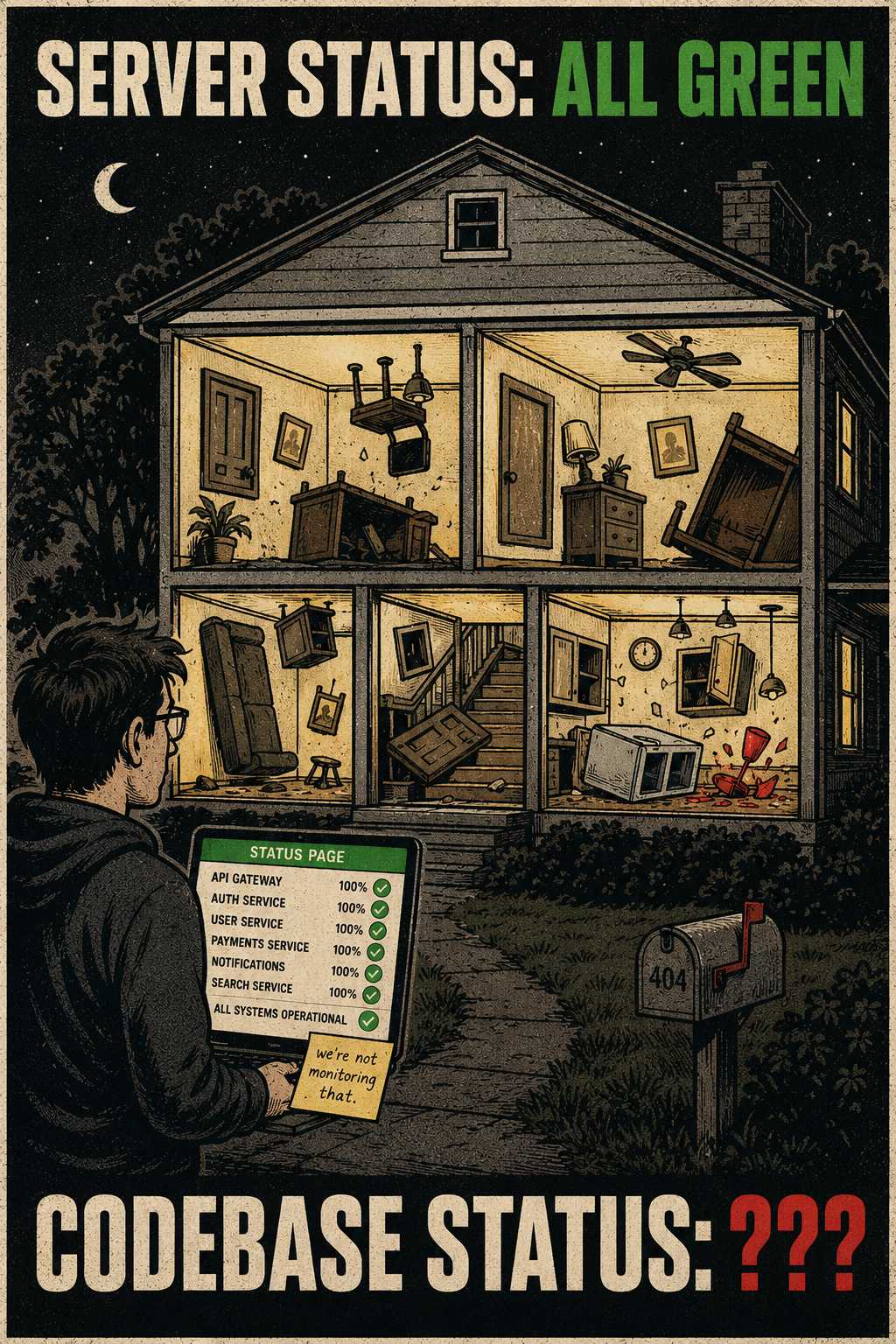
But they tell a developer nothing about whether their code will compile tomorrow.
What a developer-facing status page actually needs to communicate is operational risk. It needs to show version deltas. It needs to show backward compatibility status. It needs to show deprecation timelines, new endpoints, and schema changes.
API versioning advice that ignores the people on the other side of the contract falls apart in practice.
What Developers Actually Need to Know
When you introduce a breaking change, you are pushing work onto someone else.
If you don't document it clearly, you are also pushing the discovery process onto their error logs. Poor documentation carries a measurable cost — estimated at over $200K annually for a 50-person engineering team.
A useful status update is a checklist of impact. It needs the version number and the release date. It needs a clear list of breaking changes. It needs the new endpoints or parameters, clearly separated from the breaking changes.
It needs deprecated endpoints with hard sunset dates.
Vague timelines create support load. "We plan to remove this soon" is not a timeline. It is a threat with no deadline. You need to state which endpoints are deprecated, exactly when they will stop working, and what to use instead. The Sunset HTTP header field, defined in RFC 8594, signals the date after which a URI is expected to become unresponsive. The Deprecation HTTP response header field, standardized in RFC 9745, signals that a resource has been deprecated and optionally carries the date deprecation took effect. Pairing them gives consumers both the current status and the removal deadline in every API response. Your status page should reflect the same information in prose.
When should status updates include example code, migration paths, or rollback instructions? Always.
Never announce a deprecation without a step-by-step migration guide to the replacement. The goal is to make it faster for them to migrate than to email your support team.
Where the Automation Breaks Down
You cannot write all of this by hand.
If you rely on developers to manually log every change, the documentation will inevitably fall behind the code. This documentation drift is well-documented: 60% of documentation becomes outdated within six months.
You have to automate the detection.
Should this connect directly to version control, CI/CD pipelines (the systems that automate testing and deployment), or API schema definitions? Yes.
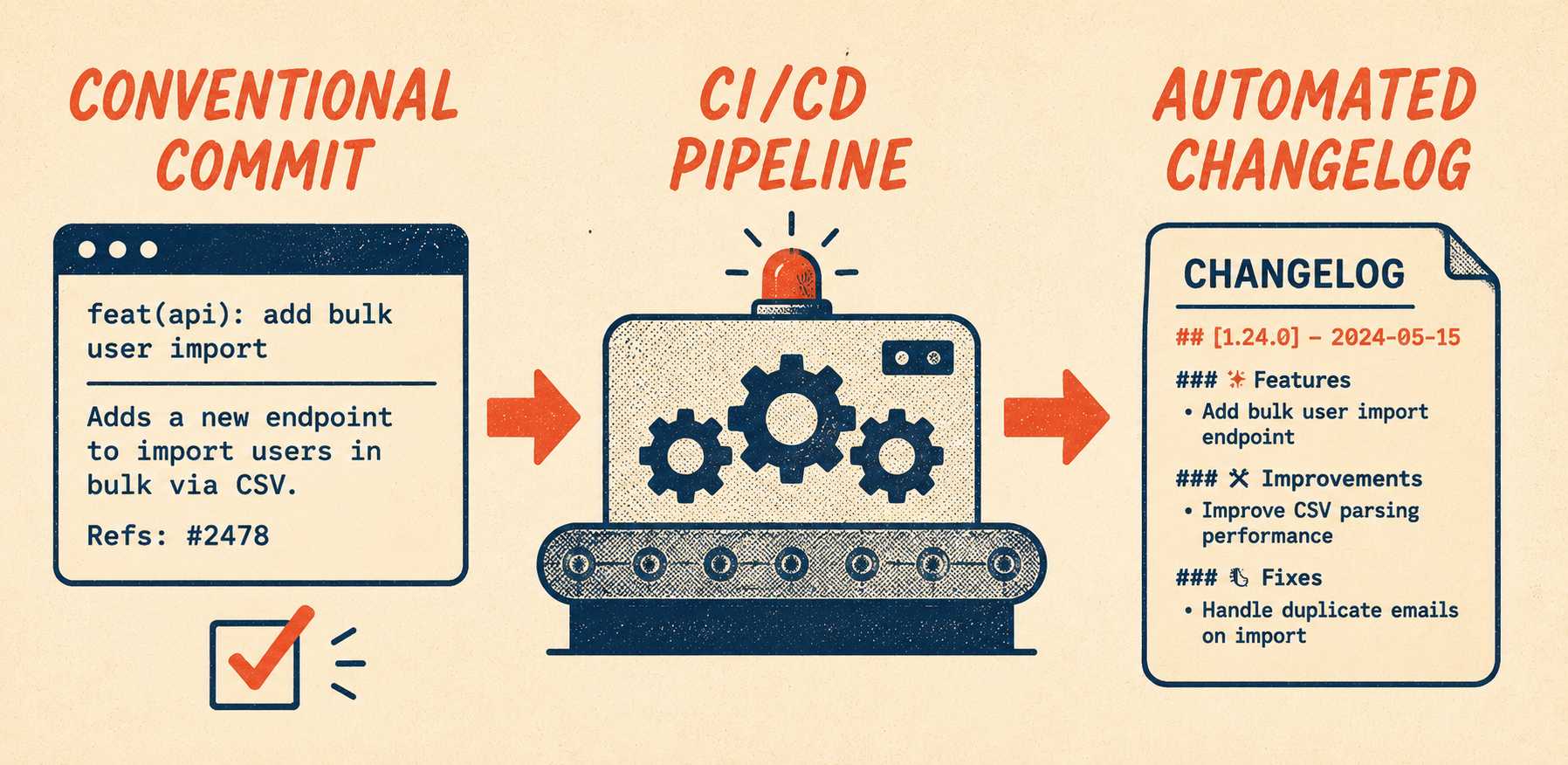
The Conventional Commits specification provides a lightweight convention on top of commit messages that enables automatic changelog generation and semantic version determination. You can hook this into your GitLab or GitHub pipelines. GitLab's CI/CD pipeline supports automated release note generation directly from commit history and merge request metadata.
Tools like oasdiff compare OpenAPI specifications and automatically flag breaking changes across hundreds of categories — removed parameters, changed types, new required fields.
But automation is not sufficient.
Auto-generating changelogs from commit messages works for internal tracking but produces unreadable release notes for external developers, because commits describe what changed in the code, not what changed for the consumer.
Breaking change detection can be automated if your API schema is versioned properly. Migration guidance usually cannot.
A human still needs to add context. A human has to write the migration paths. A human has to decide whether the reasoning behind a breaking change is worth including.
You need a validation layer. Engineers shouldn't be writing full changelogs by hand, but they must still sign off on what gets published.
The Build vs. Buy Reality
If you are going to build this in-house, the minimum toolchain requires stitching together your CI/CD pipeline, an API diff tool, a commit parser, and a static site generator.
You will spend engineering cycles maintaining the pipeline that builds the documentation instead of building the product.
If you are going to use a platform, you need to look for capabilities that separate a real developer-focused status tool from a glorified uptime monitor. It needs to understand API semantics, integrate with your deployment workflows, and provide a structured review interface.
Unmanaged automation fails; managed automation scales.
The best workflow separates the detection from the explanation. Automated extraction pulls the technical changes from the spec or the commits. A human writes the explanation and the examples. Structured validation ensures nothing critical was missed.
Engineering teams that adopt Doc Holiday use it to generate status updates and release notes directly from their CI/CD pipeline and pull request history. It outputs version-aware changelogs and API diffs, then provides a structured review interface so platform engineers can validate and publish. That eliminates the manual summarization loop while keeping a technical reviewer in the decision path.