How to Write Release Notes for a Mobile and Web Release on the Same Day


It is Tuesday morning, and you are staring at a release dashboard.
The mobile app update just cleared Apple's review. It is live in the App Store. The web update is staged, waiting for someone to press a button. The marketing email is scheduled to go out at 10 AM.
This is a coordinated release. The features only work if the user has both updates.
But users don't update their phones immediately. Some will see the web changes today but won't update the app until next week. Some will update the app today but won't log into the web platform until next month.
The question is how to tell them what they actually have, without confusing the ones who haven't updated yet. You need a repeatable system for communicating these changes clearly to users, support teams, and stakeholders.
The answer depends on whether you are telling one story or two.
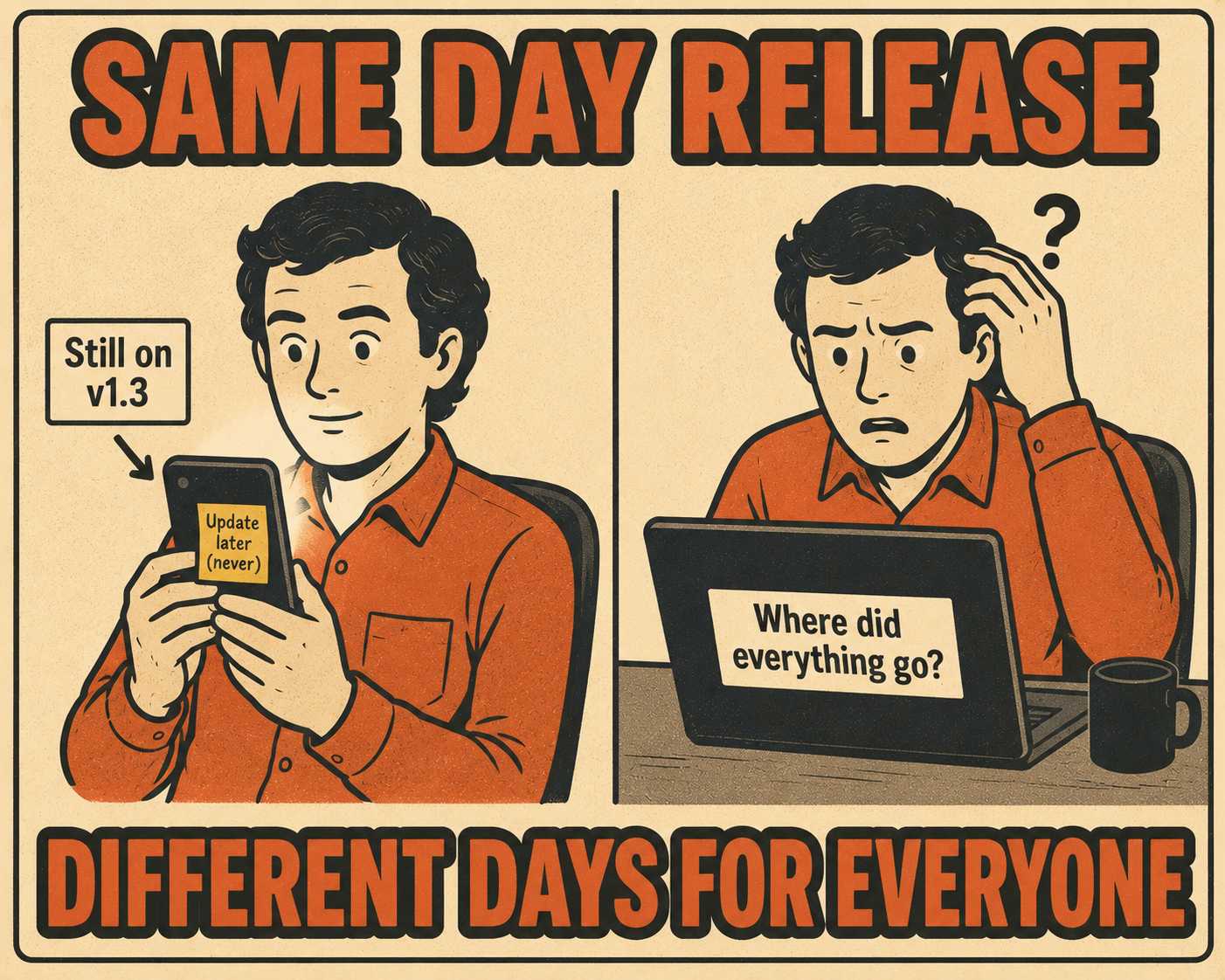
The Reality of Shipping on Two Clocks
Mobile and web release cycles do not naturally align.
Mobile releases go through app store review. This introduces timing uncertainty. You submit the build and wait. Apple reports that 90% of submissions are reviewed in under 24 hours, but that window can stretch, and it is outside your control. Web deploys can be instantaneous. They might be staged by region or user segment, but you control the clock.
When both ship on the same day, it is usually by design. It is a major feature launch, a rebrand, or a regulatory deadline. The release notes need to reflect that coordination without creating confusion.
When to Write One Story
If the release represents a single product narrative, write one set of notes.
This works for a rebrand, a new feature that works across platforms, or a coordinated UX refresh. You write one document that acknowledges platform differences inline.
Use clear section headers to segment the changes. "All Platforms," "Mobile Only," and "Web Only."
This approach works well when the user experience is conceptually the same. You want to reinforce the idea that this is one product with one vision.
When to Write Two Stories
If mobile and web are shipping genuinely different work, write separate notes.
Maybe mobile is doing performance fixes while web is shipping a new dashboard. Write separate notes and link between them.
This is cleaner when version numbers don't correspond. It is also better when the audience for each platform is distinct. It avoids the cognitive load of asking users to parse which changes apply to them.
The Version Number Problem
Mobile apps use semantic versioning visible to users. Version 1.4.0, where each number signals the scope of the change: major, minor, or patch.
Web apps often don't surface version numbers to users at all. They might use internal build numbers that mean nothing to the person reading the changelog.
If you are writing unified notes, lead with the mobile version number. Note that web changes are live as of a specific date.
If you are writing separate notes, let each platform use its native versioning convention.
The Part Where Everyone Gets Confused
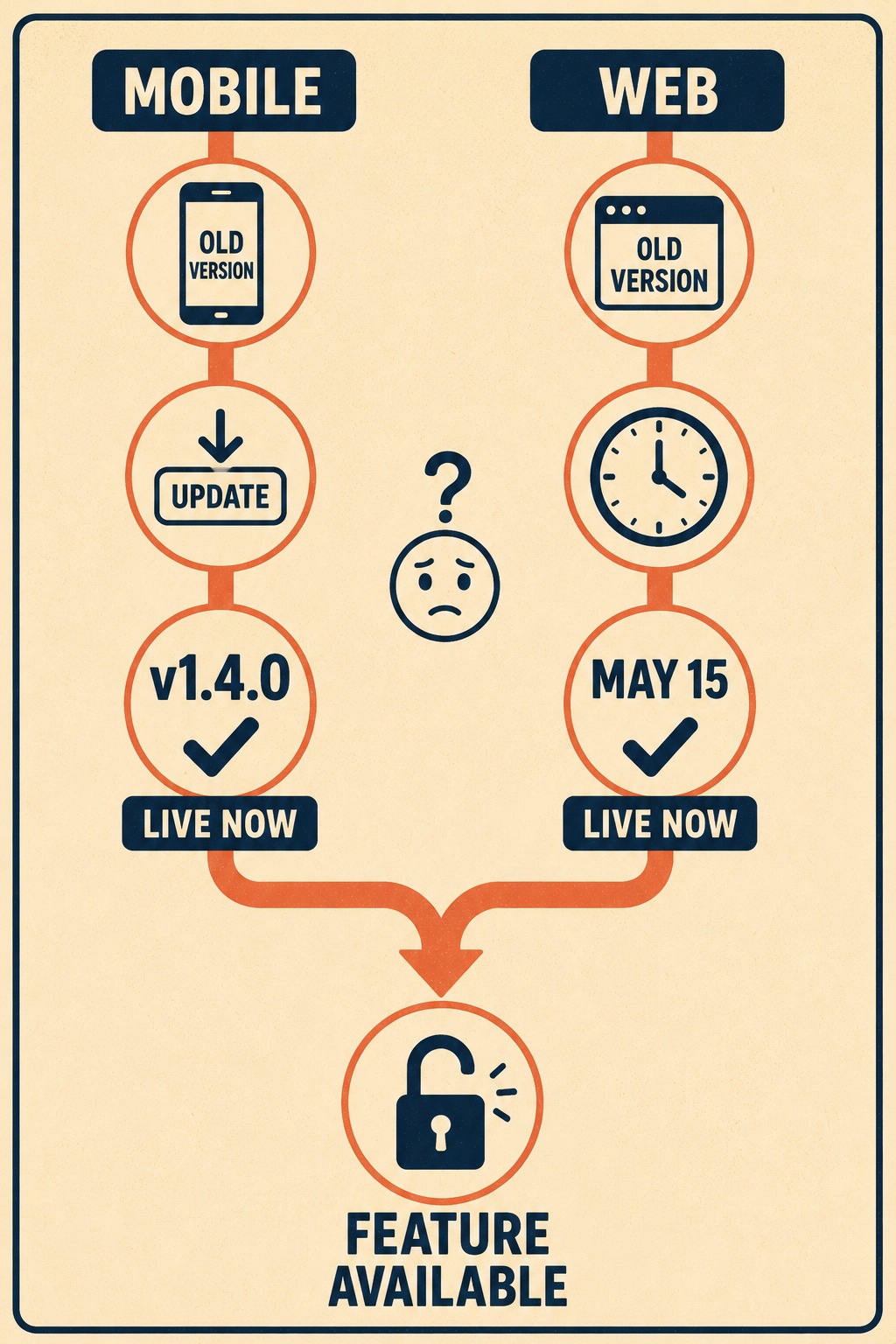
Sometimes a feature requires both the mobile update and the web update to work.
State this clearly at the top of the release notes. Use language like "This feature will be available once you've updated to version 1.4.0 on mobile and accessed the web app after May 15."
If the rollout is staged, be specific. If mobile goes live globally but web rolls out by region, include a table showing which regions have which changes live.
This requires internal coordination. Writing same-day release notes means product, engineering, and marketing need to align on messaging before either release goes out. Runway's mobile release best practices guide calls this out explicitly: assigning a release point person and version-locking messaging before submission are two of the highest-leverage habits a team can build.
Draft the notes early. Get sign-off from all platform owners. Version-lock the messaging so last-minute code changes don't introduce undocumented features.
Same-day releases also mean support teams need to be briefed on both platforms simultaneously. If you are writing unified notes, that is easier. One document to review. If you are writing separate notes, hold a single briefing and walk through both.
Include a FAQ section in your internal notes covering cross-platform questions. "What if a user updated mobile but hasn't refreshed web?" "What if they're on the old mobile version but the new web version?"
This coordination is an operational challenge. It requires structure. This is where Doc Holiday fits in. It generates first drafts directly from code commits, giving your senior writers a baseline to review in a dashboard. Senior writers retain full approval authority over all generated content before it publishes. Edge cases are flagged, and patterns are fed back to improve future drafts. It gives lean teams the structure to validate, manage, and scale this output without needing a massive team to manually track every overlapping version number.



