How to Write Release Notes for Both API Developers and UI End Users


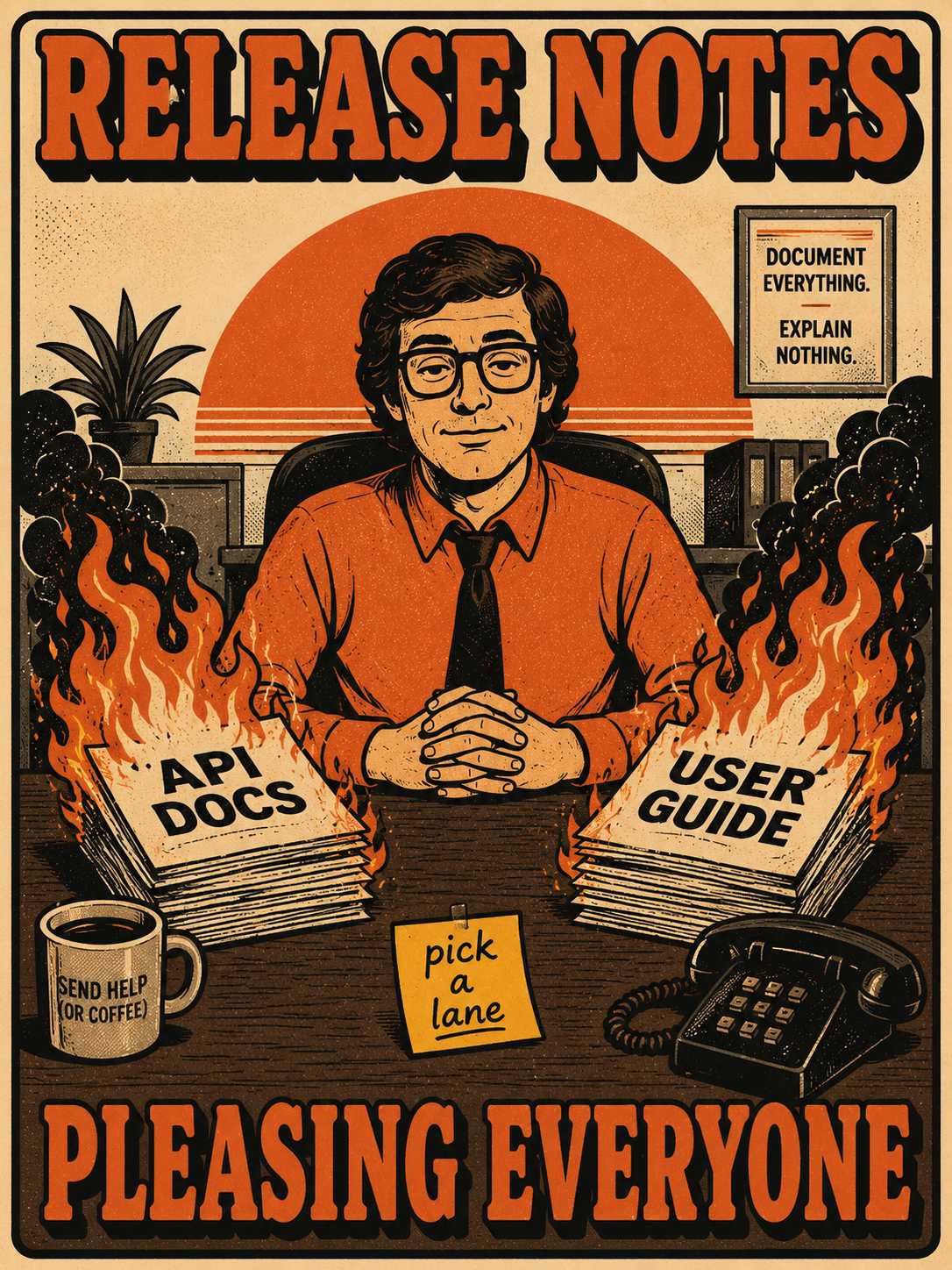
If you run product or engineering for a B2B SaaS company that serves both developers and end users, every major release puts you in a bind.
You sit down to write the release notes for a feature that touches both the API and the UI. You realize immediately that your audiences need completely different things. Developers who integrate via your API read release notes like a contract. They are scanning for breaking changes, deprecation timelines, new endpoints, and authentication updates. They want specifications.
UI users read release notes like a product newsletter. They want to know what is new, what is better, and what they should try today. They want workflow updates.
Writing for one audience alienates the other.
You essentially have two bad options, and most teams try both before realizing neither works.
The Two Bad Options
The first bad option is writing two separate documents. This creates an immediate maintenance burden and version confusion. When you ship a feature that touches both surfaces, you have to describe it twice, keep the dates aligned, and make sure both documents reflect the exact same underlying change. Eventually, someone forgets, and one document falls behind.
The second bad option is a single document with everything mashed together. This creates cognitive overload. UI users have to wade through endpoint specifications to find out where a button moved. API customers have to scan past screenshot-heavy feature announcements to see if their integration is going to break. Both groups get frustrated and stop reading.
Audience toggle systems (tagging content for "developer" or "end user" and letting people filter) sound elegant in theory. In practice, they require rigorous tagging discipline and assume your audiences are cleanly separable. They rarely are. A power user who also writes integrations wants both views.
There is a structure that actually works.
The Shared Context Layer
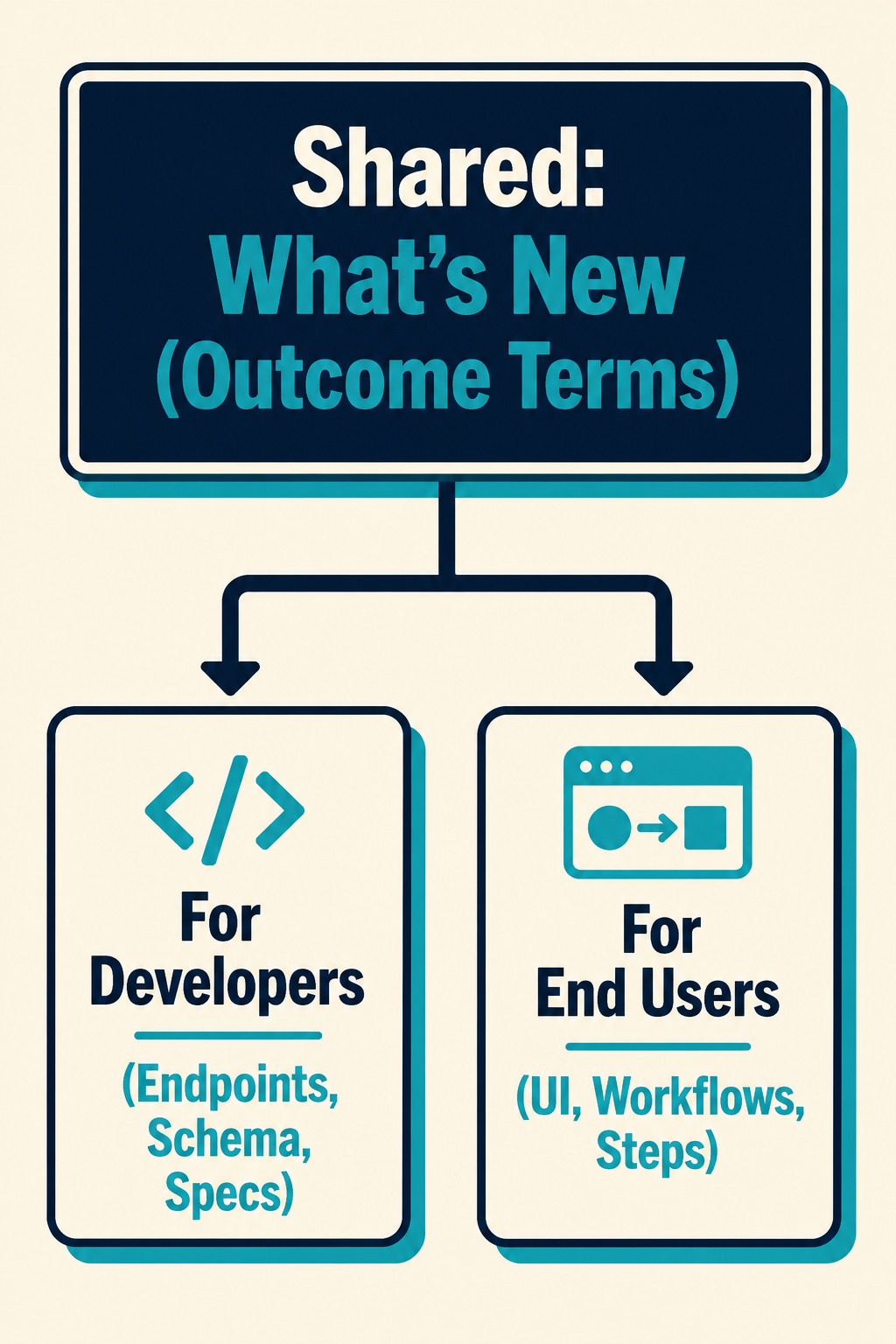
Use a tiered release note format. High-level information is shared, and technical detail branches by audience.
Start every release note with a single unified "What's New" section. Describe changes in outcome terms, not implementation terms. This is the shared context layer.
For example, write "You can now trigger workflows based on form submissions." Both audiences need to know this happened. The Keep a Changelog convention makes the same point: changelogs are for humans, not machines. The shared section is where you write for both humans at once.
Branching the Details
Below that shared context, split the note into two sections. "For Developers" and "For End Users."
Developers get the endpoint changes, request/response examples, migration guides, and deprecation timelines. End users get the UI walkthroughs, configuration steps, and use case examples.
For changes that touch both layers (like a new feature with both an API and a UI surface), describe the capability once at the top. Then provide implementation details in the audience-specific sections. The top-level says "Workflow triggers now support form submissions." The developer section explains the new webhook payload structure. The end user section shows how to configure it in the UI.
When to Skip the Split
For changes that only affect one audience, skip the shared section entirely. Put the entire note in the appropriate audience block.
If you ship a backend performance improvement or an API rate limit adjustment, it goes in the developer section. If you ship a UI-only design update, it goes in the end user section. Do not force artificial parallelism where none exists.
What Counts as a Breaking Change?
You have to define what constitutes a breaking change for each audience.
For API customers, it is straightforward. Semantic Versioning defines a breaking change as any backward-incompatible API modification, which in practice means schema changes, endpoint removals, authentication updates, and required parameter additions.
For UI customers, it is workflow disruptions, removed features, and mandatory reconfigurations. The Nordic APIs guide on breaking changes notes that any change capable of breaking a client's existing workflow qualifies, and that principle applies just as well to UI clients as to API clients.
Treat breaking changes with equal seriousness for both groups. A removed button is just as disruptive to a UI user trying to finish their work as a removed endpoint is to a developer maintaining an integration.
Versioning the Split
API customers expect semantic versioning and a machine-readable changelog. UI customers expect human-readable feature announcements with dates.
You can satisfy both by maintaining a structured changelog with semantic version tags for API changes and date-based groupings for UI updates. The release note itself can reference both.
The hardest part of this tiered structure is not designing it. It is enforcing it. Most teams write release notes in Markdown, Notion, or a CMS. Keeping the structure consistent as the team grows and release complexity increases is difficult. You need a system that enforces the tiered structure without requiring every product manager or engineer to remember the template.
This is an operational problem, and it is where an engine like Doc Holiday becomes useful. It generates structured output directly from engineering workflows (commit messages, PR descriptions, ticket metadata) and separates API-level changes from user-facing updates automatically. A human validates the output, adjusts the tone, and publishes. The structure is enforced by the system, and the judgment calls remain with the human.



