How to Keep a Developer Portal up to Date After Releases


It's 2:00 AM. An on-call engineer at a partner company is frantically trying to debug a broken integration. They hit an endpoint throwing a 400 error. They check your developer portal. The documentation for that endpoint hasn't been updated since the last major release. The parameter they need isn't documented. The old endpoint they're using is deprecated.
The problem isn't that your code is broken. The problem is that the contract changed, and nobody told the portal.
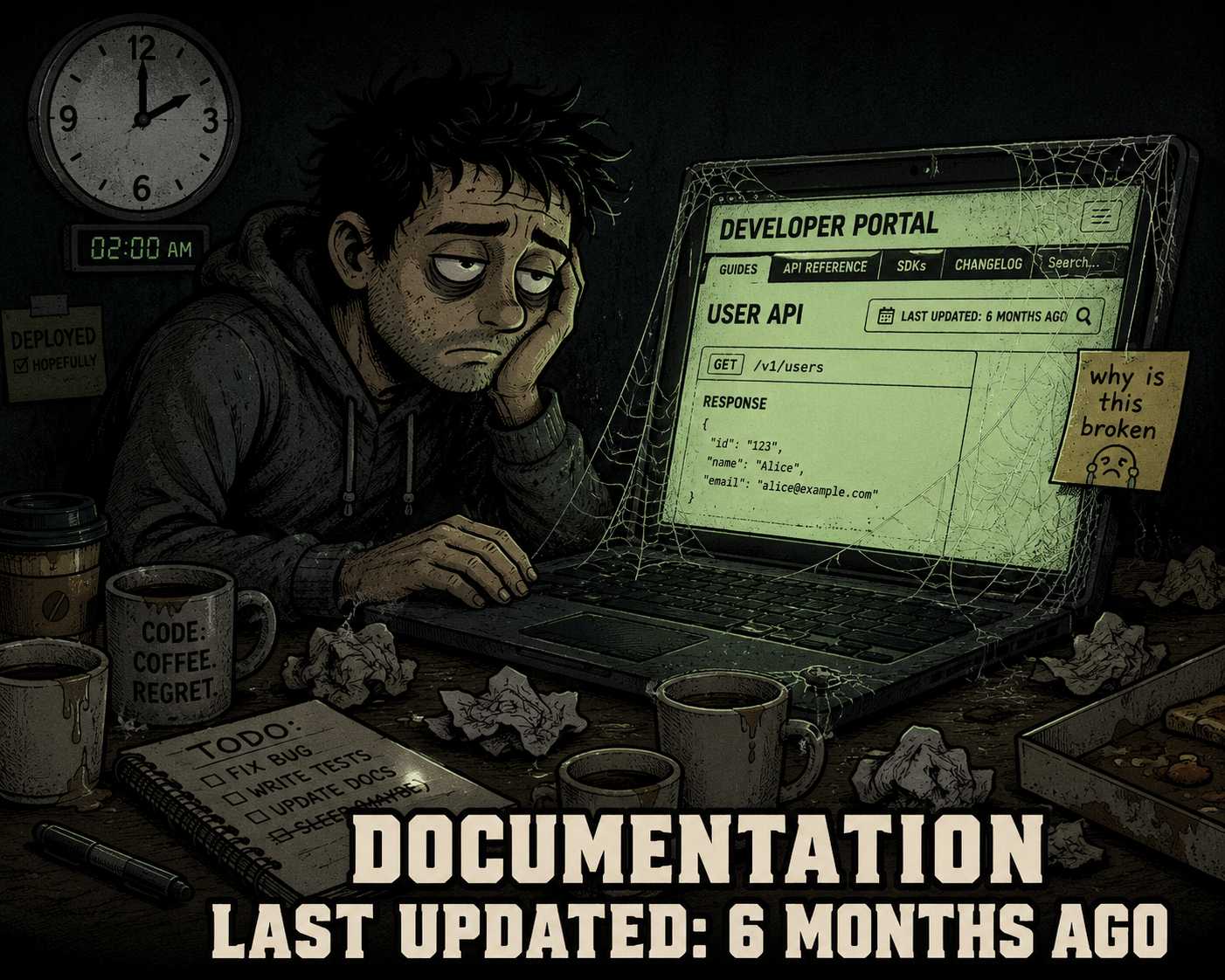
Developer portals become stale within hours of a release because documentation is treated as a separate, lagging workflow. Users arrive expecting current information and find outdated endpoints, deprecated parameters, or missing features. This erodes trust faster than almost any other developer experience failure. When a developer can't trust your portal, they open a support ticket, post on a forum, or quietly abandon the integration. None of those outcomes are free.
Portals are high-visibility, high-traffic assets. Keeping them current requires coordination between engineering, product, DevRel, and documentation teams. Most organizations treat portal updates as a manual follow-up step after the code ships. That approach guarantees the portal will always be behind.
This is an operational systems problem, not a technical writing problem. Solving it requires changing how releases are structured, not just hiring more writers.
Make Documentation a Release Requirement, Not a Follow-Up Task
The most common failure mode is this: the code ships, the release notes go out, and someone adds "update the docs" to a backlog ticket that gets deprioritized in the next sprint. Three sprints later, the portal still reflects the old behavior.
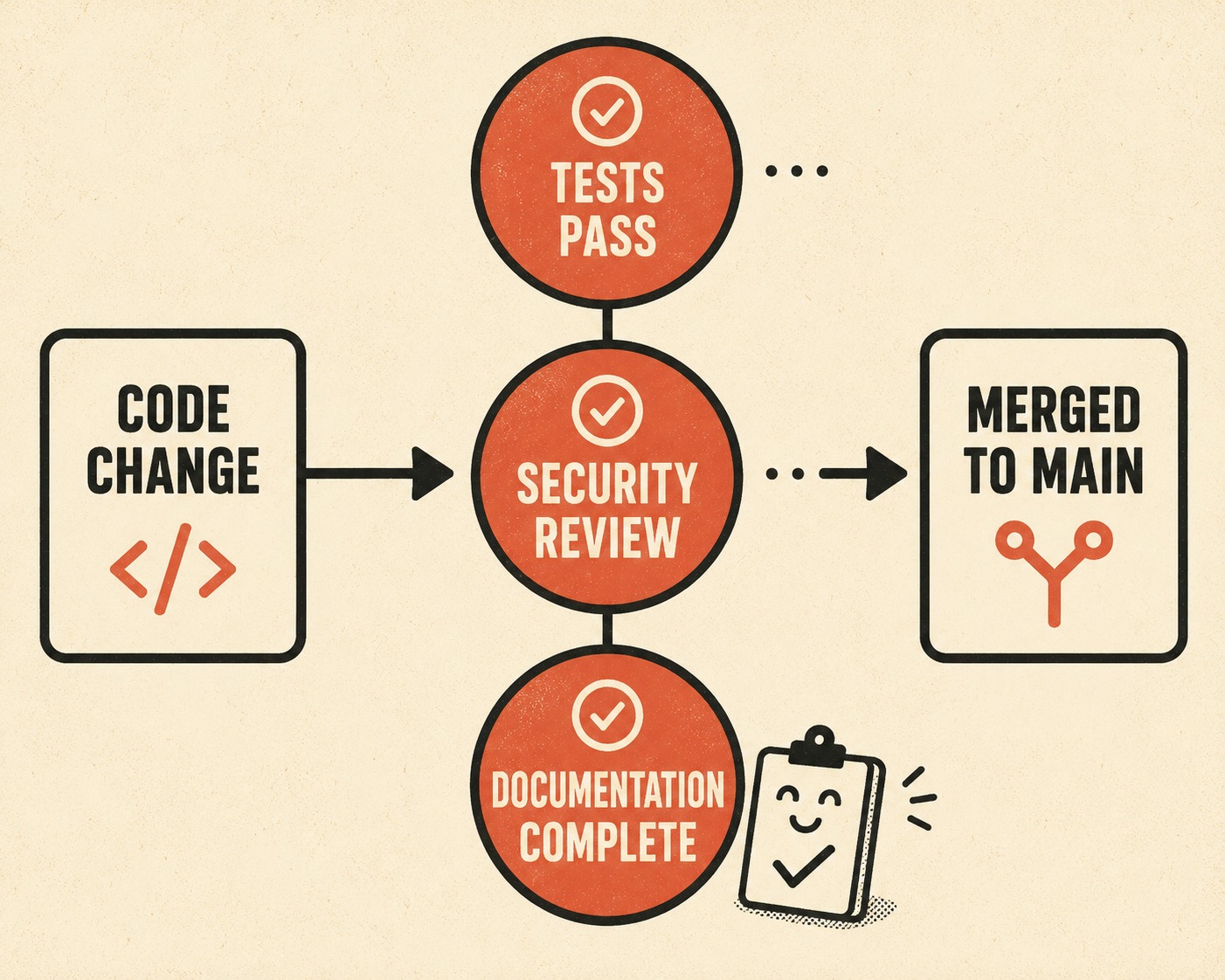
The fix is structural. Documentation must be part of the definition of done. If a feature ships without documentation, the feature isn't done. This isn't a philosophical position — it's a policy that engineering leadership has to enforce with the same seriousness as test coverage or security review.
The practical implementation looks like this: every pull request that changes an API endpoint, modifies a parameter, or deprecates a feature requires a corresponding documentation update before it can merge. The documentation review is part of the code review. The technical writer or DevRel lead is a required reviewer on those PRs, not an optional one.
This is a cultural shift. It requires engineering leadership to hold teams accountable for the completeness of their documentation, just as they hold them accountable for test coverage or performance metrics. Documentation is most successful when it is treated like code and incorporated into traditional engineering workflows, not delegated to a separate process that runs on a different schedule.
Automate the Reference Layer
Manual updates are the enemy of current documentation. If a human has to remember to update a page, it won't happen consistently. At scale, it can't.
The solution is to generate API references directly from the specification. Tools that parse OpenAPI specifications and automatically build the reference documentation ensure that the docs always reflect the actual state of the API. If a parameter is added to the code, it appears in the docs. If an endpoint is deprecated, the deprecation notice is automatic. The documentation can't drift from the implementation because they share the same source.
This approach has a proven track record. Twilio's documentation team rebuilt their entire platform on a docs-as-code model precisely because the old approach — manually maintaining thousands of pages — couldn't keep pace with the product's growth. After migrating over 5,000 pages to a system that generates reference documentation from OpenAPI specifications, their team could respond to product changes in hours rather than days.
Automation doesn't eliminate the need for technical writers. It frees them from the drudgery of maintaining parameter lists so they can focus on conceptual guides, tutorials, and edge cases — the content that actually requires human judgment. The combination of automated reference generation and human-authored guides is faster and better than either approach alone.
Detect Drift Before Users Do
Even with automation and strict PR policies, documentation will drift. Code changes in ways that aren't captured by the specification. Behavior changes without a formal API update. Someone merges a hotfix at 11 PM without updating the docs.
The answer is automated drift detection. The swift evolution of software systems creates a "profound inconsistency" between code and documentation that "directly impacts software quality, maintainability, reusability, and the overall efficiency of development processes". Specialized tooling now exists to detect this drift automatically — comparing the deployed API against the documented specification and flagging inconsistencies before users encounter them.
When a discrepancy is found, it should automatically open a ticket assigned to the team that owns the feature. This creates a feedback loop that forces the documentation to stay synchronized with the code, without requiring anyone to manually audit the portal after every release.
Version the Documentation Alongside the API
Even with automation and drift detection, there will be moments when documentation lags a release. The mitigation is versioning.
By clearly versioning the API and the documentation together, you give users a stable target while you update the portal. If a breaking change is introduced, it ships in a new version. The old version — and its documentation — remains available until it is formally deprecated. This prevents the 2:00 AM panic described above. The user can continue using the old version while consulting the new documentation to plan their migration.
The developer portal should make versioning visible. A version selector at the top of every reference page, a clear changelog that documents what changed between versions, and explicit deprecation notices with timelines are not cosmetic features. They are the infrastructure that lets you ship changes without breaking your users' trust.
Build Feedback Directly Into the Portal Surface
Users will find the gaps in your documentation before you do. The question is whether you capture that signal or lose it.
Inline feedback mechanisms — a "Was this helpful?" prompt, a "Report an issue" link, a text field for specific comments — allow users to flag outdated or confusing content exactly where they encounter it. This feedback must be routed directly to the team responsible for the content, not lost in a generic support queue. A support ticket that says "your docs are wrong" is useful. A feedback signal attached to a specific page, a specific parameter, and a specific version is actionable.
The goal is to close the loop between the user who finds the gap and the engineer or writer who can fix it. Without that loop, the portal degrades silently. With it, users become an active part of the maintenance system.
Assign a Portal Owner With Real Authority
A developer portal without a clear owner is a portal in decline. If everyone is responsible for keeping it current, no one is.
The portal owner doesn't have to be a single person — it can be a small team — but the ownership must be explicit and must come with authority. The portal owner can block releases that ship without documentation. They can require documentation reviews as part of the PR process. They can escalate to engineering leadership when teams consistently skip documentation updates.
This is the operational piece that most organizations skip. They invest in tooling and process, but they don't assign the authority to enforce it. The result is a portal that looks maintained but isn't.
The Moment of Truth
Developer portals are often the first place users go when something breaks or they need to integrate. Staleness at that moment costs trust and engineering time. A user who can't find the right documentation files a support ticket. A user who finds wrong documentation builds against the wrong behavior and files a bug report later. Both outcomes are expensive.
The operational reality is that keeping a portal current after every release requires a system, not heroics. That system has five components: documentation as a release requirement, automated reference generation from the specification, automated drift detection, versioned documentation alongside versioned APIs, and inline feedback routing to the teams who can act on it.
Tools like Doc Holiday generate draft API references, release notes, and changelogs directly from engineering workflows — but that output is a starting point, not a finished product. Technical writers and DevRel leads must perform substantive review of every generated draft: checking technical accuracy against the actual implementation, correcting errors introduced by automated parsing, filling in context that tooling cannot infer, and ensuring the language is precise enough to be acted on by developers under pressure. The tool eliminates the blank-page problem and surfaces the raw material; the humans ensure it is correct and complete before it reaches the portal.
That division of labor turns portal maintenance from a bottleneck into a release-day checklist item. The 2:00 AM debugging session is still going to happen. But when it does, the portal should be the thing that solves the problem, not the thing that makes it worse.