How to Write Release Notes That Drive Customer Action


On a Tuesday morning, an engineering team ships a minor update. It includes a small security enhancement that requires users to rotate their API keys within 30 days. The team mentions this in the release notes, right below the bullet points about performance improvements and a new webhook payload.
Thirty days later, 15% of your customers lose access. Integrations break. Support tickets flood the queue. The on-call engineers are paged.
You communicated the change. The customers just didn't read it.
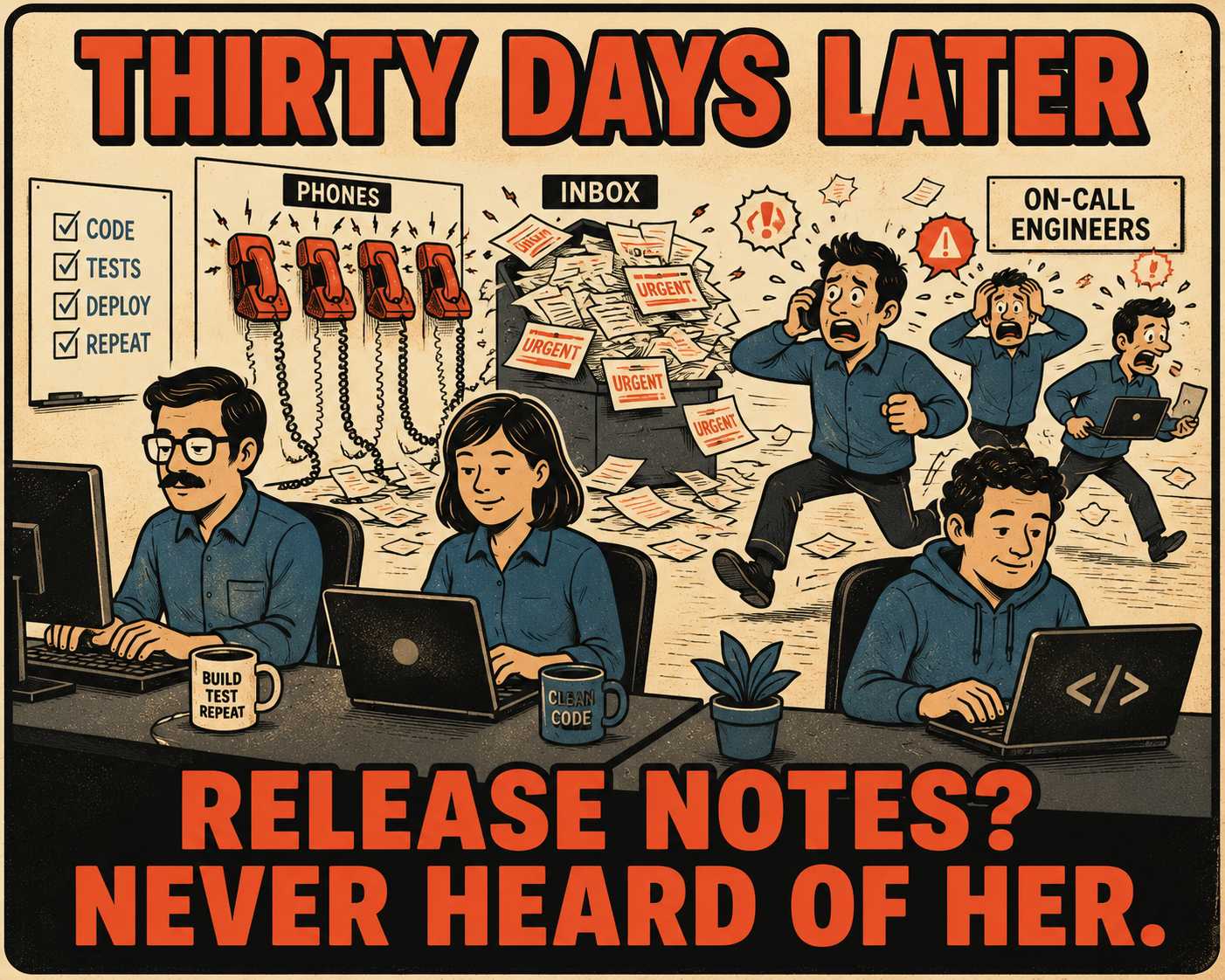
Or rather, they didn't read it correctly. When you need a customer to take action—update code, change a setting, re-authenticate, or migrate data—your release note stops being a historical record of what you built. It becomes a set of instructions. And if those instructions are buried, unclear, or lack urgency, the customer will fail to execute them.
This is the exact moment most release notes fail.
The Anatomy of a Broken Integration
When an engineering team writes a release note, they usually write it for themselves. They describe the technical mechanics of what changed, because that's what they spent the last two weeks thinking about.
But customers don't care about the mechanics. They care about the impact. When a reader encounters technical documentation, their brain is juggling multiple tasks: decoding the words, retrieving relevant knowledge, and figuring out what to do next. Cognitive load theory tells us this mental overhead is expensive. If the required action is hidden inside a paragraph explaining the architectural rationale for a database migration, the reader will skim right past it.
Worse, teams often use vague language. "May require configuration changes." "Some endpoints have been deprecated." This gives the reader no clear next step. It assumes they have the context to translate a passive observation into an active task. They usually don't.
The Cost of Burying the Lede
The immediate result of a poorly communicated change is a spike in support tickets. Research into developer productivity shows that confusing documentation is a massive drain on efficiency, costing mid-sized engineering teams hundreds of thousands of dollars annually in lost time.
But the secondary result is worse: silent churn.
When a customer struggles to adapt to your breaking changes, they don't always complain. Sometimes they just delay the upgrade. They get stuck on an old version. And eventually, when the maintenance burden becomes too high, they migrate to a competitor. Support tickets tell a story long before customers churn, but the friction accumulates quietly.
If you want customers to take action, you have to design the communication specifically for that outcome.
A Framework for Asking Customers to Do Work
Minimalist instruction theory, pioneered through IBM research in the 1980s, argues that technical documentation should be radically action-oriented. John Carroll's foundational work showed that users are too busy trying to get things done to read lengthy explanations; they want to act, and documentation that gets in the way of action is documentation that gets ignored. Van der Meij & Carroll established this principle in 1995, and it has held up ever since.
When writing a release note that requires customer action, apply this framework:
1. Surface the action requirement in the first sentence.
Do not bury it in paragraph three. If the customer needs to update their API keys, the first sentence of the release note should be: "You must rotate your API keys by March 15 to maintain access."
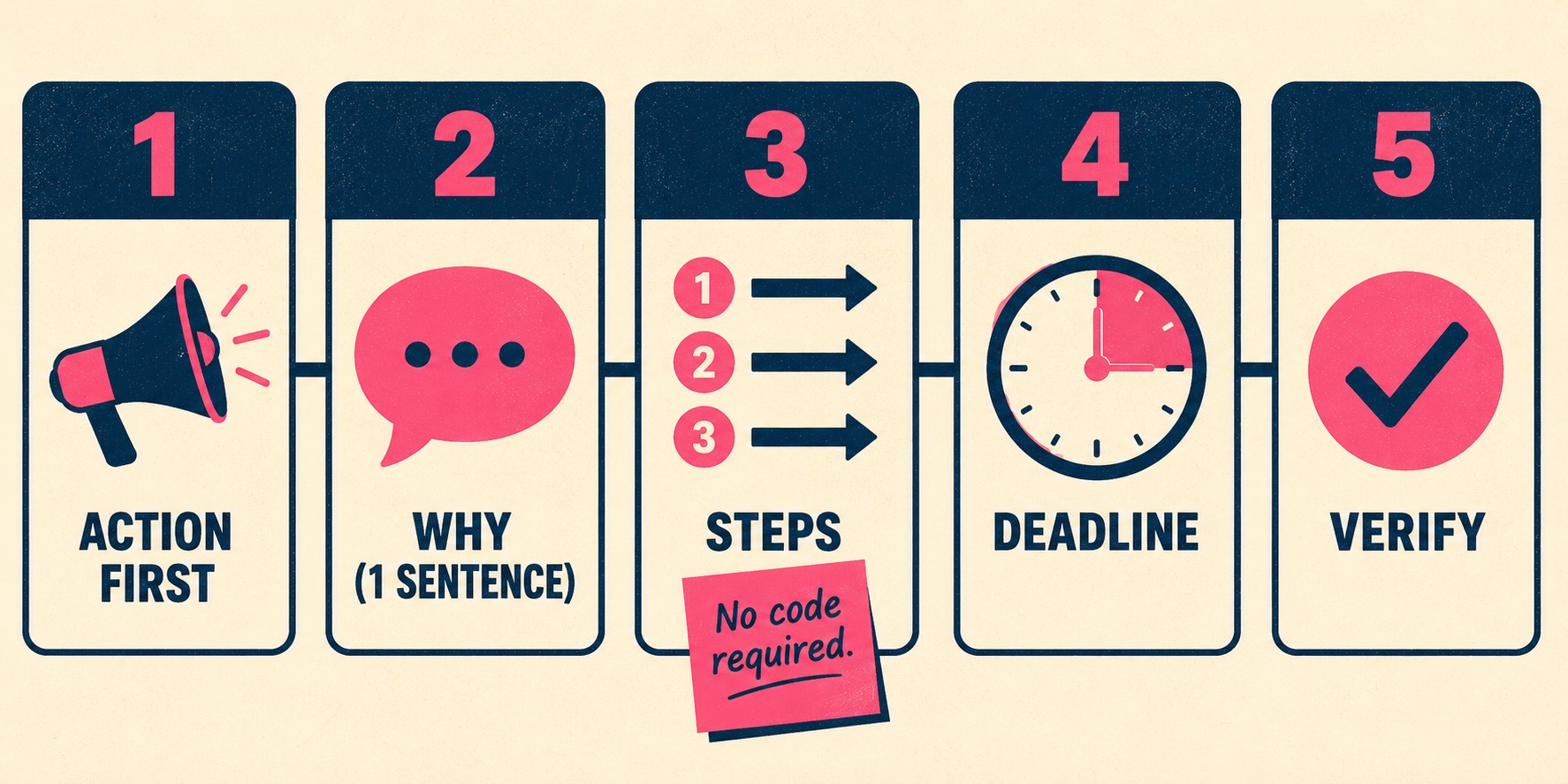
2. Explain why it happened in one sentence, then move on.
Give them just enough context to understand the value or the necessity. "We are upgrading our encryption standards to comply with new security regulations." Stop there. Do not explain the cryptographic handshake.
3. Provide the exact steps to take, in order.
Assume no prior context. Use imperative verbs.
- Go to the Developer Dashboard.
- Click "Generate New Key."
- Replace the old key in your
.envfile.
4. Include a hard deadline.
"Before your next deploy." "By March 15." "When you upgrade to 2.x." Without a deadline, the task goes into the backlog and dies.
5. Offer a way to verify it worked.
Give them a command to run or a UI state to check. "Run curl -I https://api.example.com/health and verify you receive a 200 OK."
Consider a bad example:
In version 2.4, we have refactored the authentication middleware to support OAuth2. This improves performance and security. Users relying on basic auth may need to update their integration to use bearer tokens, as the old method is deprecated and will be removed soon.
Now the good version:
Action required: You must migrate to Bearer Token authentication by October 1.
We are removing Basic Auth to improve security. To keep your integration working:
1. Generate a Bearer Token in your dashboard.
2. Update your API headers to useAuthorization: Bearer <token>.
3. Make a test request to the/pingendpoint to verify access.
The difference isn't just clarity. It's respect for the reader's time.
When the Change Is Actually Bad News
Sometimes, the action you're asking them to take is painful. A major API deprecation. A breaking change to a core data structure.
The instinct is to soften the blow. To use passive voice. To undersell the impact.
Don't.
Stripe is famous for maintaining backward compatibility. Since 2011, they have kept every version of their API functional, pinning each customer to the version they first integrated against. But when they do introduce breaking changes, they communicate them through strict, date-based versioning and explicit documentation. They don't hide the break. They surface it. The IETF has even formalized this principle at the protocol level: RFC 9745, published in March 2025, defines a standard HTTP Deprecation response header that lets API providers signal deprecation directly in the runtime response, so customers can't miss it even if they never read the release note.
If a change affects different customer segments differently, split the release note. Don't make the reader parse a matrix of conditions to figure out if they are impacted.
And what about rollback steps? Only include them if the migration is genuinely risky and complex. Otherwise, rollback instructions just add noise to a process that should be moving forward.
Before you ship the note, pressure-test it. Hand it to an engineer who didn't build the feature. Ask them: What happens if I don't do this? Can you follow these steps without looking at the source code?
If they hesitate, rewrite it.
The Problem with Generating Your Way Out of It
The industry is moving toward automated changelogs. Teams use tools to scrape commit metadata and pull request summaries, generating release notes with zero human effort. In a survey of 314 professionals and found that none of the practitioners they interviewed had adopted automated tools for release note generation—in part because the output rarely meets the needs of the people who actually have to act on it.
This is fast. It is also dangerous.
Raw commit messages are written for other developers, not for users. They document what changed in the codebase, not what needs to change in the customer's workflow. An LLM can summarize those commits beautifully, but an unmanaged AI will rarely recognize the operational difference between a background performance tweak and a breaking API change that requires a migration. More recent research on LLM-powered generation confirms this: automated tools consistently produce verbose output that fails to communicate the impact of changes on the user's workflow, even when the technical summary is accurate.
This is an operational problem, not just a writing problem.
You need the speed of automation, but you cannot sacrifice the clarity of human judgment. Doc Holiday is built around this principle. A senior writer or product lead directs the tool toward specific engineering workflows—designated commits, pull requests, or ticket summaries—and Doc Holiday generates a candidate first draft from that selected input, which the human then reviews, flags for customer-action items, and refines before shipping.
The system handles the aggregation. The human controls what gets aggregated, and whether the result is fit to publish.



