How to Write Release Notes for a SaaS Product Going On-Premises


It is 2:00 PM on a Tuesday, and an IT administrator at a regional bank is staring at a 500MB tarball. They are preparing to update a critical piece of enterprise software. Until six months ago, this software was a SaaS product. The bank just negotiated an on-premises deployment to satisfy a new internal security policy.
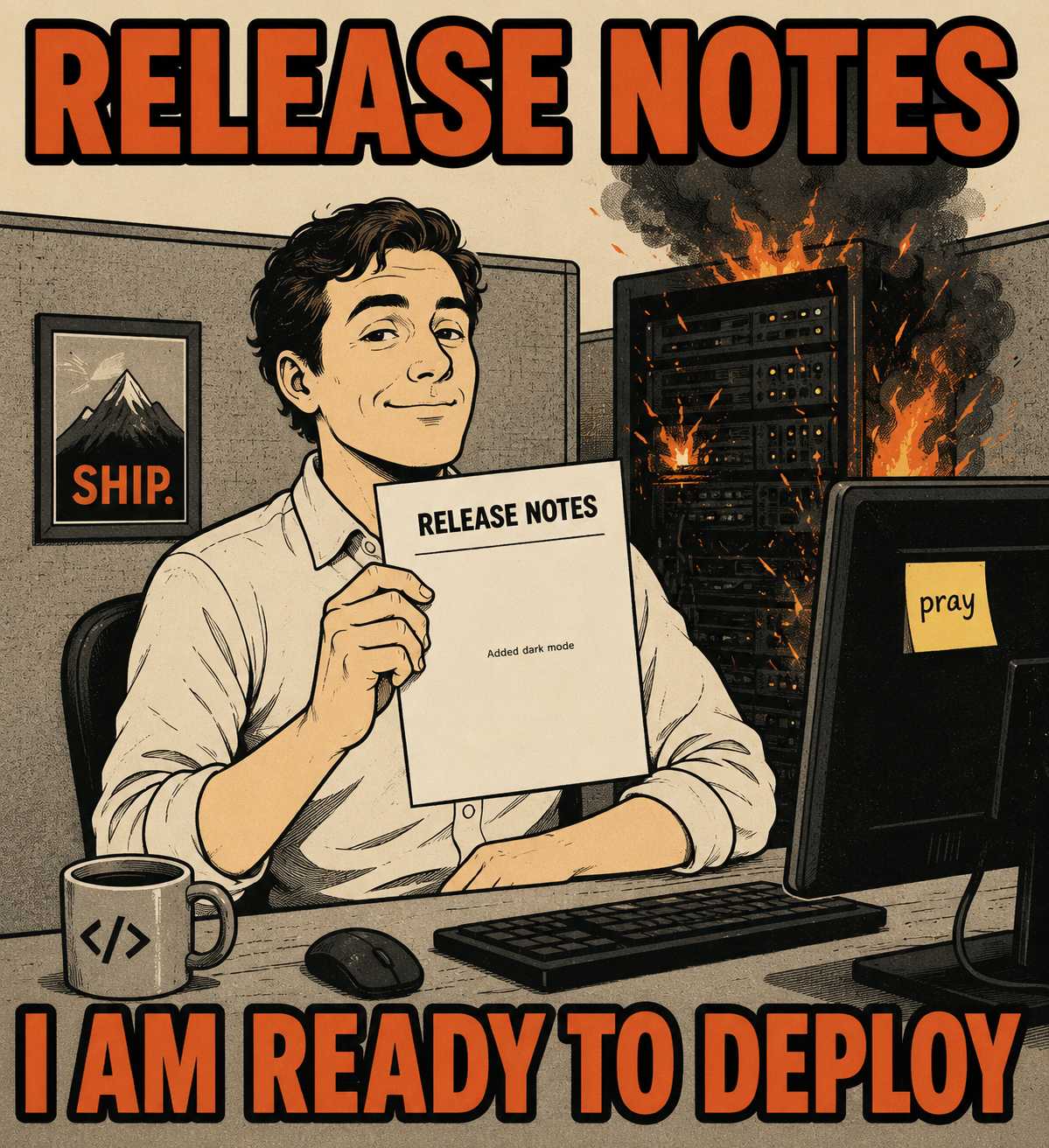
The administrator unzips the file and opens release_notes.txt. They see a bulleted list. "Added dark mode." "Fixed issue with dashboard rendering." "Improved search performance."
They close the file. They have no idea if applying this update will break their custom firewall rules. They do not know if it requires a database schema migration. They do not know if they can safely roll back if the installation fails.
The release notes that worked perfectly when the vendor controlled the environment are now actively dangerous.
When a product moves from a controlled SaaS environment to customer-managed on-premises installations, the operational reality of documentation changes entirely. In SaaS, you control the release schedule, the environment, and the rollback process. Release notes can assume a single version running at any time. On-premises deployments shatter those assumptions. Customers run different versions. Upgrades happen on their timeline. Infrastructure dependencies surface. The documentation burden grows precisely as the team is also managing the complexity of supporting on-premises deployments.
When the Customer Owns the Environment
SaaS and on-premises are fundamentally different deployment models, and the difference shows up immediately in how release notes function. In SaaS, you release when ready. The release note is an announcement of what just happened.
On-premises customers decide when to upgrade. Many will wait months. Some will wait years. Your release notes must work as standalone historical records, not just announcements. Every note needs to be readable by someone arriving six months later trying to understand what changed between version 1.4 and 2.1.
Consider a standard SaaS release note: "We overhauled the reporting engine to load faster."
The on-premises equivalent needs to be an operational directive. "Version 2.1 introduces a new reporting engine. This update requires a mandatory database migration that takes approximately 15 minutes per 100GB of data. During this time, the application will be unavailable."
The reader is not looking for marketing copy. They are looking for the operational cost of the upgrade. Enterprise customers often run software inside their own infrastructure due to strict security policies and compliance requirements, which means every upgrade decision carries real organizational risk.
The Problem of Multiple Truths
You now support multiple active versions simultaneously.
Release notes must clarify which version introduced a feature, which versions a fix applies to, and what compatibility exists between versions. Assume the reader is trying to construct an upgrade path, not just learn what is new.
SaaS note: "Fixed a bug where user sessions expired prematurely."
On-premises note: "Fixed a session expiration bug. This fix is included in 2.1.0 and backported to 1.9.4. It does not apply to 1.8.x installations."
Semantic versioning rules you use internally must now be exposed externally. This matters more than most teams realize: an empirical study of over 32,000 release notes found significant discrepancies between what producers think they are communicating and what consumers actually need. If a minor version bump introduces a backward-incompatible change to an API, the release notes must document it explicitly.
The Infrastructure Underneath the Application
SaaS hides database migrations, OS requirements, and third-party service integrations. On-premises exposes all of it.
Release notes must document infrastructure changes, breaking dependency updates, required configuration changes, and migration steps. The reader needs to know if upgrading requires downtime, database schema changes, or new firewall rules.
SaaS note: "We upgraded our underlying search technology for better results."
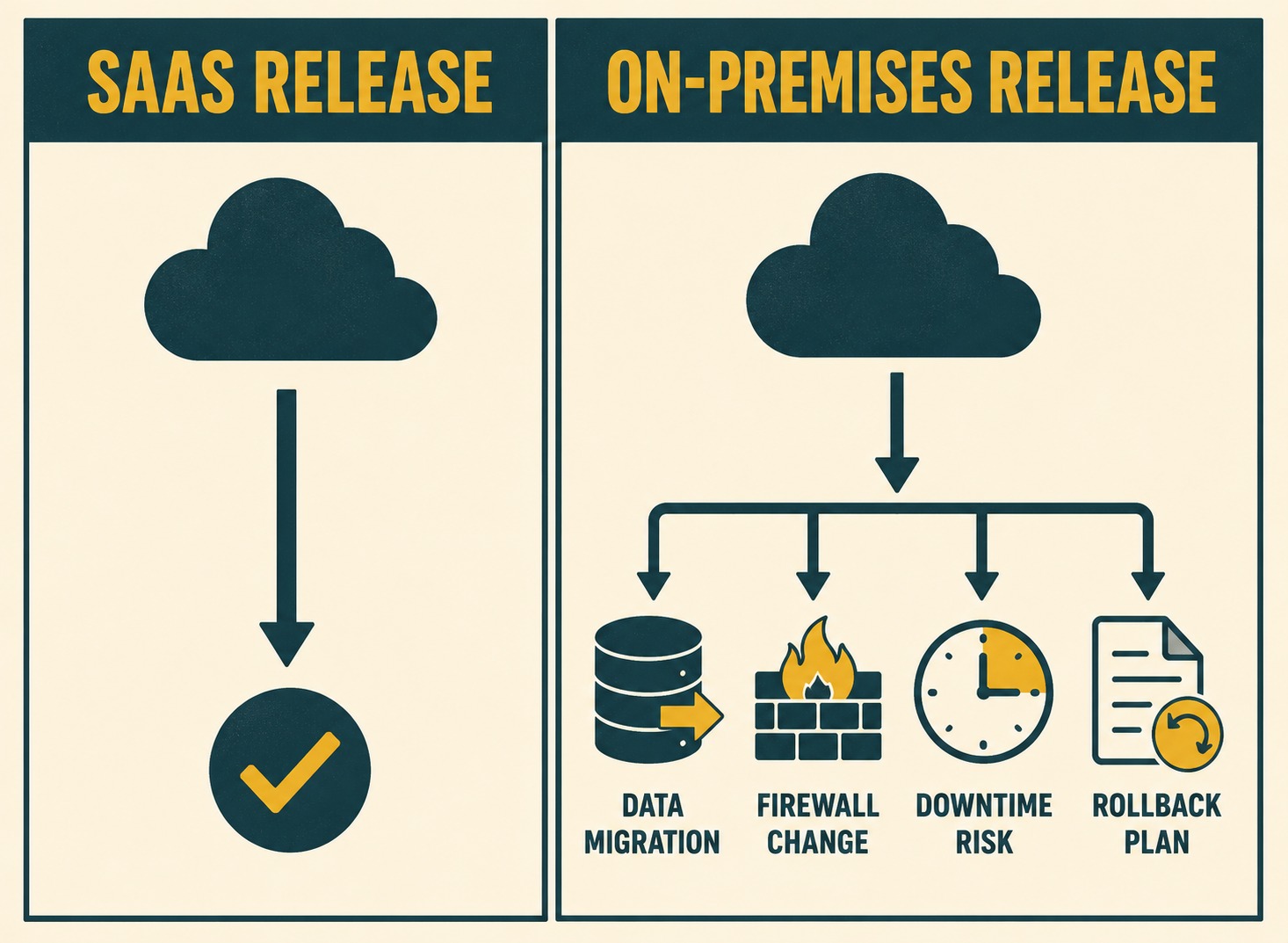
On-premises note: "This release updates the bundled Elasticsearch instance from 7.10 to 8.5. You must open port 9200 on your internal firewall before initiating the upgrade script. See the migration guide for index reindexing requirements."
When you change a database schema, downstream consumers need to know the timeline, the blast radius, and the required action. Automated release note generation that draws on commit history and pull requests can surface these infrastructure details more reliably than manual reconstruction from memory after the fact.
Giving the Keys to the Rollback
In SaaS, you own the rollback. If a deployment fails, your DevOps team reverts the change.
On-premises, the customer owns the rollback. If an upgrade breaks something, they need documented steps to revert safely. Release notes should include rollback complexity as metadata.
SaaS note: (No mention of rollbacks, because the customer never sees them).
On-premises note: "Rollback complexity: High. This upgrade modifies the database schema and cannot be rolled back without restoring from backup. Ensure a full snapshot is taken before proceeding."
Software rollback is a vital strategy for maintaining system stability, but it only works if the steps are clear. When the customer is executing the rollback, they need the instructions before they start the upgrade.
The Silent Patching Problem
SaaS teams can patch silently. You find a vulnerability, you deploy a fix, you move on.
On-premises customers need explicit security advisories with CVE references, affected versions, and remediation steps. Security-related release notes must be clear enough that a customer's infosec team can assess risk without contacting support.
SaaS note: "Security improvements and bug fixes."
On-premises note: "Resolves CVE-2026-12345 (CVSS 8.5). An authenticated user could bypass access controls in the reporting module. This affects versions 1.5.0 through 2.0.1. Upgrade to 2.0.2 immediately."
Good security advisories include vulnerability information, affected versions, and remediation steps, formatted for both humans and automated tooling. The Common Security Advisory Framework exists precisely to standardize this exchange of vulnerability information and remediation guidance.
Maintaining this level of detail across every release manually is a losing battle. Most teams cannot do it without slowing velocity or introducing errors. The documentation burden grows precisely as the team is also managing the complexity of supporting on-premises deployments, often becoming a significant bottleneck in the engineering workflow.
This is a structural problem, not a drafting problem. The information needed for on-premises release notes (version compatibility, infrastructure changes, rollback procedures) already exists in engineering systems. It lives in commit messages, pull requests, and issue trackers.
Doc Holiday generates release notes that include version metadata, dependency changes, and upgrade impacts directly from the engineering workflow. That output still needs validation by someone who understands the deployment model. The structure for maintaining historical accuracy, version tracking, and infrastructure documentation is generated, not manually reconstructed. For teams managing the SaaS-to-on-premises shift, that is the difference between documentation keeping pace with releases and becoming a perpetual bottleneck.



