How to Write Release Notes for Developer Experience Improvements


It is late in the release cycle, and someone wants to upgrade the SDK before the weekend. The team needs to know whether the API changed, whether the continuous integration pipeline needs a new runtime, and whether rollback is still possible.
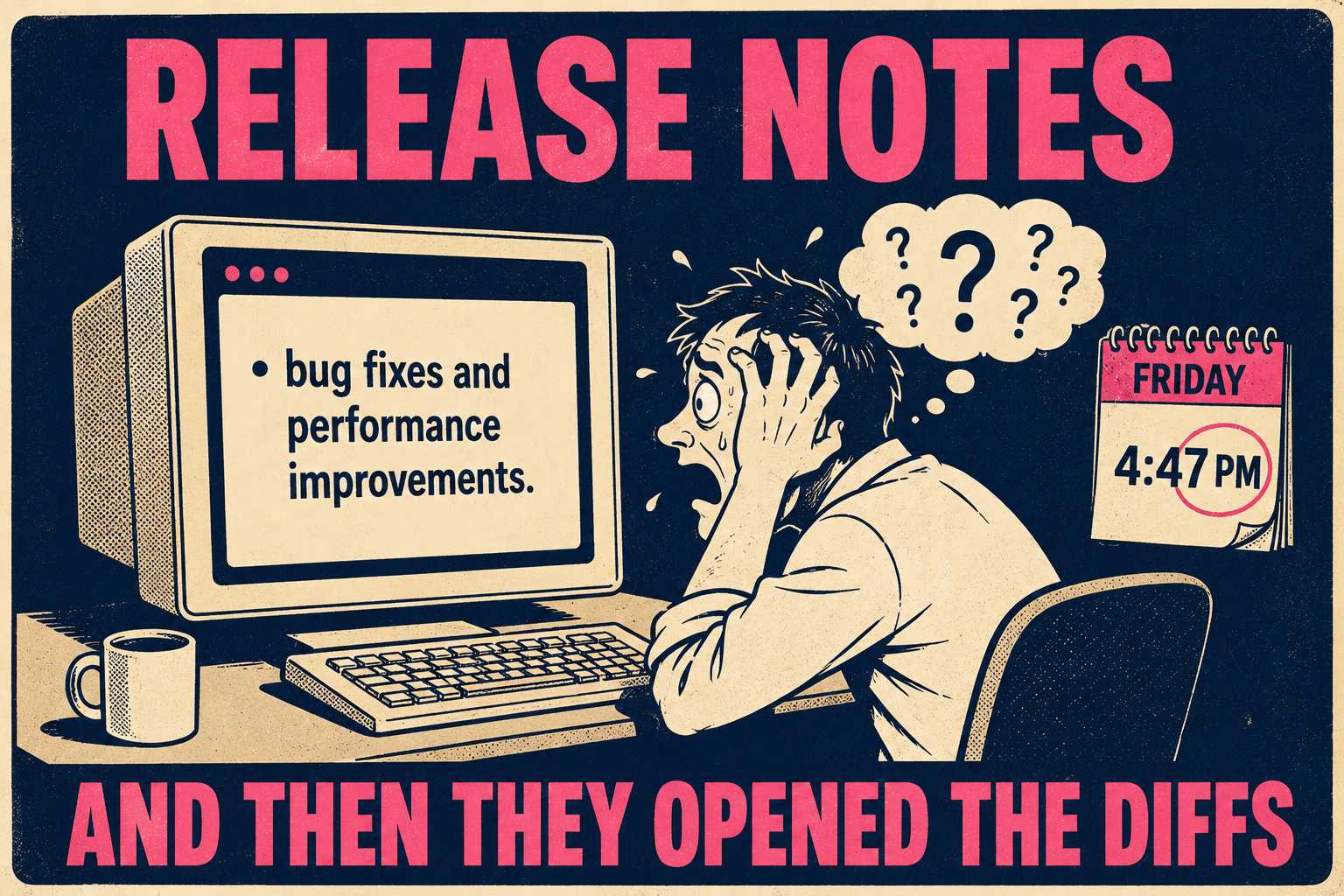
They open the release notes. They see a list of new features and a vague bullet point about "bug fixes and performance improvements."
That does not answer their questions. So, they open diffs and pull requests. They waste 20 minutes troubleshooting the wrong thing.
Developer experience (DX) improvements are hard to communicate in release notes because they do not fit the feature-announcement template most teams default to. They do not generate new API surface. They do not enable new use cases. They are often invisible until the friction is gone.
Teams either under-communicate them or over-explain them. But developers just want to know what changed.
What Developers Actually Need to Know
Developers need triage. They need to know what changed in concrete terms. They need to know whether it affects their existing code. They need to know what problem it solves that they have probably experienced.
They do not need a sales pitch about how you are committed to developer experience.
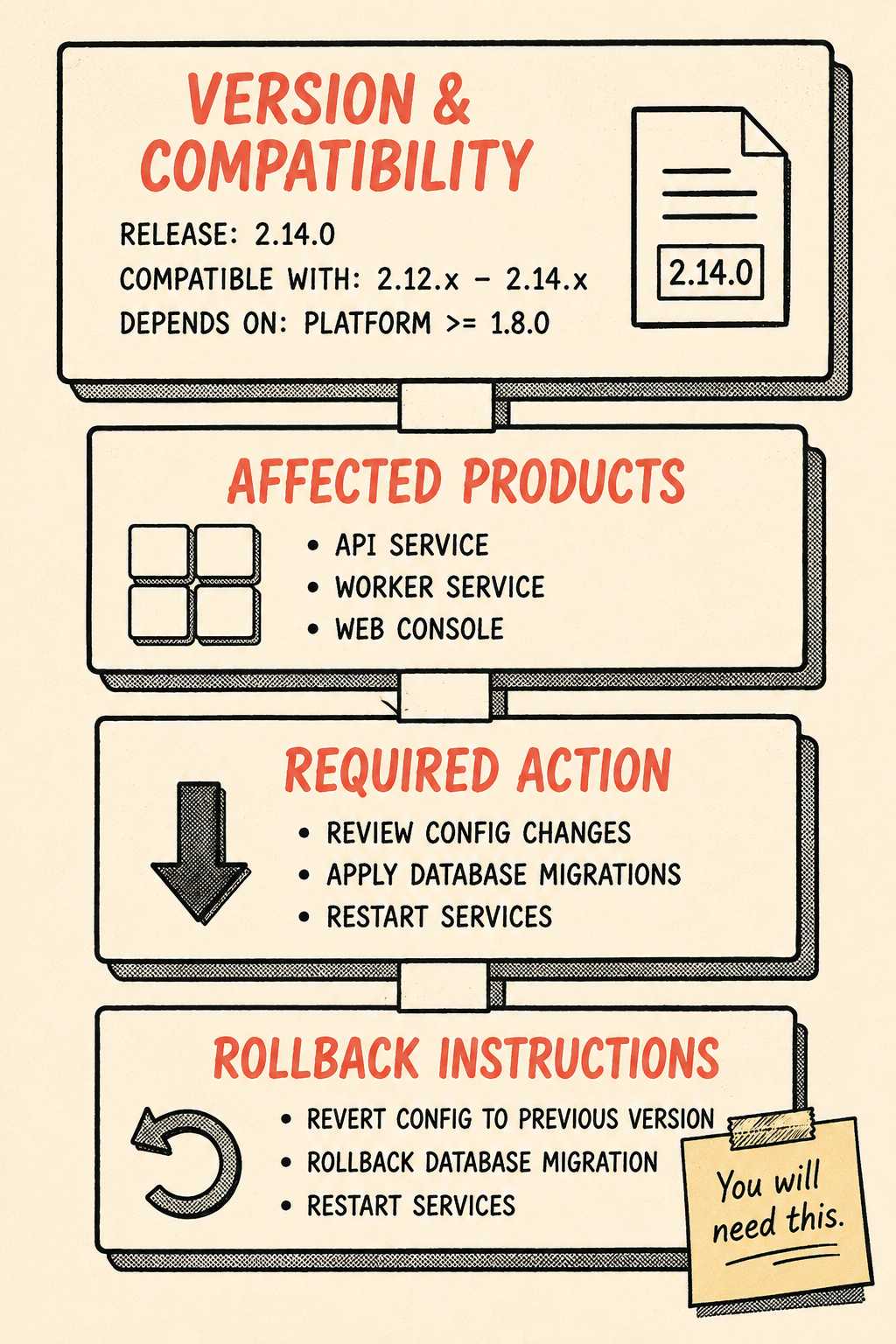
If the change could break something, lead with that. If it is purely additive, lead with the benefit. The opening of release notes should feel more like a status panel. It should name the version, compatibility, affected products, required action, and rollback instructions immediately.
This compact summary sets the reading order. Migration details still follow, but nobody has to discover the risk halfway down the page. It also helps to say who is not affected. If a change affects only self-hosted deployments, say that cloud customers do not need to act. This prevents every customer from interpreting a broad warning as their own emergency.
Proven Patterns That Work
Good release notes turn internal changes into decisions. They show the difference between vague and specific.
Instead of saying "improved error messaging," say "API validation errors now include the exact field name and expected format in the response body."
Use before-and-after code snippets when the change affects syntax or output. If the change is about tooling speed or reduced steps, a plain description works better. A focused request or response diff is usually better than a full screenshot.
Address the performance improvement problem. When can you actually quantify it? When should you just describe the workflow change? If you can say "batch exports now finish up to 30 minutes after creation," say that. If you cannot, describe the observable behavior.
Developer experience encompasses documentation, training, and release notes. The notes themselves are part of the product experience. They need to translate internal work into external impact.
The Breaking Change Edge Case
Some DX improvements are breaking changes. They change default behavior. They remove a workaround that developers have coded against. They consolidate redundant endpoints.
Explain these so they do not feel like betrayals. Acknowledge the old behavior. Explain why it was a problem. Show the new behavior. Provide a migration path, even if it is just "remove this line."
Major, minor, and patch numbers signal compatibility. The notes have to agree with the version. A breaking runtime change inside a patch release makes both signals unreliable.
The version number is the first compatibility signal. Release notes must explain that signal and disclose any narrower exception that the number cannot express. State the first version that deprecates the behavior, the expected removal version, and a calendar date when possible.
Where It Belongs in the Information Architecture
Not every DX improvement deserves top billing.
There is a difference between release note worthy and changelog worthy. If it changes a documented behavior or workflow, it goes in the release notes. If it fixed a bug, optimized a query, or cleaned up logging, it goes in the changelog.
Many teams conflate the two. The changelog is the chronological record across versions. Release notes slow down on one release and explain its value, impact, and migration work.
Developers examine release notes to understand the impact of upgrading. They look for specific categories of changes, not just a chronological list of commits.
Good DX release notes require someone who understands both the developer's workflow and the technical implementation. If your team is small or has reduced documentation headcount, the traditional model produces inconsistent, under-explained output. Asking engineers to write release notes after the PR merges often results in notes written like technical leftovers.
A structured documentation system that pulls directly from engineering workflows can generate the scaffolding. It can capture what changed, what components were affected, and what version it belongs to. Then, a technical writer validates, adds context, and ensures it answers the right questions.
That is the shape of the solution for teams that want consistent release note quality without rebuilding a full documentation team. Doc Holiday generates release notes directly from engineering activity (commits, PRs, version tags) and gives technical leads the structure to validate and refine output at scale. DX improvements get documented with the same rigor as feature launches.