How to Document a Prompt Engineering Change for End Users


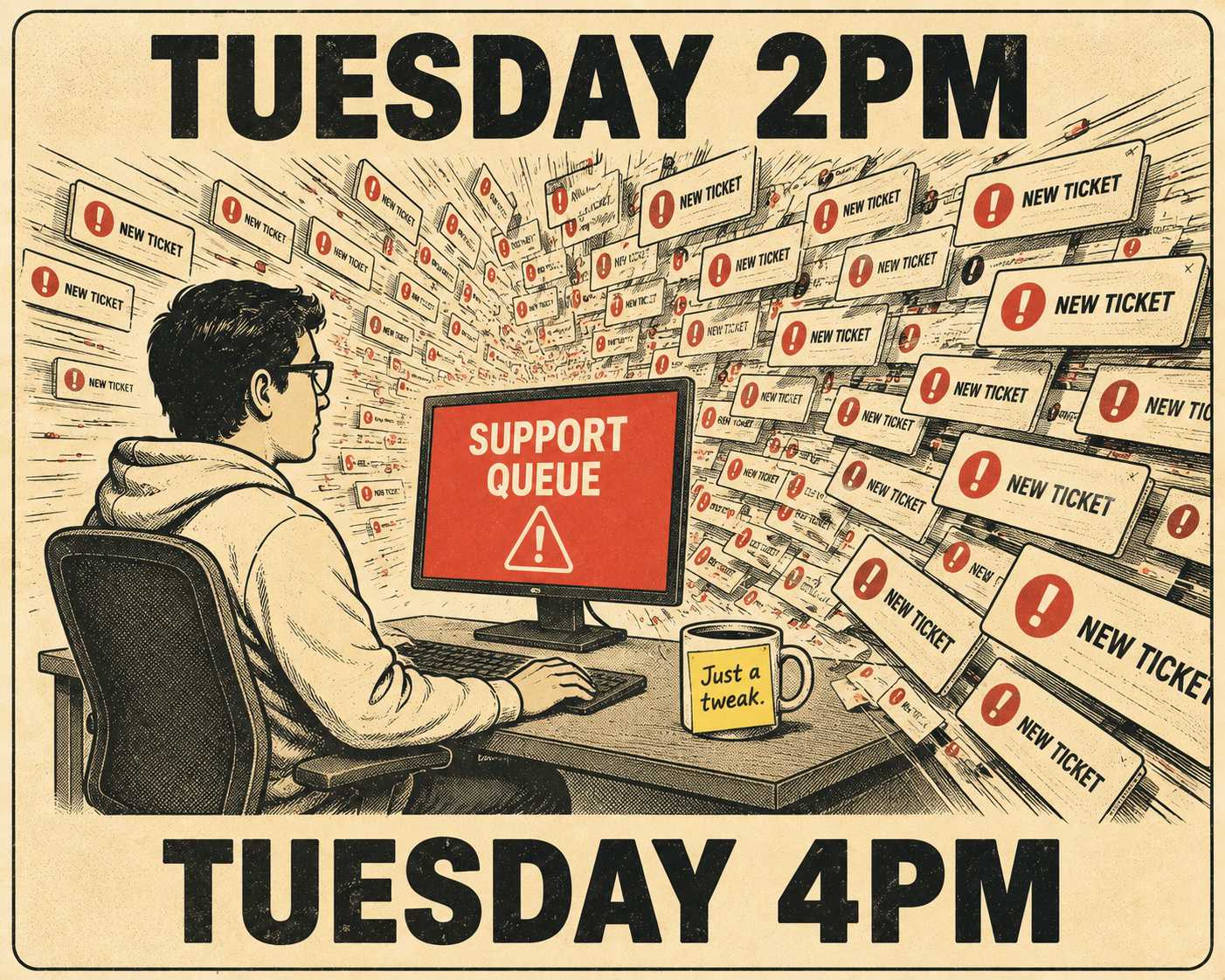
An engineering team pushes a minor update to a system prompt on a Tuesday afternoon. They add three words to make the model's responses "more conversational and engaging." They don't write a release note. It isn't a new feature, and it isn't a bug fix. It's just a tweak.
Two hours later, support tickets start piling up.
Users who had built internal workflows around the previously terse, predictable outputs are suddenly receiving chatty paragraphs that break their downstream parsers. The engineering team knows exactly what shifted under the hood. The users only know that the AI feels different, and their processes stopped working.
This is the new documentation problem for AI-native products. Traditional release notes assume that code changes map cleanly to features. Prompt changes are different. They are behavioral, not functional. A tiny adjustment to a system prompt or a retrieval strategy can fundamentally alter output quality, response style, or latency. But most teams have no structured way to explain "we reordered the context window" in a way that helps a user understand what just changed for them.
You document prompt engineering changes by translating technical adjustments into observable behavioral shifts, focusing entirely on what the user will experience rather than how the system was reconfigured.
When Invisible Changes Break Visible Workflows
Not every parameter tweak requires a public announcement. If you adjust a temperature setting and the only result is a slight reduction in repeated words, your users do not need to know.
The changes that demand documentation are the ones that alter observable user experience.
If you update a retrieval strategy to prioritize recent documentation over archived content, you have changed the foundation of the answers the user receives. If you modify a system prompt to ask clarifying questions before providing an answer, you have changed the interaction model. These are the shifts that cause confusion if left unexplained.
The threshold for documentation is disruption. If a user's existing mental model of how your product behaves is no longer accurate, you owe them an update.
What the Person on the Other Side of the Screen Actually Needs to Know
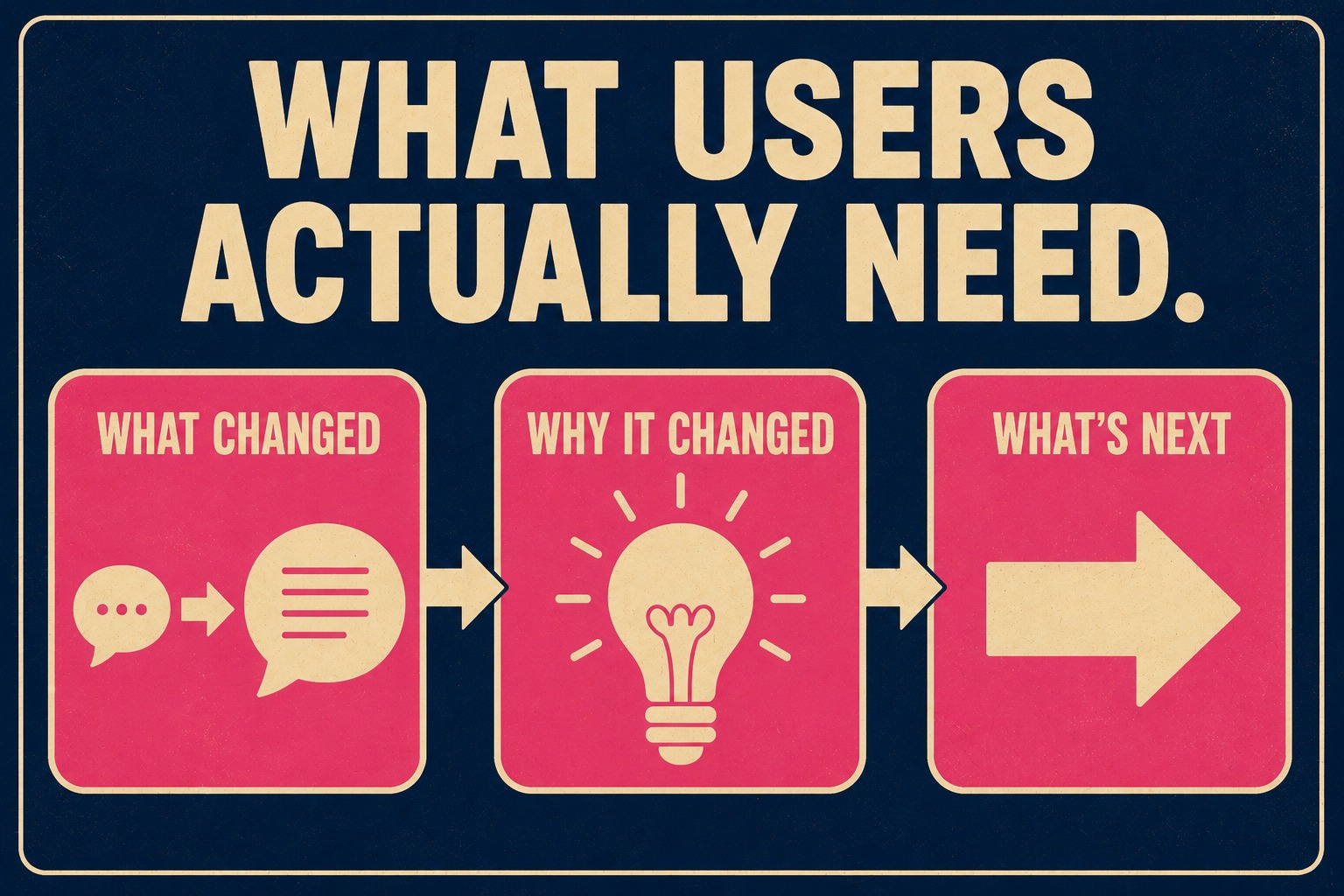
When a prompt changes, the end user does not need to see your system prompt. They do not care about your vector database.
They need to know three things. What changed in my experience? Why did it change? What should I expect now?
If you altered the model to provide shorter answers, the release note should not mention token limits or context windows. It should say that responses are now more direct to help users find information faster. The focus must remain entirely on the user's workflow.
This requires a shift in how product teams think about transparency. Transparency in AI does not mean exposing the raw mechanics of the prompt, but rather providing a clear, predictable guide to the system's behavior. This aligns with emerging frameworks like Google's Model Cards, which emphasize documenting intended use cases and performance characteristics in a way that clarifies system behavior for downstream users.
Translating System Prompts Into Human Expectations
Describing behavioral changes requires plain language. You have to bridge the gap between the engineering reality and the user's perception.
Consider a hypothetical update where the engineering team adjusts a prompt to stop the model from hallucinating specific code syntax.
The internal commit message might read: "Updated system prompt to enforce strict adherence to documented API schema and return 'I don't know' for undocumented endpoints."
The user-facing changelog entry should read: "The assistant is now more precise when generating code snippets. It will only provide syntax for officially supported API endpoints, and will let you know if it cannot find the exact documentation you need."
The first describes the mechanism. The second describes the experience.
You can validate if this translation worked by watching the support queue. If ticket volume drops and user feedback metrics remain stable, your documentation successfully reset their expectations. If users are still asking why the AI stopped guessing, the communication failed.
The Right Vehicle for the Message
The format of the update should match the impact of the change.
Major behavioral shifts require prominent communication. If a prompt update changes the default tone of the entire application, an in-app notification or a dedicated email is appropriate. Users need to see the context before they experience the change.
Smaller adjustments belong in a regular changelog. A dedicated section for "Model Behavior Updates" helps users separate functional software changes from AI output adjustments.
You also have to consider who is reading the update. A prompt optimized for power users might confuse beginners. If your product supports user segmentation, tailor the message. Tell the power users how the new retrieval logic allows for more complex queries. Tell the beginners that the search function is now more accurate.
Most AI product teams are generating some form of automated release documentation. They ingest engineering activity, summarize the commits, and publish the notes. But they struggle with prompt changes because those changes do not map to traditional code commits, a critical gap given that prompt engineering can account for 30-40% of AI development time.
If your documentation system does not surface prompt versioning, you are missing a category of change that users experience directly. Treating prompts with the same care applied to application code requires linking those version updates to user-facing communication.
This is where the process breaks down for lean teams. They have the prompt versioning system, but they lack the operational structure to turn those versions into coherent user communication. The system tracks the diffs, but a human still has to decide what matters and how to frame it.
Doc Holiday is designed for this exact operational reality. It is a documentation engine that generates output directly from engineering workflows, including prompt versioning signals. It gives teams the structure to capture those behavioral shifts and surface them as distinct changelog categories. It doesn't replace the human judgment required to explain a tone shift to a user. It provides the scalable workflow that makes that human judgment possible, turning invisible prompt tweaks into clear, manageable release notes.