How Do You Document a Software Change That Only Affects Power Users?


If you run a software platform long enough, you will eventually experience the Friday afternoon panic. A team pushes a minor API update or removes an obscure CLI flag. They decide it affects almost no one, so they drop a single sentence about it at the bottom of the general release notes. A week later, a key enterprise client's automated deployment pipeline fails, and support is fielding angry emails from developers who feel blindsided.
You under-communicated to the people who mattered, because you were afraid of over-communicating to the people who didn't.
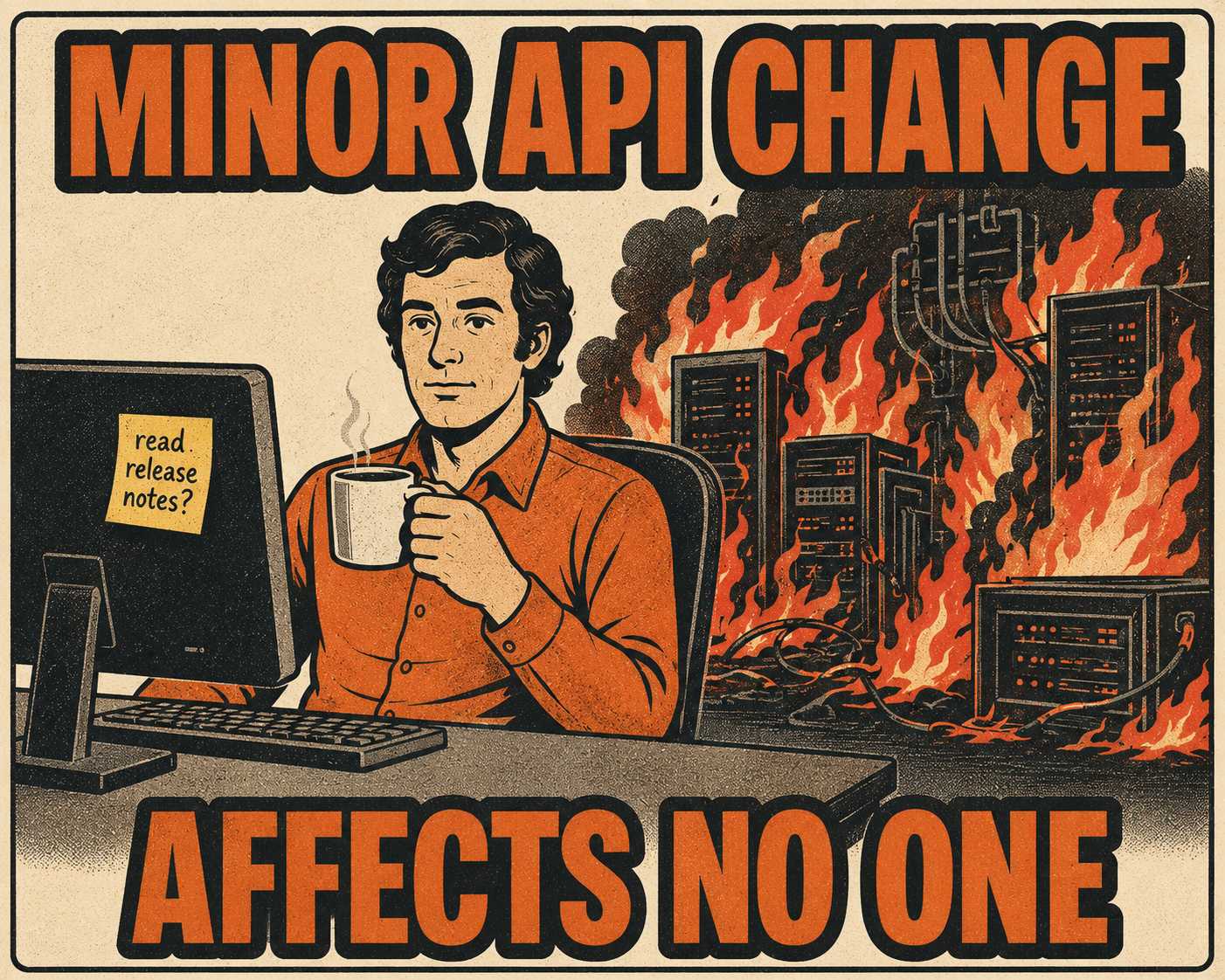
When you deprecate an advanced feature, alter an API endpoint, or change a CLI behavior, you are touching the load-bearing walls of your most sophisticated users' workflows. The challenge is balancing visibility and precision. Overexplain a niche technical change in general-facing release notes, and you risk confusing casual users or generating unnecessary support tickets. Underexplain it, and your most engaged users will find out when something breaks.
To document a software change that only affects power users, you have to segment your communication. You separate the audience, isolate the technical detail from the marketing copy, and write a migration guide that assumes competence but demands clarity.
The Implicit Contract Problem
Software engineers know this as Hyrum's Law: with a sufficient number of users of an API, it does not matter what you promise in the contract. All observable behaviors of your system will be depended on by somebody.
If your API historically returned lists in a specific, undocumented order, someone built a script relying on that order. If you "fix" that behavior to improve performance, you break their script. Power users do not just use your software; they build on top of it. They plan around your API surface. They check changelogs obsessively.
When you change something for these users, you are not just updating a feature. You are breaking a contract.
This is why euphemisms fail. Power users want specifics: what changed, why it changed, what the migration path is, and what breaks if they do nothing. They do not want to hear that a feature was "sunsetted to streamline the user experience." They want to know exactly which endpoint is gone and what they should call instead. As the Swagger API deprecation guide puts it, deprecation done incorrectly can damage a company's brand reputation and trust. The risk is not hypothetical.
There is also a timing problem. An empirical study on migration guide usage found that only 27.72% of libraries that introduce breaking changes actually provide migration guides, even though 92% provide release notes. The gap between "we mentioned it" and "we told you how to fix it" is where power users get burned.
Who Actually Reads the Changelog?
The answer is: not everyone. But the people who do read it read it closely.
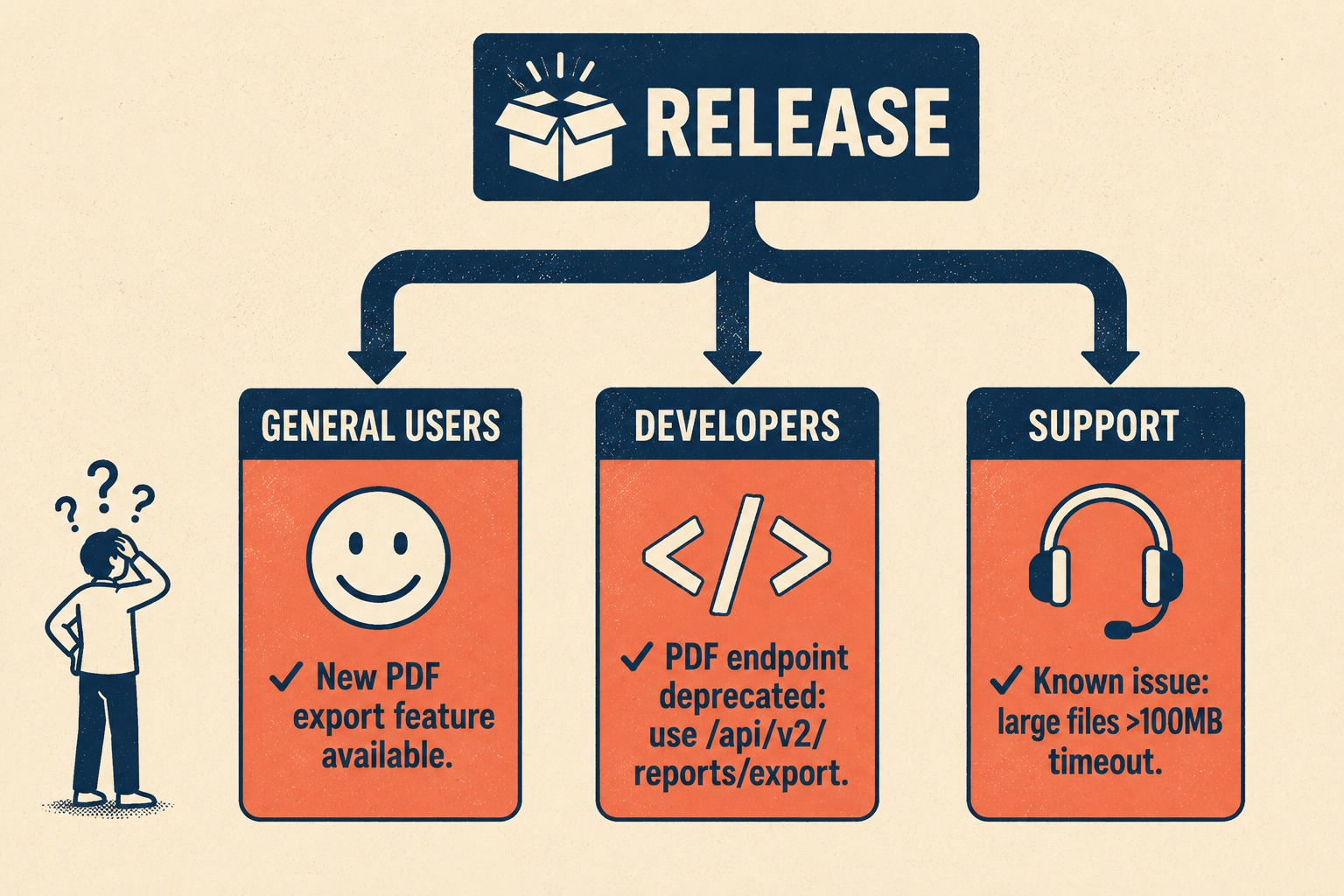
A common mistake is trying to force all updates into a single, flat document. A 2024 survey of practitioners found that different roles want fundamentally different things from the same release document. Project managers look for new features. Developers look for breaking changes and migration paths. Support teams look for known issues. The same document, written generically, fails all three.
You cannot serve all these audiences with one generic list.
Structure your documentation for tiered communication instead. The general release notes should focus on user-facing outcomes. "You can now export reports directly to PDF." The developer-facing changelog is where the technical reality lives. This is where you detail the new PDF generation API endpoint, the deprecated methods, and the exact parameter changes.
Dedicated sections like "Breaking Changes," "API Updates," or "Advanced Features" make technical changes findable without front-loading them in the main release notes. Keep a Changelog has been making this point since 2014: when people upgrade from one version to another, it should be painfully clear when something will break. The categories it recommends — Added, Changed, Deprecated, Removed — exist precisely to give different readers a way to scan for what matters to them.
If your tooling supports it, let users subscribe only to API changes or developer-facing updates. RSS feeds for subsets of updates, or in-app notifications targeted by user segment, ensure the right people see the technical details without overwhelming the casual user. Some platforms let developers subscribe to specific endpoint changes or filter by severity. That is a lever worth pulling if you have it.
Writing for the Two Percent
When writing the change itself, assume the right level of prior knowledge. Do not explain what an API is. Do explain exactly what the new payload structure looks like.
Every breaking change must include a migration guide with copy-pastable before-and-after examples. A good migration guide covers all changed APIs, removed options, and renamed attributes. It shows what code looked like before and what it should look like after the upgrade. It includes platform-specific caveats where applicable. Sentry's internal playbook even recommends validating the guide by running it through an LLM on a real project: if the model cannot complete the migration using only your guide, rewrite the guide until it can. That is a high bar, and it is the right bar.
Versioning matters here. Semantic Versioning exists to communicate intent through version numbers. A major version bump signals backward-incompatible changes. If you are removing something, a major version bump is the first signal to power users that they need to read carefully. Skipping that signal, or burying a breaking change in a minor release, erodes the trust that makes your API surface reliable.
If you are removing something, give them lead time. A sunset period of six months is standard for significant API changes. If the feature is already gone, be honest about it and provide a clear alternative. The SEEK engineering blog makes a useful distinction: turning off a system has a bounded cost, but maintaining an obsolete one has an unbounded cost. The documentation work is part of that bounded cost. It is worth doing correctly.
There is also a practical argument for writing the migration guide close to the time of the change. Research on how developers interact with API documentation found that the ideal time to write and update documentation is during code authoring and review, when the technical details are still fresh. Once engineers move on to the next sprint, the context evaporates. The migration guide written three months after the fact is always thinner than the one written the week of the change.
The Operational Reality
Writing segmented, technically precise documentation for multiple audiences is time-consuming. It is especially difficult to justify when the change itself only affects two percent of your users.
Most teams do not have dedicated resources to craft bespoke migration guides for every edge case. When you are shipping code quickly, the documentation often falls behind. The technical detail is lost, the release notes become generic, and the power users are left to figure it out on their own. Research on B2B API adoption at Squarespace found that when documentation fell out of sync with active development, partner questions increased and engineers spent more time answering them than writing code. The cost of under-documentation is real, and it lands on the people you can least afford to frustrate.
This is where a system like Doc Holiday becomes structurally useful. It generates API references, changelogs, and release notes directly from engineering commits and issue metadata, so the technical detail is already captured at the right fidelity. A senior writer or product lead can then validate the output, ensure the migration path is clear, and publish it to the right audience segment. The structure is there to let you serve power users well without rebuilding the entire content pipeline manually for every deployment.



