How to Keep Tooltips and In-App Guidance Current After Software Releases


You ship a major release. The CI/CD pipeline runs flawlessly. All the unit tests pass. The staging environment looks perfect, and the deployment goes out without a single dropped connection.
Then, twenty minutes later, the support tickets start rolling in.
The code didn't break. The product works fine. But the button that used to be on the left is now on the right, and the tooltip that used to point to it is now pointing at empty space. Or worse, the workflow changed entirely, and the carefully crafted multi-step walkthrough is now guiding users into a dead end.
The guidance didn't throw an error. It just became wrong. And users noticed before you did.
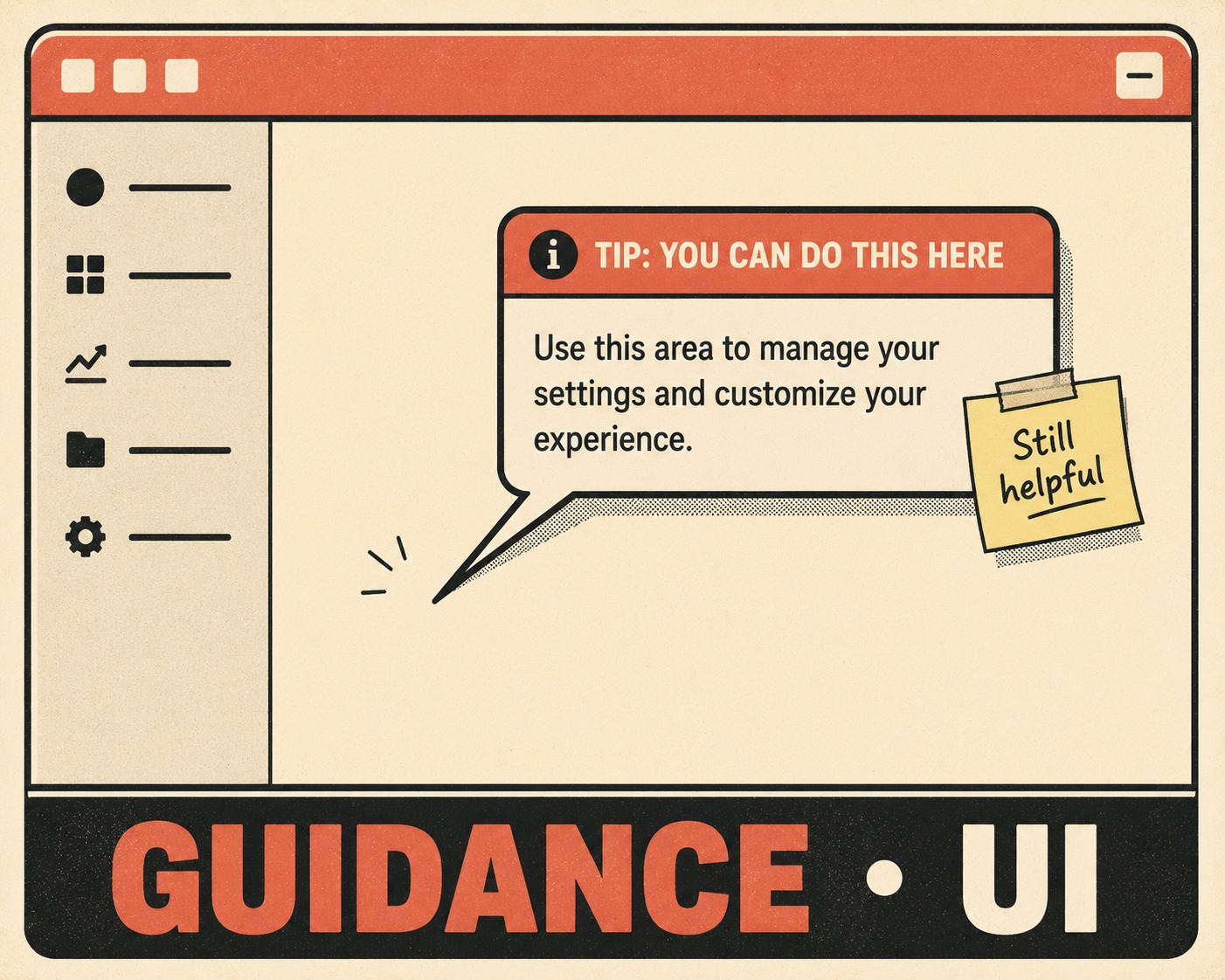
This is the reality of maintaining in-app guidance. Unlike a separate knowledge base where users go to search for answers, tooltips and walkthroughs are embedded directly in the UI. When they drift out of sync with the product, it's not just a documentation problem. It's a user experience failure that actively erodes trust in the software.
The Silent Failure of Product Education
In-app guidance is uniquely fragile.
If an API endpoint changes and the documentation isn't updated, developers will complain, but the failure is explicit — they get a 404 or a 405, and they know something is wrong. But when a UI element moves and a tooltip doesn't, the failure is silent. The user assumes they are doing something wrong, or they assume the product is broken.
This kind of friction during onboarding is devastating. Users who don't reach their "aha moment" within the first few days are significantly more likely to churn.
This silent failure undermines the very purpose of product education. Effective product education helps users learn by doing, gaining a full grasp of how the product benefits them. When the guidance they rely on is broken, that learning process halts entirely. The user is left confused, frustrated, and more likely to abandon the platform.
Why Your Tooltip Platform Doesn't Know You Shipped
The problem is structural.
Engineering teams manage code in version control. They have rigorous processes for reviewing, testing, and deploying that code. But in-app guidance is almost always managed separately, usually in a third-party platform like Pendo, Appcues, or WalkMe.
These platforms are powerful, but they sit on top of the product, not inside the codebase. When engineering ships a change, the digital adoption platform doesn't automatically know about it. There is no built-in forcing function to update the content.
Some platforms try to solve this by tying guides to specific CSS selectors. If the selector disappears, the guide doesn't show. This is better than pointing at empty space, but it just trades one problem for another: the guidance silently disappears, leaving users with no help at all.
This separation creates what is essentially documentation debt — the knowledge your team should have written down but didn't. It is a hidden tax on every release.
The Release-to-Guidance Checklist
The fix isn't a better tool. It's a better process.
You need a release-to-guidance checklist that runs alongside QA. Before any release goes out, someone has to map the UI changes to the existing in-app content.
This requires an inventory. If you don't know what guidance exists, you can't know what a release will break. Build a map of every active guide, tooltip, and walkthrough, and note the specific UI elements each one depends on.
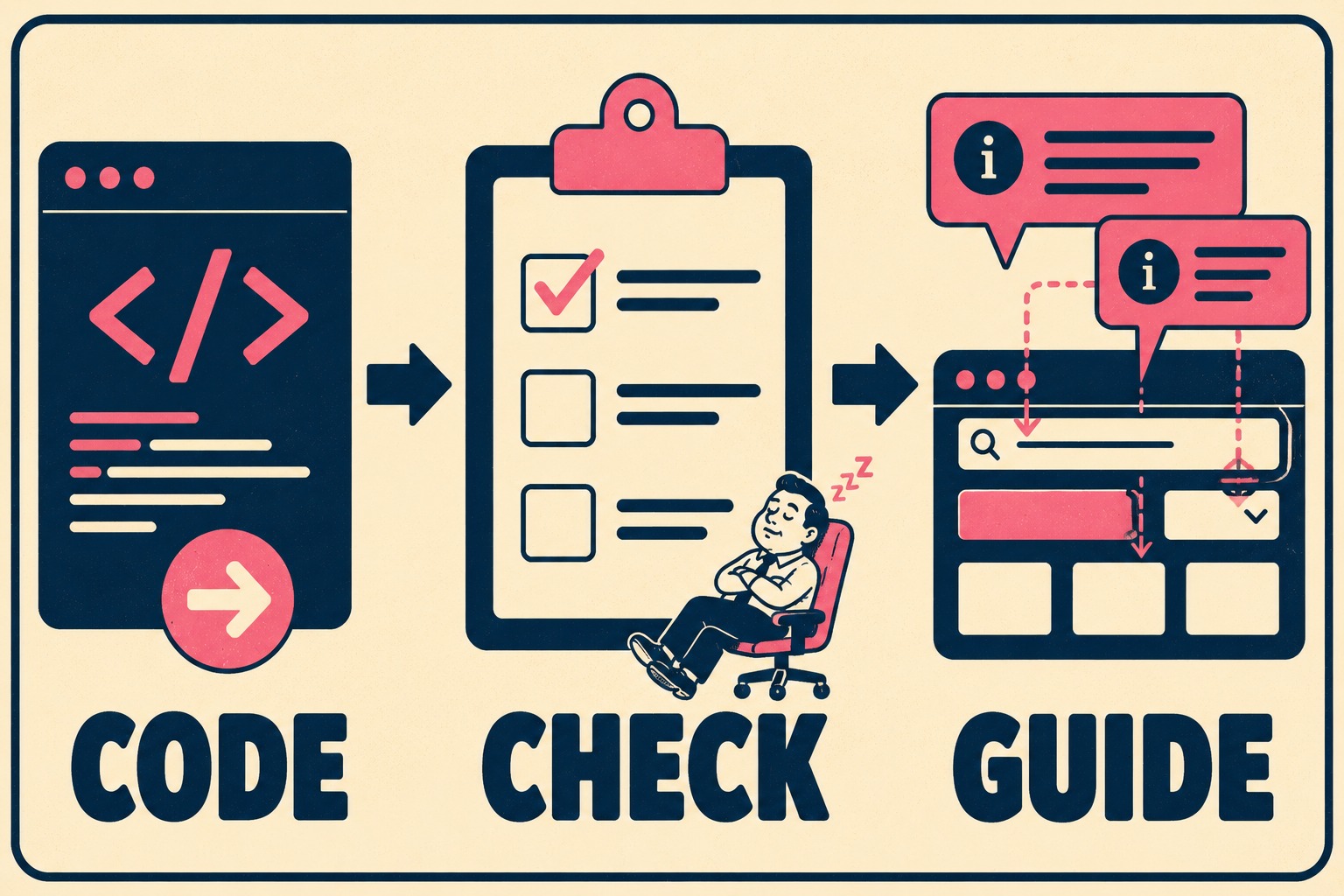
When a release is planned, check the map. If the release touches those elements, the guidance needs an update. This process ensures that documentation is treated with the same respect and rigor as code — a core philosophy of the docs-as-code approach.
Moving Ownership to the Feature Level
If keeping guidance updated is everyone's job, it's no one's job.
The most common failure mode is assuming someone else is handling it. Engineering assumes the product manager will update the tooltips. The product manager assumes the technical writer is on it. The technical writer doesn't even know the release happened until a user complains.
Ownership has to live at the feature level. The person shipping the UI change — whether that's the product manager, the designer, or the lead engineer — must be responsible for flagging the affected guidance.
They don't necessarily have to write the new copy. But they have to own the fact that the change requires an update.
Building a Lightweight Review Gate
This doesn't mean blocking releases. It means adding a review gate.
For in-app guidance, it can be as simple as a required checkbox on the pull request template: "Does this change affect existing in-app guidance?" If the answer is yes, the release doesn't go out until the guidance is updated.
Make documentation part of the definition of done. If the code is shipped but the tooltips are wrong, the feature isn't done.
The Tradeoff Between Comprehensive and Maintainable
There is a hard truth about in-app guidance: the more you have, the harder it is to maintain.
If you are struggling to keep your tooltips current, you probably have too many of them.
Every tooltip, every modal, every walkthrough is a piece of technical debt that has to be serviced every time the UI changes. If you try to document every minor feature with an in-app guide, you will drown in maintenance overhead. Maintenance is often the longest phase in the software development lifecycle, and documentation plays an irreplaceable role in it.
Consider whether you actually need a walkthrough for a straightforward settings page. Focus your in-app guidance on high-impact workflows and critical onboarding moments. It is infinitely better to have ten accurate, well-maintained guides than fifty that are half-wrong.
Letting the Machines Handle the Baseline
Keeping in-app guidance current is real work. It requires human judgment, craft, and attention to detail.
But most teams don't have the capacity for it because they are spending all their time manually writing release notes, updating API references, and maintaining changelogs. This manual process is time-consuming, error-prone, and difficult to scale.
If you automate the baseline documentation, you free up the capacity to focus on the high-touch moments that actually matter. When release notes and structured documentation are generated directly from engineering workflows, your team can redirect their effort toward the onboarding flows and contextual help that users rely on.
Doc Holiday generates those release communications and structured docs from code and tickets, providing a validation framework so a skilled writer can review and refine the output at scale. That redirection of effort means fewer hours spent writing changelog entries, and more hours ensuring your in-app guidance actually reflects the product users see.



