How to Use Documentation to Reduce Time-to-Value in a PLG Product


If you launched a consumer app and asked users to read a 40-page manual before they could swipe, you would have zero users. We all accept this. But for some reason, when the software is B2B and the buyer is an engineer, we pretend human nature changes. We hand them a complex API, a blank dashboard, and a link to a dense wiki, and then we act surprised when 40 to 60 percent of them abandon the product right after signing up.
They did not churn because the product lacked features. They churned because they ran out of patience before they found the value.
In product-led growth, the user and the buyer are the same person, and they are entirely unassisted. They will not wait for a customer success manager to schedule a kickoff call. They expect to sign up, poke around, and achieve a meaningful outcome before their lunch break is over. That window between signup and success is time-to-value, and in a PLG motion, it is the only metric that decides whether a user converts or disappears.
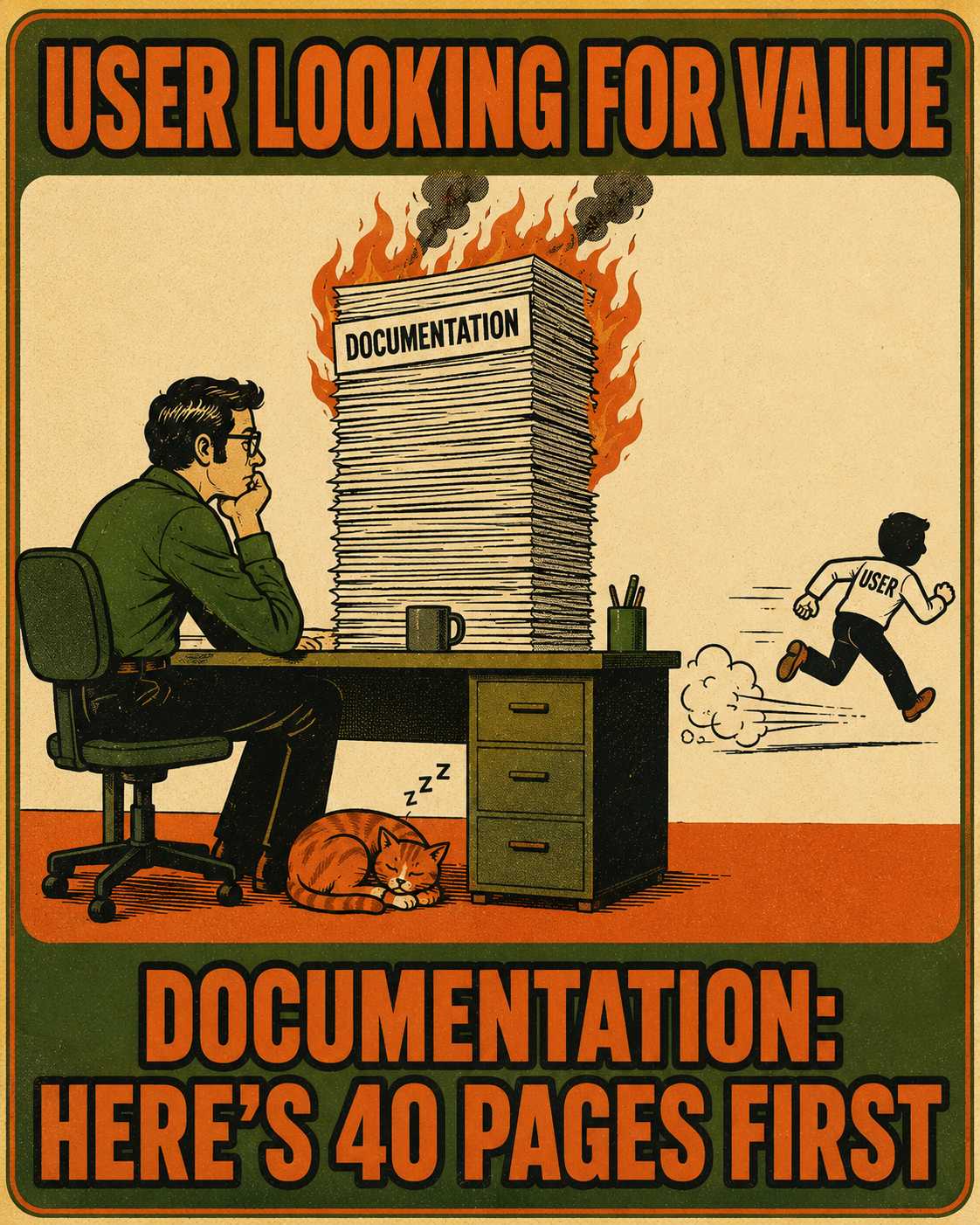
And sitting right in the middle of that critical path is your documentation.
The Mechanics of the Activation Window
Time-to-value is not a philosophical concept. It is a strictly operational measurement of the elapsed time between account creation and the moment a user experiences the core benefit of the product. In the API world, this is often tracked as time-to-first-call. In other tools, it might be the first successful deployment or the first generated report.
This window is unforgiving. Users who fail to activate within the first three days are 90 percent more likely to churn.
Documentation is the infrastructure that dictates how fast someone can move through that window. When a user hits a wall during setup, they do not submit a support ticket. They look for the quickstart guide. If the guide is buried three clicks deep, assumes prerequisite knowledge they do not have, or references a UI button that was removed three months ago, the momentum dies.
Traditional technical writing assumes a captive audience. It assumes the reader has been assigned to use the software by their boss, has received formal training, and will diligently read conceptual overviews to understand the architecture.
PLG documentation must assume a skeptical audience. These users are evaluating the tool on their own time. They need task-based, outcome-driven instructions that get them to a win in minutes. The documentation is not a reference manual; it is an extension of the user experience, functioning closer to UX copy than a textbook.
Where the Friction Actually Lives
When activation rates stall, the instinct is often to blame the marketing for bringing in the wrong leads, or to blame the product for being too complex. But the failure often lives in the connective tissue between the two.
Consider the common failure modes that drag out time-to-value.
The most frequent offense is forcing users to read architectural theory before they can execute a basic command. A developer evaluating a new tool does not need a deep dive into the underlying data model to send a test payload. They need the curl command. When documentation prioritizes comprehensive explanation over immediate execution, it introduces unnecessary cognitive load right when the user's attention is most fragile.
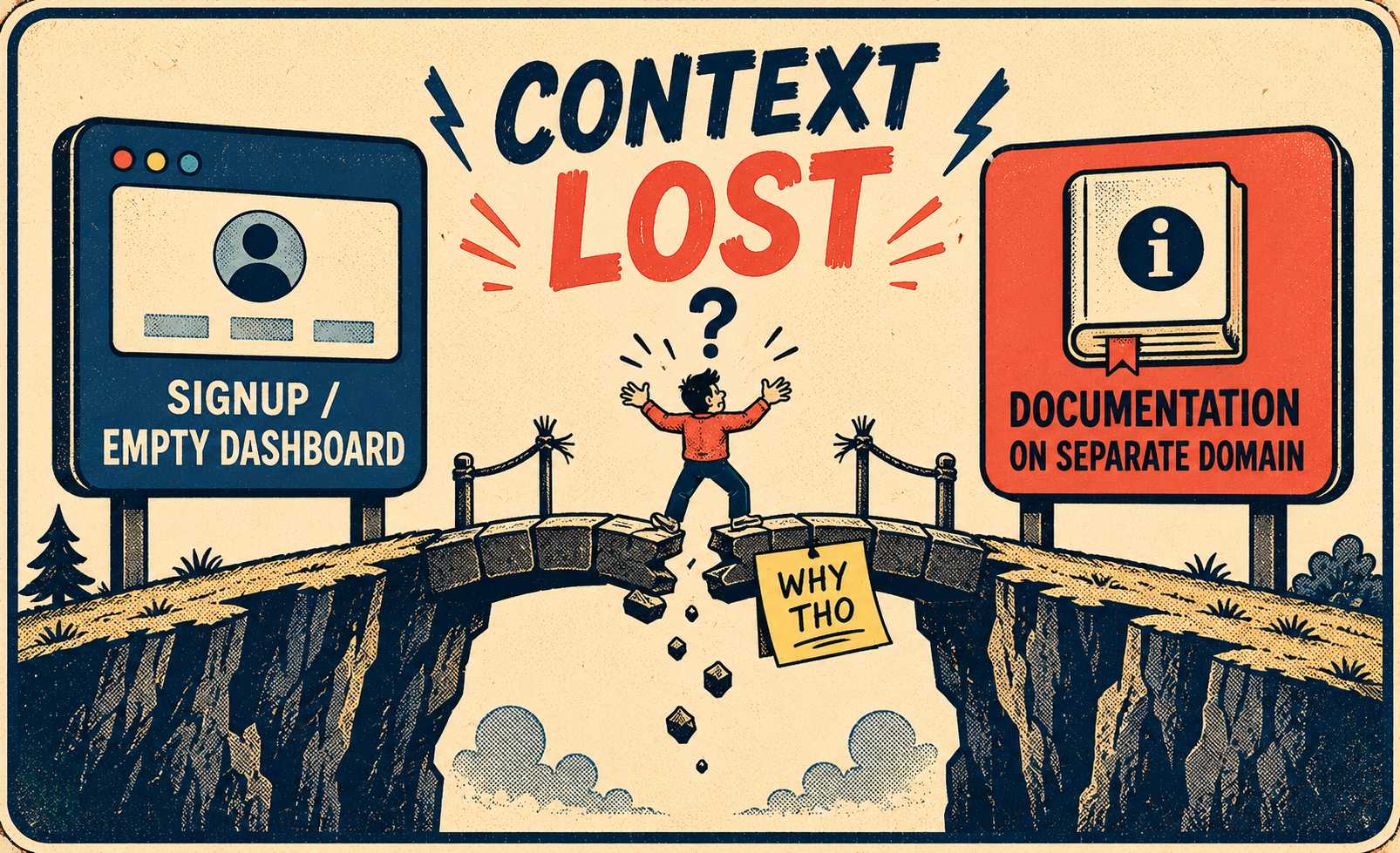
Another common breakdown is the disconnect between the signup flow and the first action. A user creates an account, confirms their email, and is dropped into an empty state with no clear direction. The documentation exists, but it lives on a separate subdomain, requiring the user to break their context, search for the docs, and figure out where to start. This is why embedding contextual help directly into the UI—like tooltips or in-app quickstarts—is so effective at maintaining momentum.
Perhaps the most damaging failure is documentation drift. When engineering ships an update to the setup flow but the documentation is not updated to match, the user is left following instructions that are physically impossible to execute. This does not just cause confusion; it actively destroys trust. If the getting-started guide is broken, the user assumes the product is broken too. Research on continuous software development highlights that out-of-sync documentation is a primary driver of friction and steep learning curves.
Auditing the Path to the First Win
Fixing this requires looking at the onboarding flow through the lens of friction, not just completeness.
The process starts by tracing the exact path a new user must take from the moment they hit the signup button to the moment they achieve their first successful outcome. This means identifying every single place they interact with, or should interact with, documentation.
How many clicks does it take to find the quickstart guide from the welcome email? When they land on the API reference, how long does it take to find the authentication headers? Are the code snippets copy-paste ready, or do they require the user to fill in a dozen variables first?
This is where behavioral data becomes useful. High drop-off rates on specific setup screens or long pauses before the first API call are strong signals that the documentation supporting that step is either missing, confusing, or wrong. If you have analytics, look for the pages where users spend the most time without taking action. If you do not, run a user test. Hand a fresh signup to someone who has never seen the product and watch where they get stuck.
The Ruthlessness of Priority
When the goal is reducing time-to-value, completeness is the enemy of speed.
The priority must be a ruthless focus on the one or two actions that create value the fastest. Write the documentation for those actions first, and make them radically accessible.
These high-leverage docs should be short. Keep them under 500 words. Use clear screenshots and functional code examples. Embed them directly into the product interface whenever possible, so the user never has to leave the app to figure out what to do next.
Everything else—the edge cases, the advanced configurations, the conceptual deep dives—can wait. Cut the noise until the path to activation is as fast and frictionless as possible. Companies that treat documentation as a core part of the product experience, integrating it seamlessly into the user journey, see significantly higher activation and retention rates.
The Reality of Product Velocity
The challenge, of course, is that PLG products change constantly. Teams ship fast, iterating on the onboarding flow, tweaking the UI, and updating the API.
If the process for updating documentation relies on a technical writer manually chasing down engineers to figure out what changed, the docs will always be out of date. And in a PLG motion, out-of-date onboarding docs mean lost revenue. The DORA research program has established a clear link between documentation quality and an organization's ability to meet performance goals, noting that high-quality documentation amplifies the benefits of continuous delivery (DORA, 2022).
When the product changes every sprint, manual updates become a bottleneck. The documentation must move at the speed of the engineering team.
If your PLG motion depends on users activating without human help, your documentation is load-bearing infrastructure. When it is out of date, unclear, or hard to find, it directly impacts conversion. For teams shipping fast and operating lean, the solution is a system that generates up-to-date onboarding content, release notes, and API references from the engineering work itself. That is what Doc Holiday generates: post-release communications and documentation directly from your development process. It gives a lean team the structure to validate, manage, and scale the output without rebuilding documentation headcount.



