How to Turn Incident Reports Into Documentation Improvements


It's 3:00 PM on a Tuesday, and your support queue just spiked.
Three different enterprise customers have opened urgent tickets because the new API endpoint is returning a 403 error. Your engineers dive in, trace the logs, and find the issue: the customers are using an old OAuth scope that was deprecated last week.
The code works perfectly. The documentation, however, still tells everyone to use the old scope.
This is what a documentation failure looks like when it masquerades as a system incident. The problem isn't the software. The problem is the gap between what the software does and what the documentation says it does.
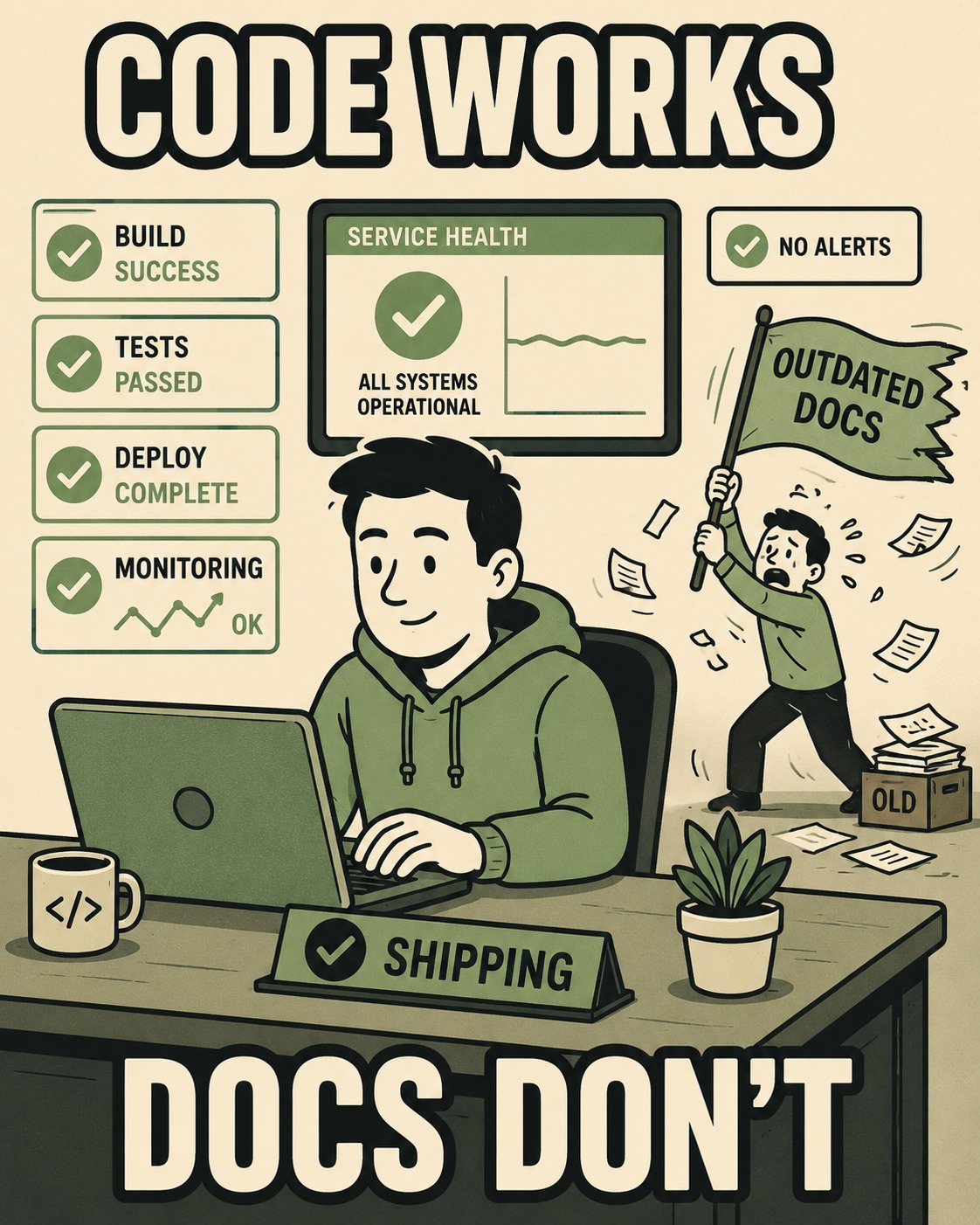
Turning incident reports into documentation improvements requires treating these gaps as systemic failures, not just simple typos. It requires a repeatable loop where incident data directly informs what gets written, updated, or deleted.
When a customer hits a wall, they don't care if the code is broken or the guide is wrong. They just know they can't do their job. To fix this, you need a workflow that catches these documentation gaps before they become repeat offenses.
What a Documentation Failure Actually Looks Like
Not every incident is a documentation problem.
Sometimes the product is just confusing. Sometimes it's a genuine bug. But documentation failures have a specific signature.
You know you have a documentation gap when you see repeat tickets for the same issue, even after the underlying bug has been fixed. You see it when support engineers have to escalate questions to the product team that should be answered in a quickstart guide. You see it when new hires hit the same onboarding hurdles month after month.
The first step in fixing the system is learning to tag these incidents correctly.
When a ticket is resolved, the closing action shouldn't just be "fixed." It needs to be categorized. Was this a missing doc, an outdated doc, or a confusing product flow? If it's a documentation issue, it needs to be flagged for the triage queue.
How to Stop Fixing the Same Thing Twice
Not every documentation gap needs to be fixed immediately.
If you try to update every single page that generates a question, you will drown in maintenance work. You need a way to decide what matters.
The simplest heuristic is Impact × Frequency × Severity. How many people are hitting this issue? How often does it happen? And how bad is it when they do?
A missing explanation for an edge-case configuration that affects one enterprise customer a year might be a low priority. A confusing error message in the core onboarding flow that trips up 20% of new users is a high priority.
If your team has a technical writer, their job here isn't to write every update. Their job is to run the triage system.
They are the quality gate. They look at the tagged incidents, spot the patterns, and decide which gaps get prioritized and which get added to the backlog.
The Part Where Most Teams Give Up
Once a gap is identified and prioritized, it needs to be fixed. But the fix isn't just writing the doc. The fix is ensuring the new doc actually solves the problem.
The output artifact of this process varies. It might be a Jira ticket assigned to the engineering team to update an error message — and Google's own guidance on error handling is explicit that all error codes should be documented and that failing to report failures is inexcusable. It might be a pull request against the documentation repository to clarify a troubleshooting guide.
The most common formats that incident-driven improvements touch are troubleshooting guides, error message explanations, configuration examples, onboarding gaps, and API reference clarifications. These are the areas where the delta between what the user expects and what the system does is most pronounced.
But how do you know if the fix worked?
You measure it. You look at the ticket volume for that specific issue before and after the documentation update. If the tickets drop, the fix worked. If they don't, the documentation is still failing, or the product itself needs to change.
Why the Feedback Loop Is Always Too Slow
This entire system falls apart if it's too slow.
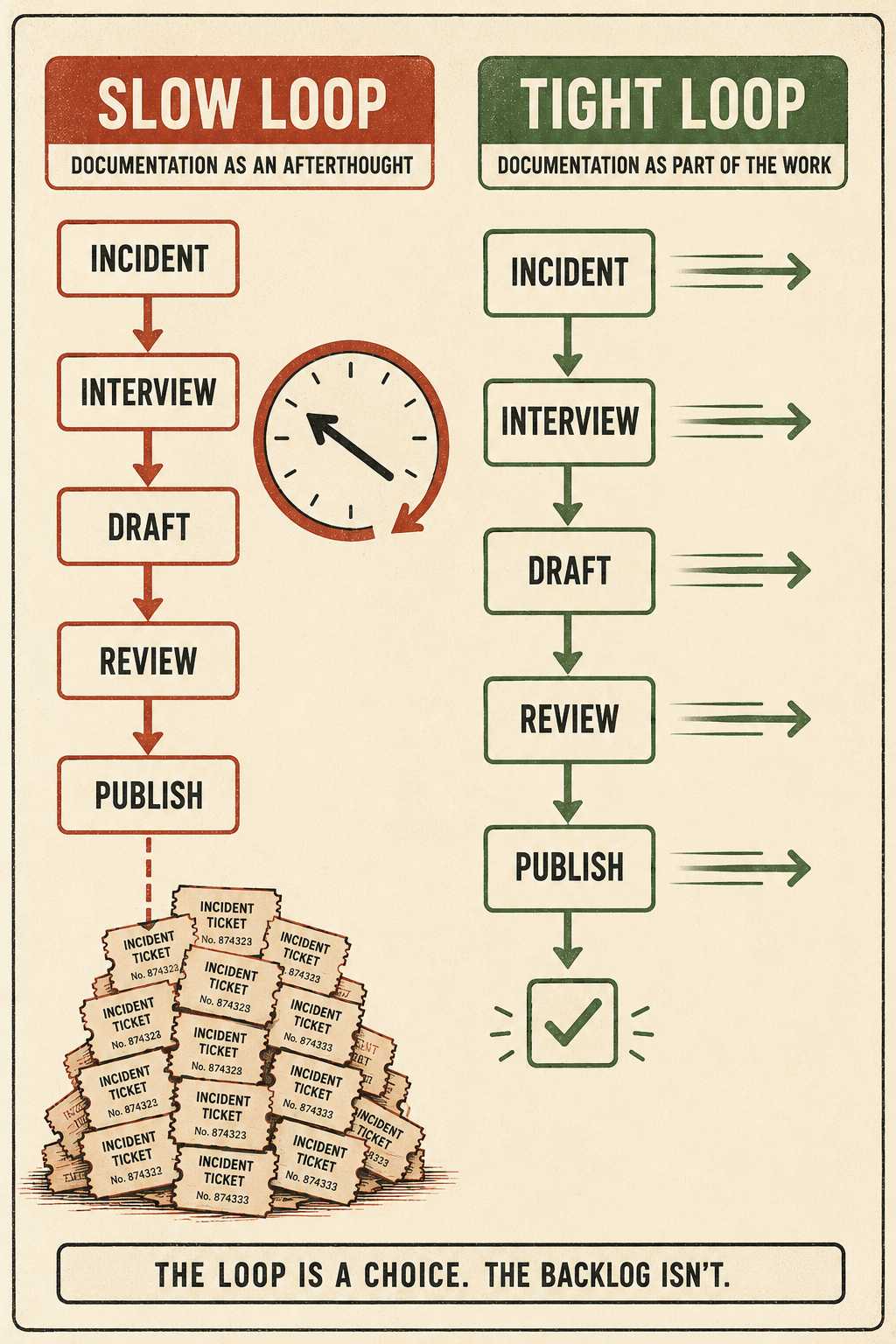
If it takes three weeks to update a troubleshooting guide after an incident, you will have already fielded a dozen more tickets for the exact same issue.
The feedback loop has to be tight. This is where the traditional model of documentation — where a writer interviews an engineer, drafts a doc, gets it reviewed, and publishes it — breaks down. It's too slow for incident response. Teams that adopt Knowledge-Centered Service, the methodology built around capturing and updating knowledge as a direct byproduct of resolving issues, see a 10% reduction in reported issues and a 30–50% improvement in first-contact resolution — precisely because the feedback loop is embedded in the workflow rather than bolted on afterward.
The right system needs to generate updated troubleshooting guides, error references, and clarifications quickly enough that the fix reaches users before the pattern repeats.
Doc Holiday generates those outputs directly from engineering workflows and incident data, then provides the structure for a technical writer or support lead to validate, prioritize, and publish improvements at the speed the feedback loop requires. It takes the manual archaeology out of the process, letting your team focus on the analysis instead of the reconstruction.



