How to Document a Free Trial Workflow End to End


If you look closely at a software company's support queue on a Tuesday morning, you will see a pattern. A user asks why they cannot invite a fourth team member. Another user wants to know if their data will disappear when the clock runs out on Friday. A third user is stuck on a settings page, trying to find an API key that is locked behind a paywall they did not know existed.
These are not people who need technical support. These are people who need a map.
When a trial user hits a limit they did not expect, or cannot find the upgrade path when they are ready to buy, they do not usually ask for help. They leave. A free trial is fundamentally a conversion mechanism, and self-serve conversion rates hover around 8% for most software products. The difference between a trial that converts at 8% and one that converts at 15% is rarely the feature set. It is the documentation.
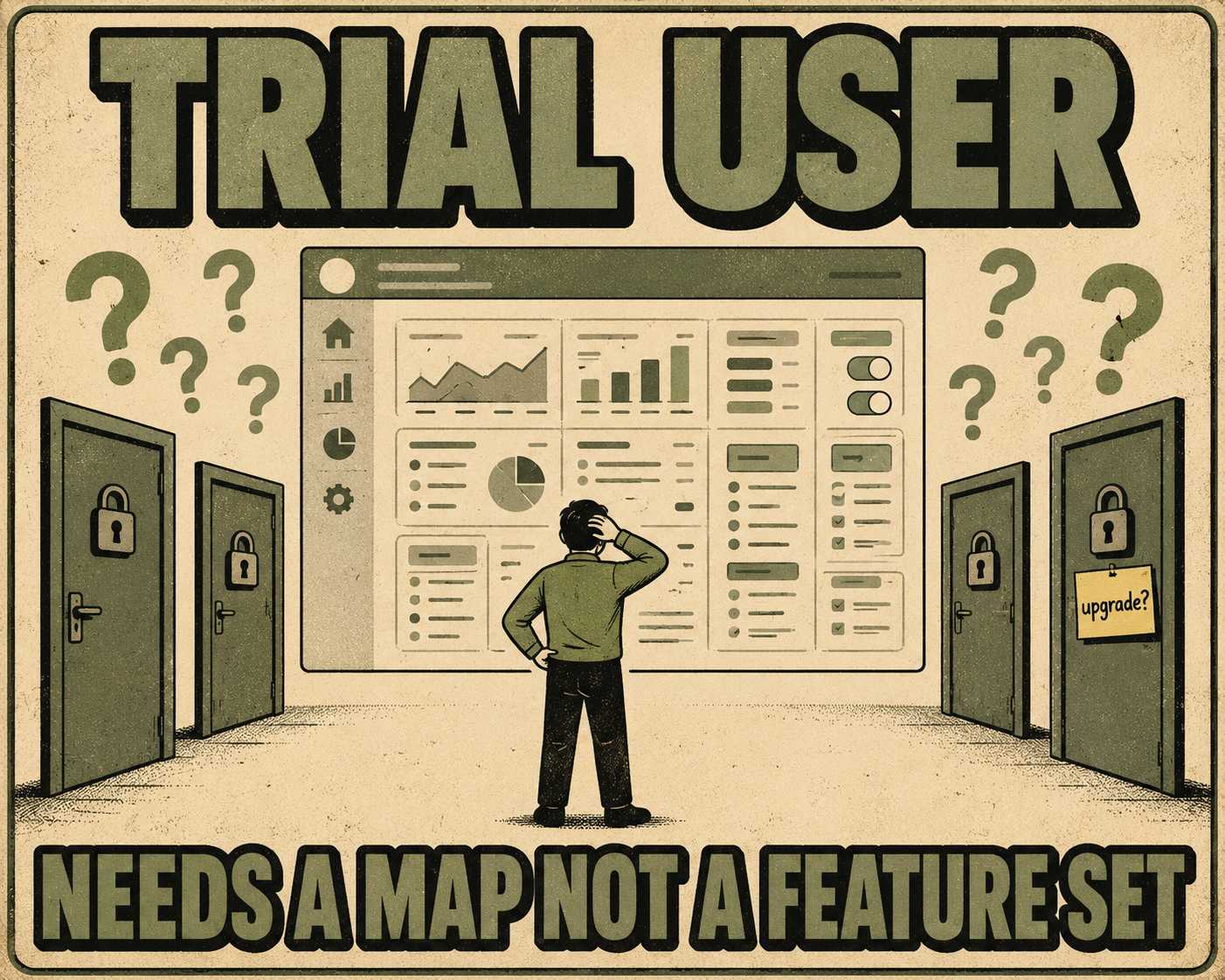
Documenting a free trial workflow is not a content project. It is a revenue protection strategy. When users understand the rules of the game before they start playing, they are far more likely to stick around until the end.
The Geography of Trial Friction
A free trial is not a single state. It is a sequence of states, and the documentation needs to match where the user is in that sequence. What a user needs to know on day one is entirely different from what they need to know on day thirteen.
This requires progressive disclosure. If you overwhelm a new user with documentation about enterprise-grade security features they cannot access, you have failed. If you hide the pricing tiers until the moment their trial expires, you have also failed. The goal is to provide context exactly when the user needs it.
The challenge is that this context lives in different places. The in-app onboarding flow introduces the core features. The knowledge base explains the technical details. The email sequence nudges the user toward activation. The sales deck outlines the enterprise upgrade path.
When these surfaces are disconnected, the user feels it. The tooltip says the trial lasts for 14 days, but the welcome email says 30. The help article explains a feature that was removed from the free tier six months ago. These contradictions create friction, and friction during onboarding is the fastest way to lose a potential customer.
The Cost of Missing Context
Vague language is expensive. When a pricing page says "limited features," it is a guarantee that someone will submit a support ticket asking exactly which features are limited.
Industry benchmarks place the cost of a B2B support ticket between $30 and $60. If a confusing trial limit generates fifty tickets a month, that is a direct tax on the company's operating margin. But the real cost is the users who never bother to ask.
To fix this, you have to document the boundaries. If a trial limits a user to three projects, state that clearly before they create the first one. Explain what happens when they hit the limit. Does the "New Project" button disappear? Do they get an error message? Is there a grace period?
More importantly, provide a clear path forward. A limit should never be a dead end. It should always be an invitation to upgrade, accompanied by the exact information the user needs to make that decision.
The Mechanics of the Upgrade
The moment of upgrade is the most critical juncture in the trial workflow. It is also the moment where documentation often fails.
Users hesitate to upgrade when they do not know what will happen next. Will their trial data persist? Will they be billed immediately? Which specific features will unlock?
Effective upgrade documentation removes this uncertainty. It uses comparison tables to highlight the exact differences between the trial state and the paid state. It provides inline explanations during the checkout flow. It includes a billing FAQ that addresses common anxieties before the user has to ask.
This is not just about making the purchase easy. It is about making the transition predictable. When a user hands over their credit card, they are buying confidence as much as they are buying software.
The Synchronization Problem
Trial conditions change. A company might extend the trial period from 14 days to 30 days to match a competitor. They might move a feature from the paid tier to the free tier to drive adoption. They might introduce a new usage limit to control infrastructure costs.
When these changes happen, the documentation has to update everywhere simultaneously. If the marketing site says 30 days but the in-app banner says 14, the resulting confusion will generate support tickets and erode trust.
This is the operational reality of documenting a trial workflow. It is relatively easy to write the documentation once. It is incredibly difficult to keep it accurate across a knowledge base, an email sequence, an onboarding flow, and a sales repository as the product evolves.
This is an architectural problem. When documentation is treated as a manual, disconnected process, it will always drift from the reality of the product. The only way to maintain accuracy at scale is to tie the documentation directly to the engineering workflow.
When a feature flag changes a trial limit in the codebase, that change should propagate to the documentation automatically. This is the operational model behind Doc Holiday. It generates documentation output directly from the code, allowing a small team to validate and manage the content without manually tracking down every mention of a feature limit across a dozen different systems. Unmanaged AI struggles to maintain architectural coherence, but a managed system scales. It gives teams the structure to ensure that when the product changes, the map changes with it.



