How to Structure Documentation Versioning So it Actually Matches the Software


Here is a scenario that plays out in support queues every week. A user is running v2.3 of your product. They search for help, land on your docs, follow the instructions, and get an error. They open a ticket. The support engineer investigates, realizes the docs describe behavior from v3.0, and writes back: "Sorry, those instructions are for a newer version." The user is frustrated. The support engineer has spent 20 minutes on a ticket that should not have existed. And somewhere in your organization, a documentation manager has no idea this is happening at scale.
The core answer to versioning documentation correctly is this: your doc versions should map to your software versions, and that mapping should be automatic, not manual. When a release goes out, the corresponding documentation should build and deploy as part of the same pipeline. If that is not happening, you are accumulating version debt with every release.
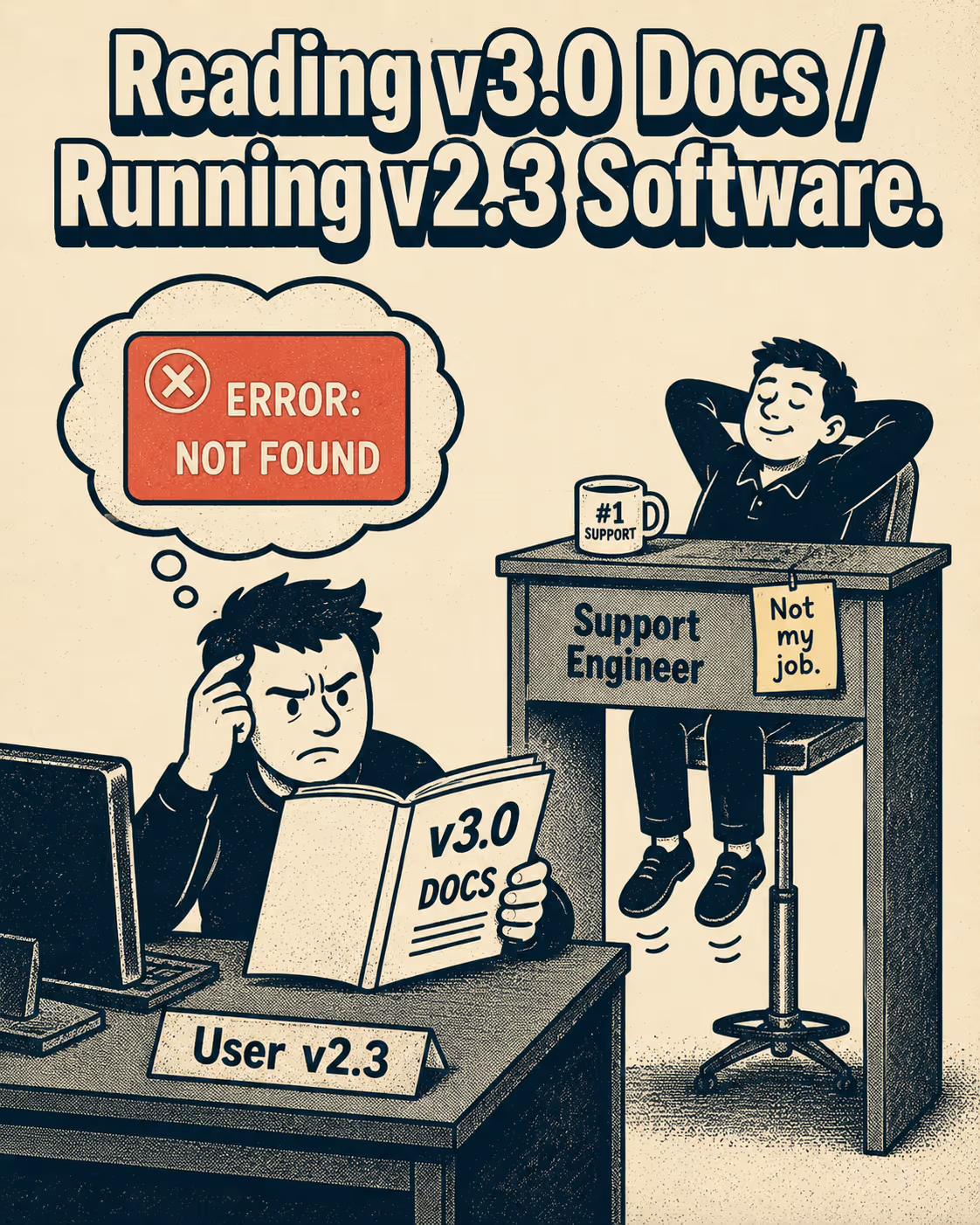
Most teams do not have this. They have a single docs site that someone updates when they remember to, or a sprawling wiki where the most recent page wins regardless of which version it applies to. The result is a documentation surface that drifts further from reality with every release cycle.
The Decision That Matters Most
The first question is not "how do we version our docs?" It is "which changes actually require a new doc version?"
The answer maps cleanly onto semantic versioning: major version increments, which introduce backward-incompatible changes, require a new documentation version. Minor and patch releases, which add functionality in a backward-compatible way or fix bugs, can usually be updated in place. The logic is straightforward: if a user on v2.x can follow the same instructions as a user on v2.4, you do not need to fork the docs. If a user on v1.x will break something by following v2.x instructions, you do.
This means the versioning question is really a compatibility question. A new command syntax, a renamed configuration key, a removed endpoint, a changed authentication flow: these are the signals that a new doc version is warranted. A new optional parameter, an added feature that does not change existing behavior, a performance improvement: these do not require a fork.
The practical implication is that you should be tagging doc versions at the same cadence as major software releases, not at every release. Stripe, for instance, moved to a model of twice-yearly major API releases paired with monthly feature enhancements, with each major release carrying its own documentation and changelog (Stripe, 2024). The monthly releases update in place. The major releases get their own versioned artifact.
Where to Store Versioned Docs and How to Keep Them Sane
The most durable pattern is keeping documentation in version control alongside the code. When a developer opens a pull request that changes a command, they should also be changing the documentation for that command in the same PR. This is the "docs-as-code" approach, and it makes version drift structurally harder because the documentation and the code move together (Doctave, 2024).
For serving versioned docs, static site generators with native versioning support handle the storage problem well. Docusaurus, for example, creates a snapshot of the current docs directory when you tag a new version, storing it in a versioned folder that gets its own URL prefix. Users on v1.x see /docs/1.x/, users on v2.x see /docs/2.x/, and the current development version lives at /docs/next/. The version selector in the navbar lets users switch between them.
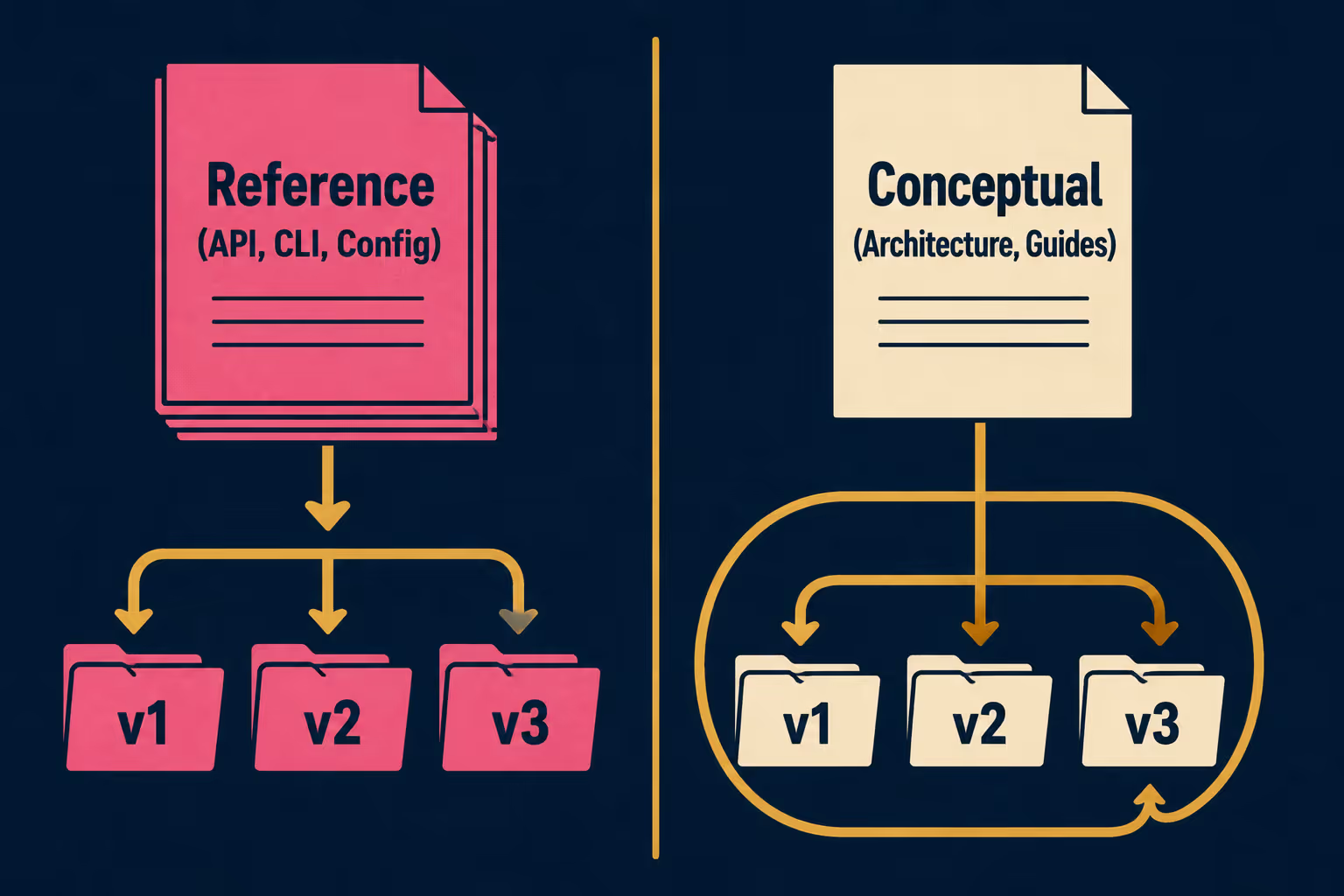
The maintenance problem with this approach is content duplication. If you have 40 pages of documentation and you fork them for every major release, you are maintaining 40 pages times however many active versions you support. For content that does not change across versions, the Write the Docs community describes this as the ARID principle: "Accept Repetition In Documentation" when it genuinely aids clarity, but minimize it where possible. In practice, this means keeping conceptual and reference content separate. Reference material (API endpoints, configuration parameters, CLI commands) changes with versions and should be versioned. Conceptual content (architecture explanations, integration guides) often does not and can be shared.
Docusaurus recommends keeping the number of active versions small, typically two or three, and sunsetting older versions on a clear schedule. This is good advice. The maintenance cost of supporting eight simultaneous doc versions is not linear.
Deprecation Is a Communication Problem
When a version reaches end-of-life, the documentation problem is not just removing the old pages. It is making sure users who land on those pages know they are reading something that no longer applies to a supported release.
The pattern that works is a combination of in-page banners (Docusaurus calls these "unmaintained" banners), redirect strategies for deprecated URLs, and a clear deprecation timeline published in the changelog. Swagger's guidance on API deprecation recommends a sunset period of three to eight months, with an initial announcement, a reminder at the midpoint, and a final notice before removal. The same logic applies to documentation versions: give users enough runway to upgrade before you pull the content.
The changelog is where this communication lives. A good changelog entry for a deprecated version does not just say "v1.x is no longer supported." It says what changed, what users need to do, and where to find the migration guide. That specificity is what prevents the support ticket.
The Framework for Deciding What Gets Versioned
Not all documentation needs to be versioned. A useful way to think about it:
The generated documentation category, which includes API references and changelogs pulled directly from code and release metadata, is the easiest to version automatically because the source of truth is already in the codebase (Fern, 2025). Manual documentation, the tutorials and conceptual guides, requires a human decision about whether the fork is warranted.
Making the Pipeline Do the Work
The operational picture that teams should be aiming for is this: versioned documentation is a byproduct of the release process, not a separate task that follows it.
If your CI/CD pipeline already knows that a commit is going into a v2.5 release, it should be able to trigger a doc build for v2.5 at the same time. The continuous documentation model treats documentation deployment the same way it treats code deployment: automated, triggered by the same events, and not dependent on a human remembering to do it.
For teams currently managing this by hand, the path forward is connecting doc generation to the release workflow. When engineering ships v2.5, the corresponding docs should build and deploy without someone copying files and editing version numbers.
Doc Holiday generates versioned release notes, API references, and changelogs directly from release metadata and Git history, which means version-specific documentation becomes a structured output rather than a manual task. For teams dealing with version sprawl, that is the difference between a documentation problem and a documentation system.



