Stop Treating Your Release Notes Like a Blog


A customer is trying to figure out why their API integration broke. They upgraded from version 2.4 to 2.6 last month. They navigate to your release notes page. What they find is a chronological feed of blog posts.
They type "API" into the search bar. Four hundred results, mostly from minor patches released three years ago. They try "version 2.6 breaking changes." Zero results.
They give up and submit a support ticket.
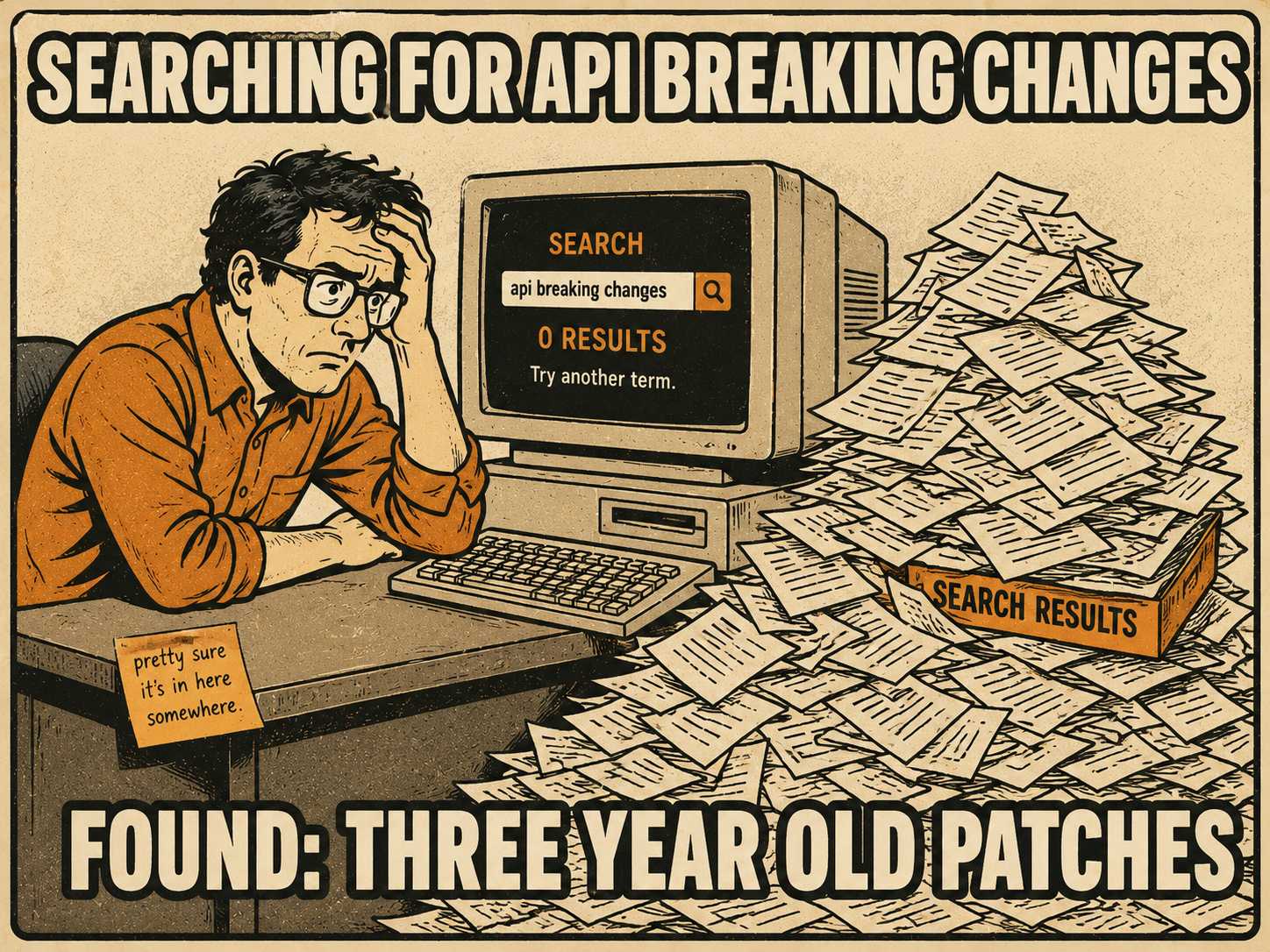
This is the failure mode most release notes archives are stuck in. They were built like marketing blogs, designed to be read once on the day they were published. But customers don't read release notes for fun. They read them when they're troubleshooting, evaluating whether to upgrade, or onboarding onto a product they didn't build. The archive is a retrieval system. When you build it like a blog, you guarantee it will fail at retrieval.
A Blog Is Not a Database
The core problem is that blogs are optimized for recency, not retrieval.
When a customer needs to know what changed between their current version and the latest release, a chronological feed is useless. They need to filter by version. They need to filter by component. They need to see only breaking changes, or only security patches.
That requires structure. It requires metadata.
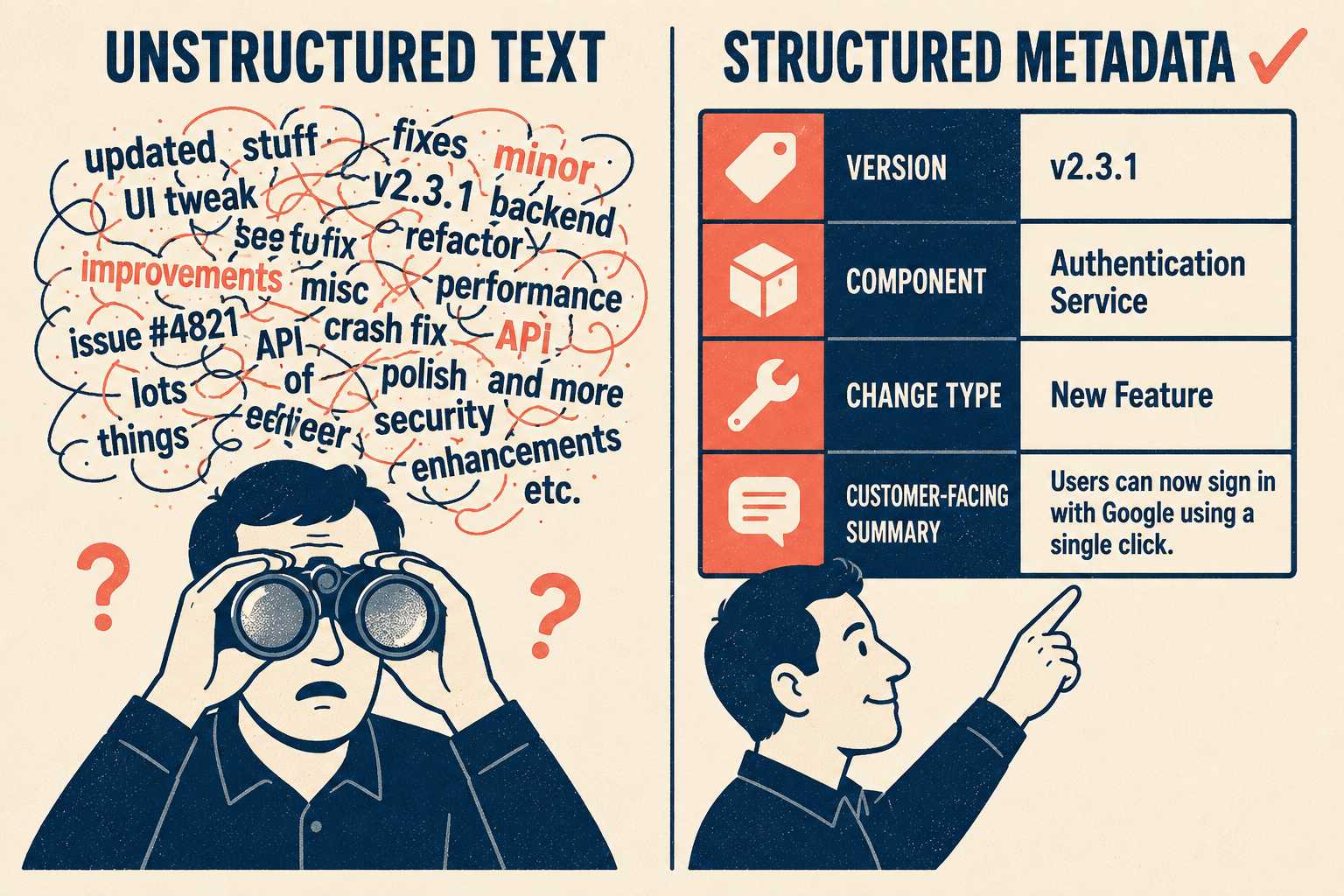
If your release notes are unstructured text blobs, your search is limited to basic keyword matching. Keyword search fails when the language of the document doesn't match the language of the query. A developer who wrote "refactored the authentication module" and a customer searching for "login bug" are describing the same thing. Keyword search won't connect them.
Semantic search can bridge that gap, finding content based on meaning rather than exact word matches. But even semantic search cannot reconstruct missing context. If a release note doesn't specify which version it applies to, or which product tier is affected, the search engine cannot invent that information.
To make an archive searchable, you need consistent tagging and categorization across every release. You need version-specific filtering so customers can see exactly what changed between where they are and where they need to be. You need deep links so support teams can point customers to the specific change that caused their issue, rather than sending them a link to a monthly digest and telling them to scroll. Stripe's API changelog is a useful reference for what version-aware, deeply linked release notes look like in practice.
This structure has to be built in at the generation stage. You cannot easily retrofit it later.
Why Search Fails Without Structure
There are three common architectural approaches to housing release notes.
You can build them on top of your existing documentation platform. This keeps everything in one place, but traditional documentation platforms often have weak filtering and lack the version-specific facets that make a changelog actually useful.
You can use a dedicated changelog tool. These are built for the job, but they create yet another destination customers have to know about, and they still depend entirely on the quality of the content you feed them.
Or you can integrate the changelog directly into the product. This is often the cleanest experience, but it requires significant engineering investment to build and maintain.
Regardless of where the archive lives, its usefulness depends entirely on the metadata schema designed when the notes are created.
A robust schema requires consistent naming conventions. If one team calls a feature "Dashboard V2" and another calls it "New Analytics View," search will fracture. It requires customer-facing language instead of internal codenames. It requires including the problem being solved, not just the technical solution. Research on release note characteristics confirms that users prefer addressed issues to be summarized or rephrased, and that what users need from release notes differs substantially by background and role.
When this structure is missing, the cost is measurable. Poor documentation findability frustrates users and drives support volume. A 2019 Gartner survey found that live channels cost an average of $8.01 per contact, compared to $0.10 for self-service. But case deflection only works if the customer can actually find the answer. An archive full of unstructured text is not a self-service resource. It is a support ticket waiting to happen.
The Generation Problem, and What to Do About It
Most teams do not have the time to retroactively structure years of old release notes. The documentation debt is already there.
You have a few options. You can archive the old content separately, preserving it as a static record while building a new, structured system for future releases. You can attempt batch enrichment, using NLP tools to retroactively apply tags and metadata to old content (this can work, but it is often messy and requires significant manual cleanup). Or you can draw a line in the sand: accept that the old archive is a blog, and commit that from this point forward, the new archive will be a database.
The harder problem is the generation workflow going forward.
Engineers are busy. Forcing them to manually fill out metadata fields, map internal changes to customer-facing features, and write consistent summaries is a losing battle. They will take shortcuts. The metadata will drift. Empirical research on release note practices found that it takes up to eight hours for an experienced developer to draft a single release note document, and that developers frequently perceive the task as too time-consuming to do well.
AI generation changes this. A well-designed pipeline can harvest commits and pull requests, categorize changes automatically, translate technical descriptions into customer-facing language, and output structured notes with consistent metadata already applied. Ascend.io's engineering team describes exactly this shift: raw commit data stays visible alongside the AI summary so reviewers can verify accuracy, and the workflow moves from hours of writing to minutes of review.
The review part matters. AI generates good first drafts with speed and consistency. A skilled reviewer adds the judgment that makes those drafts excellent: catching edge cases, enriching context, validating that the metadata accurately reflects the change, and ensuring the customer-facing language matches how your users actually talk about your product. The 2024 DORA report found that a 25% increase in AI adoption is associated with a 7.5% improvement in documentation quality — but only when paired with the right oversight model.
One experienced person who understands the product and the customer can validate and enrich AI-generated release notes faster than any team could write them from scratch, and with more consistency than ad hoc contributions from different engineers. That person becomes a force multiplier.
This is the workflow Doc Holiday is built around. It generates structured release notes directly from your engineering workflows, with consistent tagging, version metadata, and customer-facing language built in from the start. The governance dashboard gives a single skilled reviewer the interface to validate and scale that output. The archive your customers search is a database, not a blog.



