How to Write Release Notes for a Mobile App


Every two weeks, the release train leaves the station. The code is frozen, the tests are green, the build is signed. And then, usually around 4:00 PM on a Thursday, someone asks the question that makes everyone stare at their shoes.
What are we putting in the release notes?
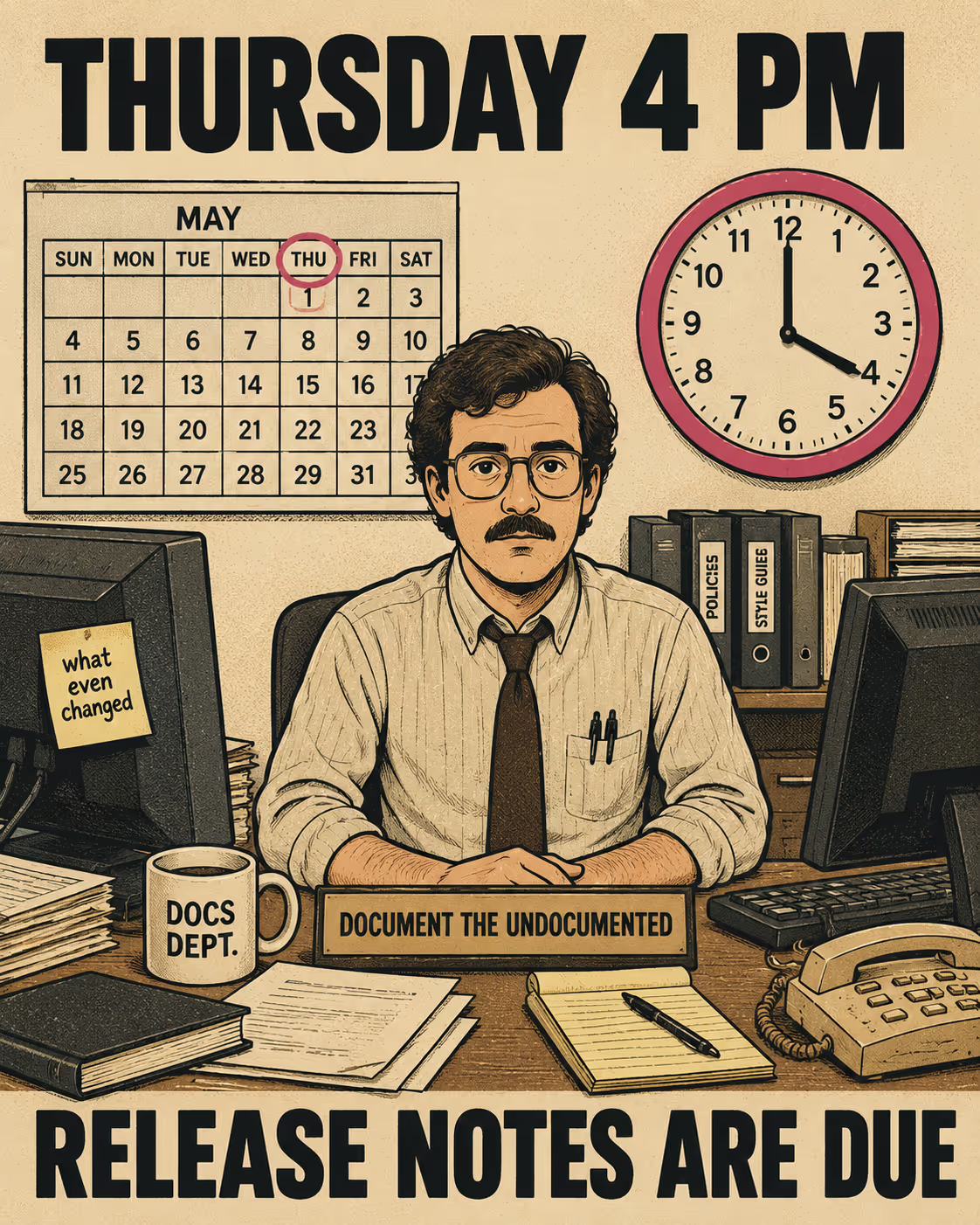
The answer is usually a frantic scramble through Jira tickets, a few Slack messages to product managers, and eventually, a surrender to the most common phrase in the App Store: "Bug fixes and performance improvements."
It's a terrible answer. But it's a rational one. Mobile release notes are uniquely difficult to write because they serve two audiences who want entirely different things, and they have to be written in a format that nobody likes reading.
App Store reviewers want to know exactly what changed so they can verify it against their guidelines. End users want to know if the update is worth their time, or if it's going to break the feature they rely on.
You can't satisfy both with a list of Jira ticket titles. You have to write something else.
Why Mobile is Different From Everything Else
Mobile release notes are not like web release notes. When you deploy a web app, the user gets the new version whether they want it or not. When you deploy a mobile app, the user has to choose to download it.
Even with automatic updates enabled, users see the release notes. They see them in the App Store, they see them in the update queue, and they use them to decide if they trust you. A large-scale study of mobile app updates found that users actively evaluate the relevance of an update before adopting it, and that update adoption behavior varies significantly based on how clearly the change is communicated. If your notes say "Bug fixes," you're telling them the update doesn't matter.
But you also have to satisfy Apple and Google. Apple's App Store Review Guidelines explicitly state that "apps must clearly describe new features and product changes in their 'What's New' text." Simple bug fixes can rely on a generic description, but more significant changes must be listed. If you try to hide a major change behind a vague summary, you risk rejection.
The format constraints are real, too. Apple's "What's New" field allows up to 4,000 characters. Google Play gives you 500 characters. That's a tweet and a half to explain a sprint's worth of work to someone who is deciding whether to tap "Update."
The stakes are not abstract. A causal impact analysis of 26,339 Google Play releases found that 33% of releases caused a statistically significant change in user ratings, and that releases with more descriptive notes about bug fixes and new features were more likely to have a positive effect. Releases that were more descriptive of changes were more likely to affect subsequent ratings at all. The notes are not decorative.
And yet, most teams default to the generic fallback. The reason is structural. Writing good release notes requires someone to bridge the gap between what engineering shipped and what users experienced. That bridge doesn't build itself.
The Structure That Actually Works
The solution isn't to hire a dedicated writer to craft artisanal prose for every minor patch. The solution is to structure the notes so they can be assembled quickly and consistently.
Research on audience-specific release notes from Klepper, Krusche, and Bruegge at TU Munich found that the core problem is that release note producers need to serve audiences with fundamentally different information needs, and that the creation of high-quality notes "takes time and effort" precisely because a release manager has to synthesize information from project management, issue trackers, and build systems. Their proposed solution was semi-automated generation from those same sources, with a human editor in the loop.
That framing is useful. Here's how it translates to a repeatable cycle.
Lead with user impact, not engineering achievement. If you spent three sprints refactoring the database layer, that's a great technical achievement. The user cares that the app opens faster. Lead with "The app now opens twice as fast on older devices." The engineering work is the mechanism; the user experience is the story.
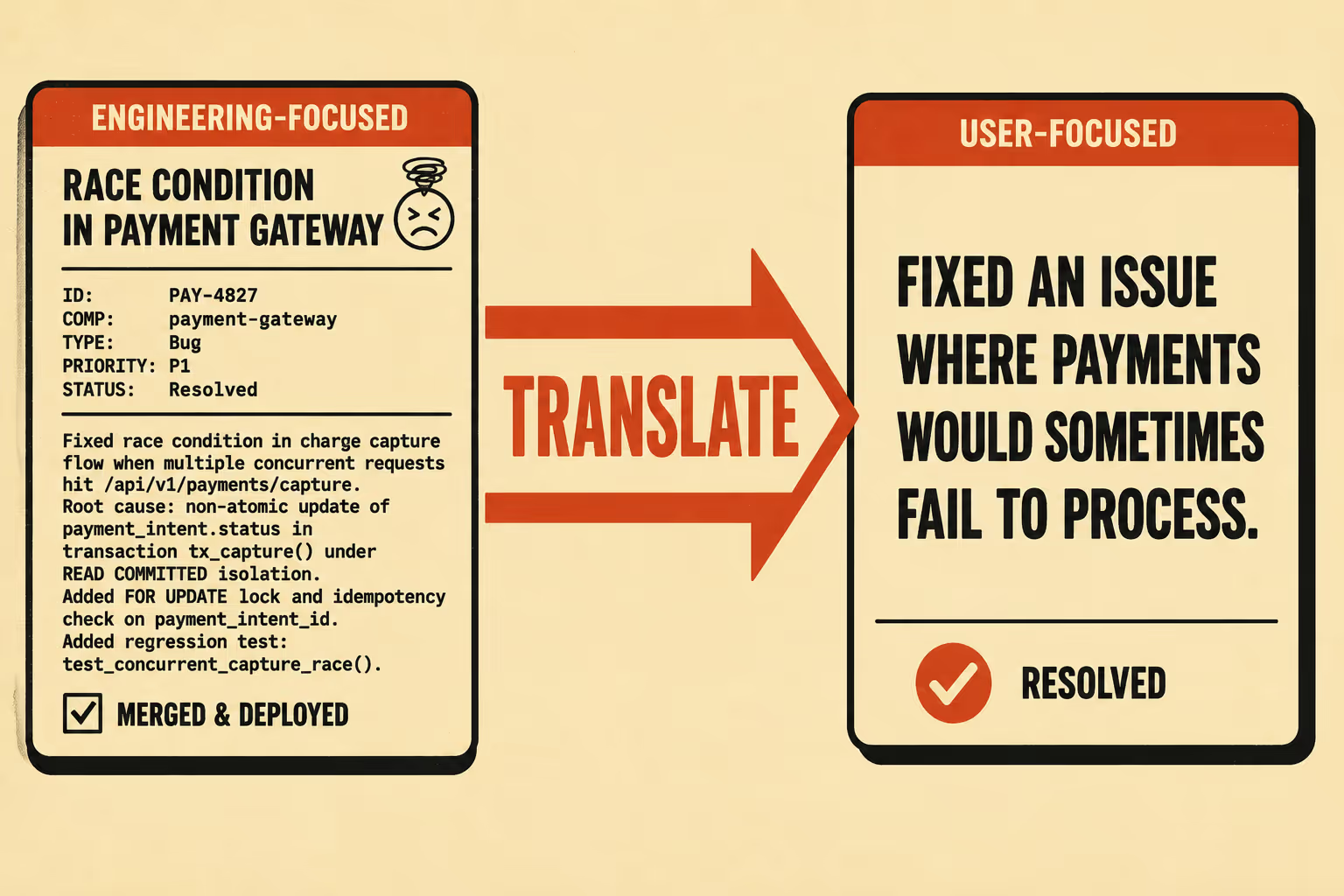
Translate, don't summarize. A ticket that says "Resolved race condition in payment gateway" becomes "Fixed an issue where payments would sometimes fail to process." You're not dumbing it down; you're translating it into the language of the person who experienced the problem. The distinction matters because users don't read release notes to understand your architecture. They read them to decide whether the thing that was broken is now fixed.
Group by what changed, not by when it changed. Don't present a chronological list of commits. Group changes into three buckets: New Features, Improvements, and Bug Fixes. This lets users scan for the category they care about. A study analyzing 69,851 releases across 2,232 top apps in Google Play found that apps with longer, more consistently updated release notes tended to have higher average user ratings. The pattern held across app categories. Users notice when you're trying.
Acknowledge the pain when you've fixed something painful. If you're fixing a bug that's been driving users crazy, say so. "Fixed the crash that was happening when you tried to upload a photo. We know this was frustrating." This builds trust in a way that "Bug fixes and performance improvements" never will. A study on release note production and usage found that users value release notes that acknowledge their experiences and that there are significant discrepancies between what producers think users want and what users actually want from release notes.
Where the Process Breaks Down
The framework above is not complicated. The problem is that it requires someone to do the work every single cycle.
Many teams solve this by having engineers write user-facing summaries in their tickets or pull requests, then a product manager or technical writer compiles and edits those summaries into the final notes. This is better than the Thursday afternoon scramble. But it still requires manual assembly, editorial judgment, and someone who has the context to know which changes matter most to users.
A comprehensive analysis of release note challenges across 1,529 GitHub issues found that production problems account for nearly half of all release note issues, with the highest demand being for automation and standardization. The survey by Moreno et al. (cited in the same study) found that creating release notes by hand "is a difficult and effort-prone activity that can take up to eight hours." For a team shipping every two weeks, that's a meaningful tax on every sprint.
The goal isn't to eliminate the writer. The goal is to give the writer a clean, structured draft to validate and refine, instead of a pile of raw tickets to decipher. The editorial judgment still matters. What changes, what gets cut, what gets reframed for the audience. But that judgment is much faster to apply when the raw material is already organized.
Anyway. That's what Doc Holiday is built for. It generates release notes directly from your engineering workflows, pulling from commit messages, PR descriptions, and ticketing metadata, then structures them for audience-appropriate rewriting. The writer still decides what ships. They just start from a structured draft instead of a blank page and a Jira export.



