How to Write Release Notes for a Feature Behind a Feature Flag


Your engineering team just merged a massive overhaul of the reporting dashboard. They did everything right. They wrapped the new code in a feature flag. They set the initial rollout to 5% of users to catch any latent performance degradation before it hits the entire customer base. The deployment was flawless.
Now it's Friday afternoon, and you are staring at a blank release notes document.
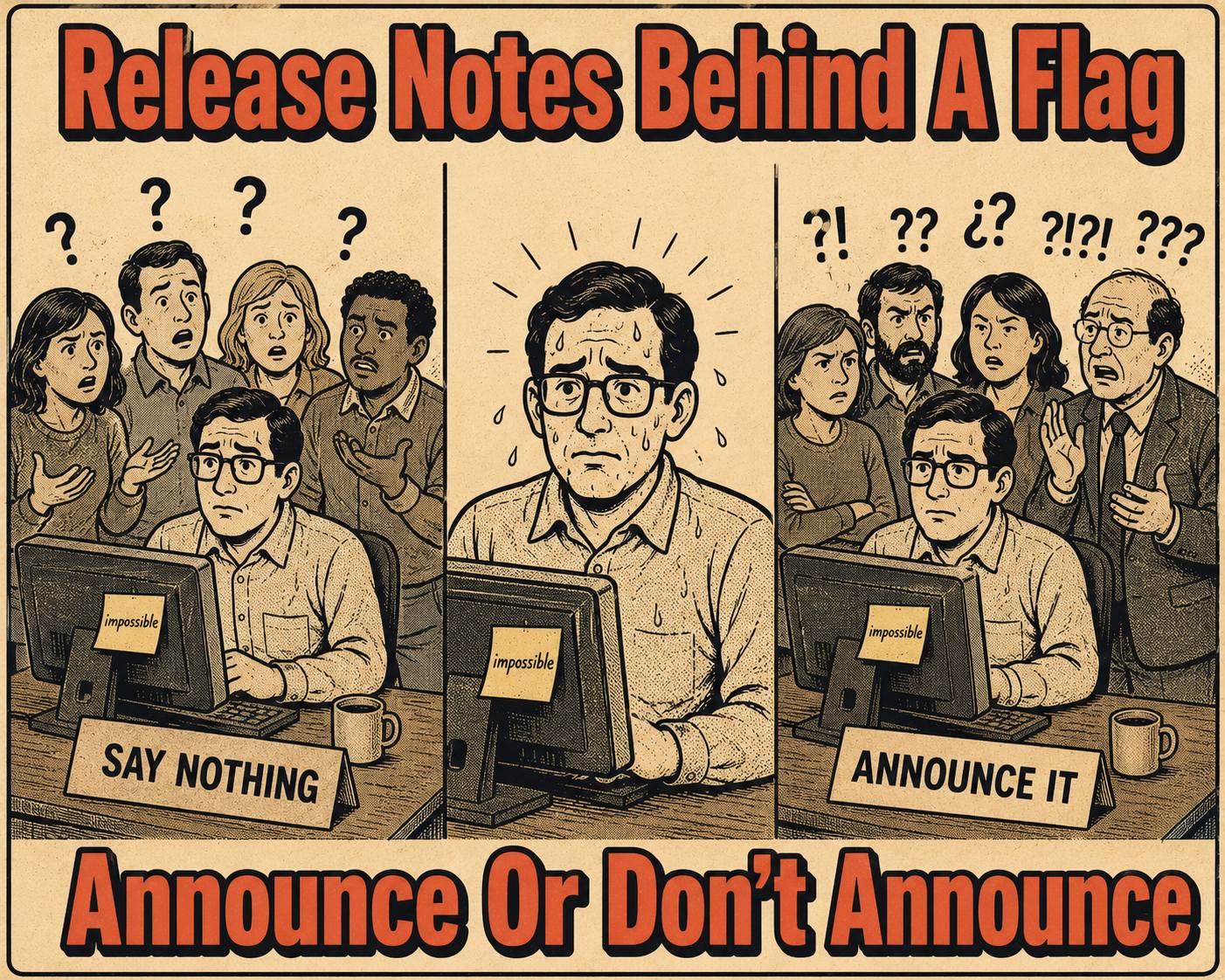
You have a problem. The feature is in production, but 95% of your users cannot see it. If you announce it, you will get support tickets from confused customers asking where their new dashboard is. If you don't announce it, the 5% who do have it might be confused by the sudden change in their UI without any accompanying documentation.
Feature flags are an engineering best practice that create a documentation nightmare. They allow you to decouple deployment from release, ship fast, and derisk releases — but they fragment the user experience. Release notes, historically, are public-facing artifacts that assume a shared reality. When the reality is segmented, the documentation strategy has to account for that.
The central tension is simple: do you write release notes for the code that shipped, or for the experience the majority of users actually have?
The Audience Problem
The first question you have to answer is whether the audience needs to know the feature exists at all right now.
If the flag is at 1% for pure stability testing and the feature isn't user-facing — say, a new database indexing strategy — the answer is easy. Save the announcement for general availability.
But if it's a beta program, an invite-only feature, or a gradual rollout of a major UI change, the calculus changes. The users in the cohort need to know what they are looking at. The users outside the cohort might need to know it's coming so they don't renew a competitor's contract next week.
Three Ways to Play It
If you decide you have to document a flagged feature, you generally have three options.
The silent launch. You ship behind the flag, gather data, fix issues, and say nothing publicly. Then you write the release notes when you flip the switch to 100%.
This works well for low-risk features, internal tools, or anything where user confusion outweighs the benefit of early announcement. The caveat is that some users will still discover the feature early. They might stumble upon it via an API endpoint, a UI glitch, or a support interaction. You need an internal doc ready to explain it to your support teams, even if you aren't broadcasting it to the world.
Staged disclosure. You write limited release notes that explicitly describe the availability as phased.
"We're rolling out the new reporting dashboard to select accounts this month. If you'd like early access, contact your account manager."
This works when the feature has clear value and you want to generate demand or gather structured feedback. The risk, of course, is creating FOMO or a support load from users who want in but can't get it.
Segmented release notes. You generate different versions of release notes for different user cohorts. One version for the test group, one for everyone else.
This is rare. It is operationally expensive. But it works for large enterprises with formalized customer communication tiers. It requires tooling to deliver the right version to the right audience, which most teams do not have.
The Words You Actually Use
When you do write about a flagged feature, the language you use matters. You have to reduce confusion for the people who don't have the feature yet.
Use conditional phrasing. "If you're part of the beta program…" or "This feature is available to enterprise customers in North America."
Avoid absolute statements. "You can now export to PDF" is a lie if 80% of your users cannot, in fact, export to PDF.
Be explicit about availability. Don't bury the flag status in a footnote. Put it in the first sentence. "We've begun rolling out X to a limited set of accounts" is clearer than "X is now available" with an asterisk eight paragraphs later. Simon Willison's writing on release notes makes the same point: the highlights should never get buried in a sea of qualifications.
Separate the what from the when. Describe what the feature does in full, then clearly state who can access it and when broader availability is expected. This lets early-access users understand the feature while setting expectations for everyone else.
The Missing Link in the Pipeline
Most release note systems assume binary shipping. The feature is either in the release, or it isn't.
Feature flags break that model. You need a way to track flag state, map it to user segments, and tie documentation to rollout status — not just merge status.
If you are generating release notes manually, this means someone has to cross-reference the flag dashboard, the product roadmap, and the user segmentation model every time they write a note. That is fragile. It does not scale.
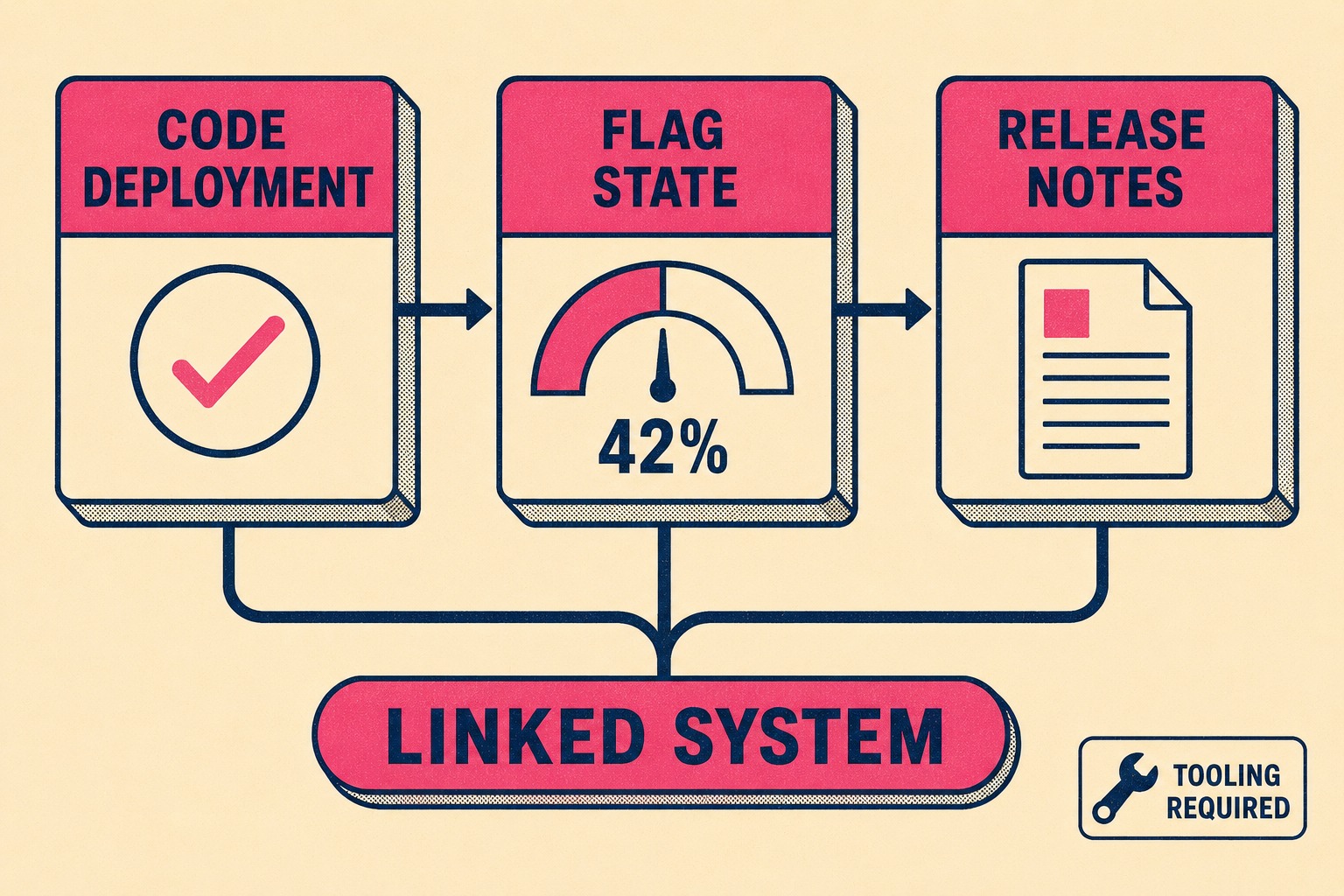
If you are automating release notes, the system needs to ingest flag metadata. It needs to know the percentage rollout, the target cohorts, and the expected GA date. It needs to surface that context to whoever is drafting or validating the output. That is not a feature most documentation tools have out of the box.
The core issue isn't writing better sentences. It is connecting release notes to the actual state of the system, including the flag configuration. That requires tooling that understands both your deployment pipeline and your documentation pipeline as connected systems.
When the system state and the documentation state are linked, the ambiguity disappears. Doc Holiday generates release notes, API references, and changelogs directly from engineering workflows, including feature flag state and rollout metadata. It gives lean teams the structure to validate, manage, and scale output without rebuilding a large headcount.



