How to Write Release Notes During a Company Rebrand


The morning the rebrand goes live, the marketing team is usually drinking mimosas and watching Twitter. The support manager is usually staring at Slack.
The website has a new logo, a new color palette, and a new name. But the release notes that went out last night (auto-generated from commit messages written three weeks ago) still use the old name. By 9:00 AM, the support queue is full of users asking if they logged into a phishing site, if the "new" product is a paid add-on, or if the feature they requested is actually in the thing they just downloaded.
When a company changes its name, the people who write the release notes are the ones who have to explain it to the users who actually click the buttons. And they have to do it without making every changelog entry feel like a press release.
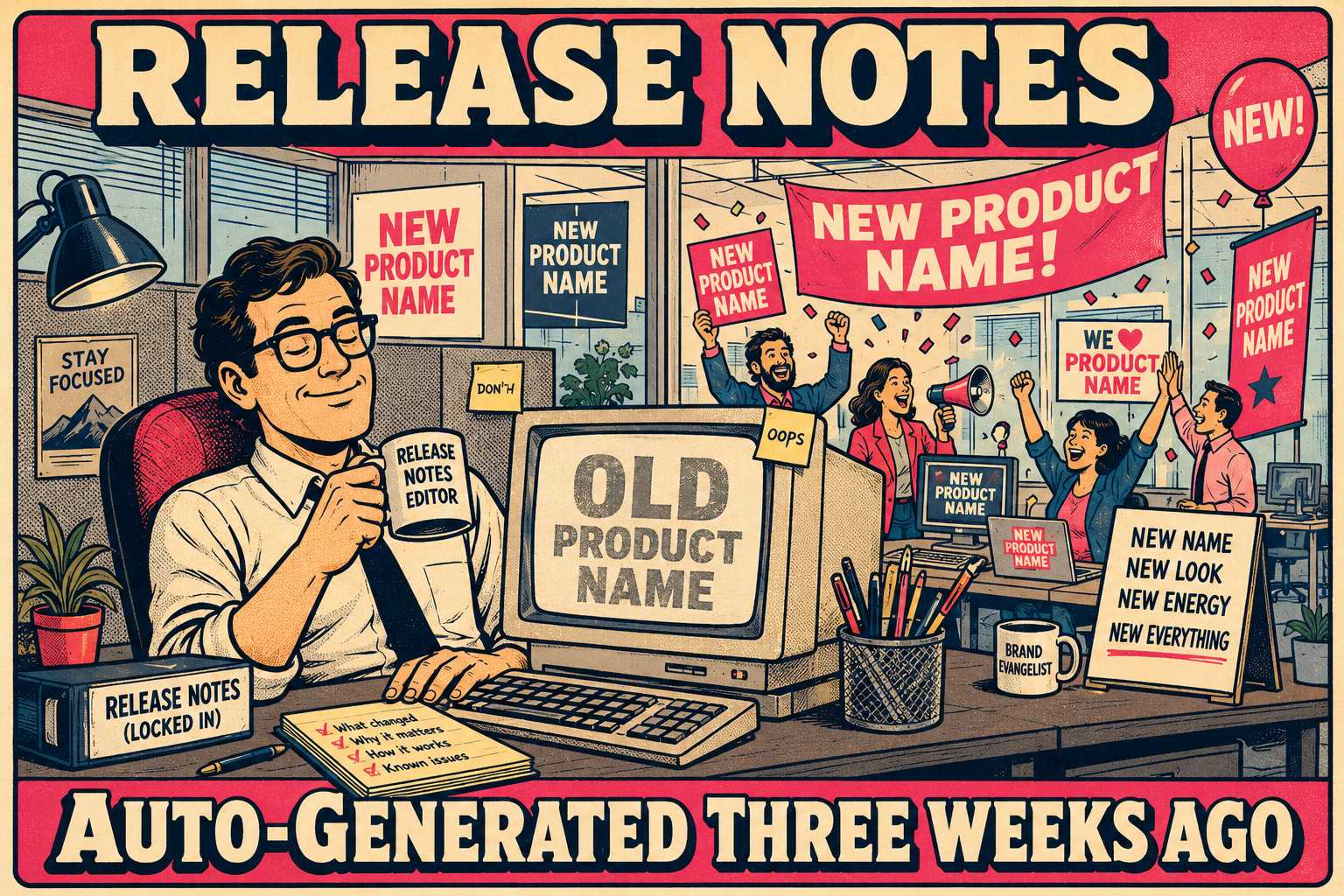
What Happens in the First 48 Hours
The most important function of release notes is to let customers know that something has changed in the product. When that "something" is the name of the product itself, the stakes go up.
You have to tell them what happened. You have to tell them immediately. And you have to do it without burying the actual functional updates.
The first release note after a rebrand should address the name change directly in the first sentence. Then, it should move on.
Added
* Welcome to [New Name]! We've changed our name from [Old Name], but the product you rely on is exactly the same.
* Added support for Ubuntu 24.04.
* Introduced a new dashboard widget for tracking API usage.
You do not need to explain why the rebrand happened. You do not need to talk about your "new corporate identity" or your "commitment to synergy." The user reading the release notes does not care. They care if their workflow is broken.
Rebranding may cause consumers to feel disoriented and as if they must make an extra effort to adapt. Your job is to tell them that no extra effort is required. If you spend three paragraphs explaining the new brand vision, you are forcing them to hunt for the actual updates. The release note is not the place for corporate communications theory. It is the place for operational facts.
The Awkward Transition Period
For a while, your users are going to use the old name. Your sales team is going to use the old name. Your engineers are definitely going to use the old name in their commit messages.
This is the transition period. It is awkward.
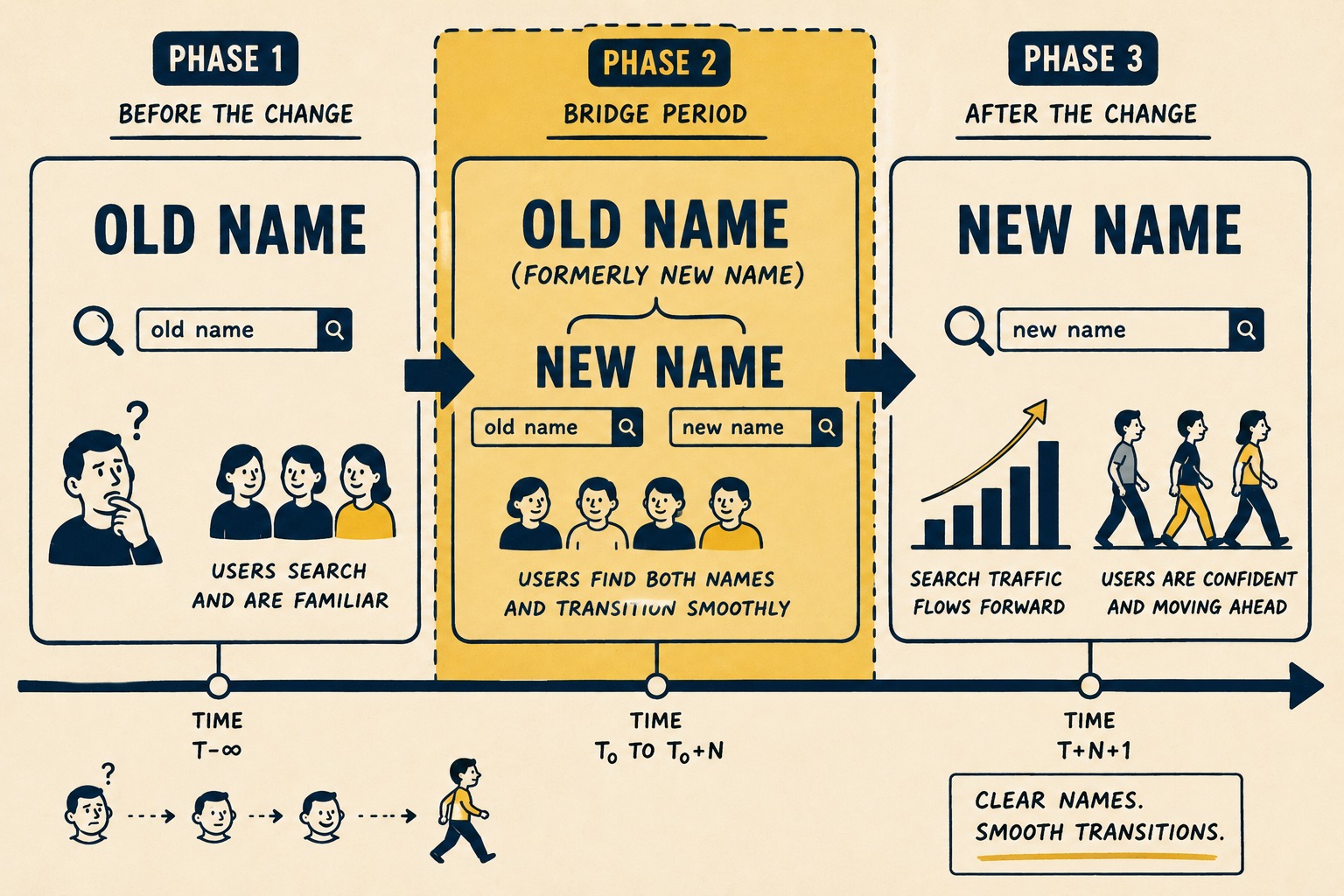
During this phase, you have to manage cognitive load. If they know the product as "Yellow" and you suddenly start calling it "Red" without a bridge, you increase the mental effort required just to follow along.
The solution is dual-branding. For a defined period (usually one to three months) use both names when referring to specific, highly trafficked features.
Changed
* The Analytics Exporter (formerly [Old Name] Exporter) now supports CSV downloads.
This helps with SEO, too. When you change a product name, you risk losing the search traffic associated with the old brand. By keeping the old name in the release notes temporarily, you provide a bridge for users who are still searching for the old terminology.
But put an expiration date on this practice. If you dual-brand forever, you never actually rebrand.
What to Do with the Old Stuff
What do you do with the release notes from two years ago? Do you retroactively change them to the new name?
No.
A changelog is a historical record of what was changed and why. It is a chronological list of notable changes for each version of a project. If you go back and rewrite history, you destroy the integrity of that record.
If a user is looking at a release note from 2022, they are probably trying to figure out when a specific feature was introduced or when a bug was fixed. If the UI in 2022 said "Article," the release note should say "Article," even if the UI now says "Document."
Instead of rewriting history, add a banner to the top of the historical changelog index: Note: Prior to [Date], [New Name] was known as [Old Name]. Release notes prior to this date reflect the terminology used at the time of release.
This preserves the historical record while acknowledging the change. It prevents the confusion of reading a 2022 release note about a feature that didn't exist under that name until 2024.
Getting the Sequence Right
Before you update your first release note, you need a plan.
- Lock the date. Pick a single release where the new name takes over. Do not phase it in over three weeks.
- Set the dual-branding window. Decide how long you will use "New Name (formerly Old Name)." Three months is usually enough.
- Write the historical banner. Draft the single sentence that will sit at the top of your archives explaining the change.
- Update the templates. If you use templates for release notes, change the headers, footers, and boilerplate text immediately.
Why the Machinery Breaks Down
The hardest part of writing release notes during a rebrand isn't the writing. It's the machinery.
Many teams auto-generate release notes from git commit messages. This is generally a good practice. It saves time and ensures that nothing gets missed. But during a rebrand, it becomes a liability.
Engineers will continue to use the old name in their commits for months. If your release notes are fully automated, those old names will leak into the public changelog. This is documentation drift — a mismatch between what your documentation says and what your product does.
You can try to fix this by asking engineers to change their habits. Good luck.
You can treat it as a systems problem instead. Terminology management is the practice of maintaining one authoritative version of every content component. It requires structure.
Unmanaged automation fails during transitions. It just blindly repeats whatever it was fed. Managed automation scales — and tools designed to generate release notes from engineering workflows, like Doc Holiday, are built with exactly this kind of structured terminology control in mind. Rather than treating a rebrand as a find-and-replace problem across dozens of past entries, they provide a process for validating that name changes propagate correctly across all documentation outputs before anything goes live.
That is the difference between a rebrand that lands cleanly and one that leaves your users wondering which product they are actually using.



