How to Write a Known Issues Section That Doesn't Scare Customers Away


A product manager and an engineering lead are looking at a draft of a Known Issues section right before a major release. They are arguing about a bug.
The engineer wants to describe the exact technical failure: "Race condition in the auth worker." The product manager wants to delete the item entirely because it "makes the product look broken."
Neither of them is right.
The Known Issues section exists to be transparent about current product limitations. Most teams write them in ways that make the product look unstable or barely functional. The mandate is to maintain trust while being truthful, and those two things are not in conflict. They are in conflict only when the writing is bad.
You build trust by framing issues in terms of customer outcomes, not technical failures. Here is where most teams go wrong.
When Everything Looks Like a Five-Alarm Fire
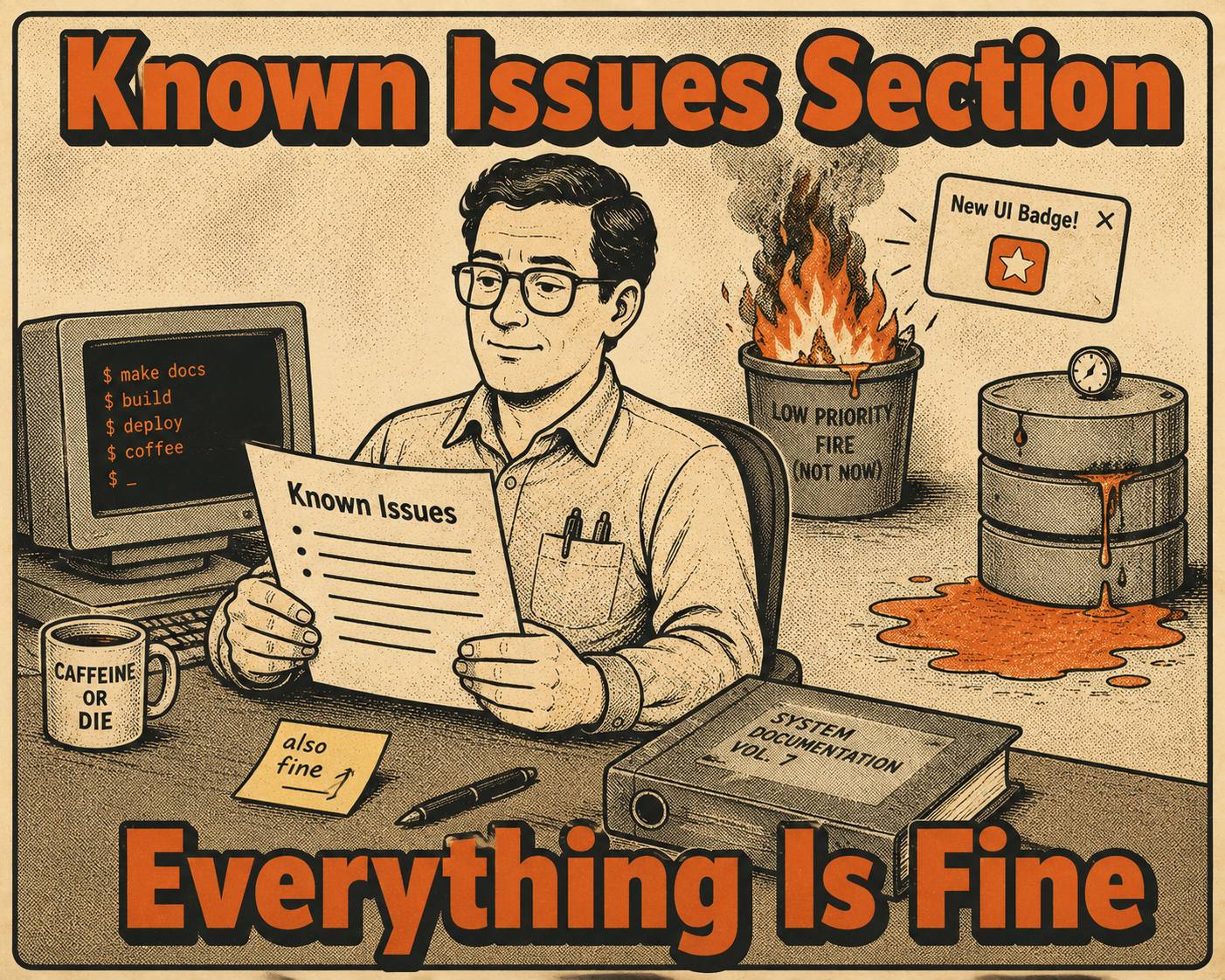
Most Known Issues sections are flat lists. No severity tiers, no context about impact, no indication of which issues actually matter to the reader.
A cosmetic UI glitch sits next to a data corruption edge case. They get the same formatting, the same weight, the same presentation. Readers assume everything is critical, because nothing tells them otherwise.
The fix is tiered severity classification with clear labels: Critical, High, Low. Each issue needs an explicit scope statement. "Affects users on the legacy auth flow." "Visible only in Safari 16.2." Impact summaries ground the issue in real-world consequences rather than internal severity scores. Bug severity classification helps teams identify which issues need immediate attention and which can be scheduled for later releases, but it also helps customers calibrate their response.
If you treat all issues as equally alarming, your customers will too. That is not transparency. That is noise.
The Bug Tracker Leak
Internal bug language leaks into public docs constantly.
"Regression in endpoint validation."
"Null pointer exception in batch processor."
"Race condition in worker queue."
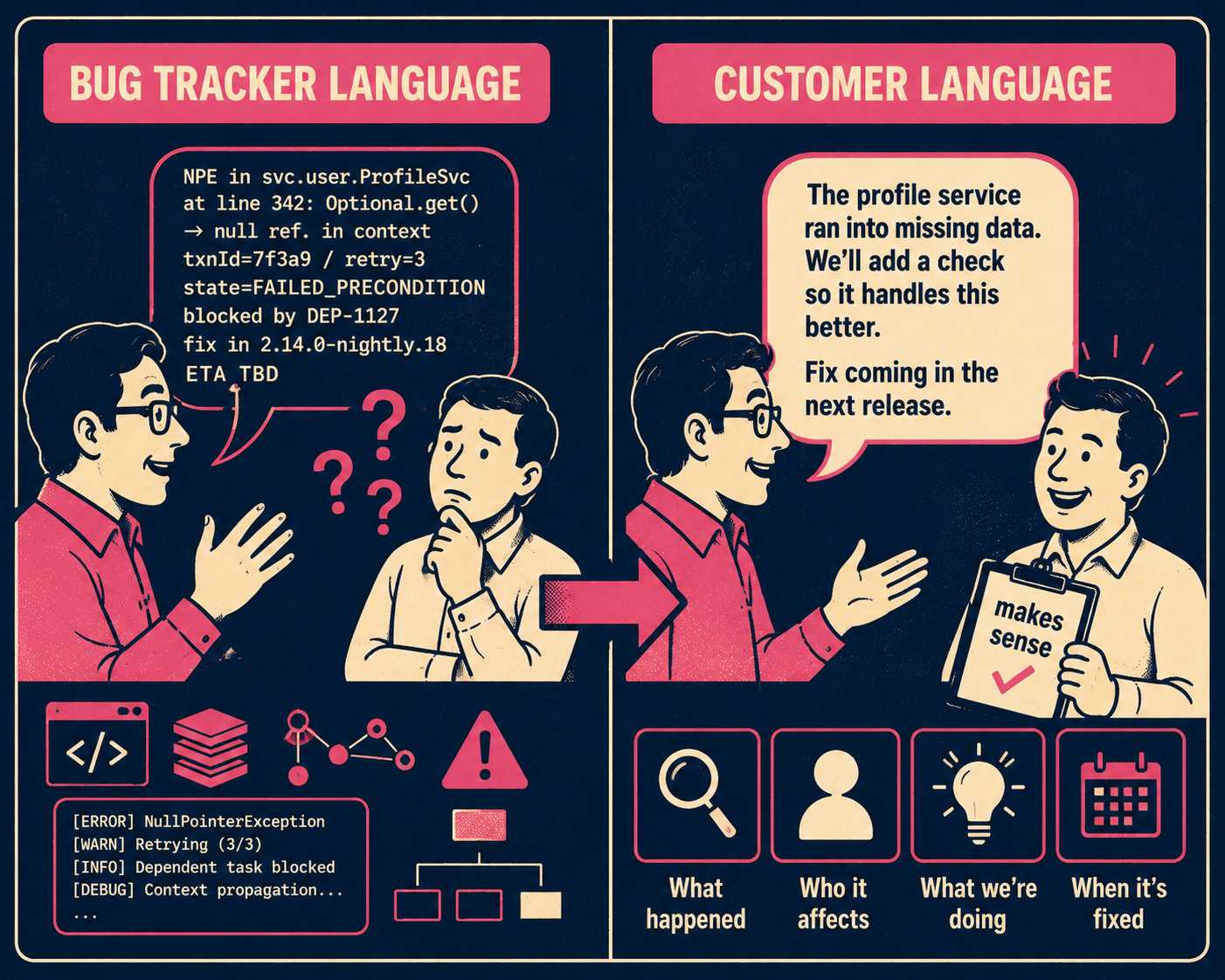
Customers do not speak this language. They interpret jargon as evasion, or worse, as evidence that the team does not understand the customer impact of their own bugs. Nielsen Norman Group research on plain language confirms that even highly educated readers prefer it, and that organizations with clear writing styles are perceived as more credible and transparent than those that do not.
Rewrite every Known Issue in outcome language. Describe what the user experiences, not what the code does.
Here is the same bug, written two ways:
API rate limiting failure: Token bucket algorithm miscalculates burst capacity under heavy load, resulting in HTTP 429 errors before quota is reached.
Versus:
API requests may be rejected prematurely. During periods of high traffic, you may receive HTTP 429 (Too Many Requests) errors even if you have not exceeded your rate limit. We are adjusting the capacity calculations to resolve this.
The first version is a bug tracker entry. The second is customer-facing documentation. The difference is not cosmetic. Studies on error message design have shown that alarming or ambiguous language increases cortisol levels and can cause users to abandon a product entirely. A Known Issues section written in internal jargon triggers the same response.
What Happens When There Is No Plan
A Known Issue with no remediation plan reads as abandonment.
Every issue should include either a workaround, a target resolution timeline, or an explanation of why it is deprioritized. A workaround lets users continue working while the underlying issue is resolved. If there is no workaround and no timeline, explain the trade-off: "This affects 0.3% of requests in a specific configuration. We are monitoring but prioritizing issues with broader impact."
That sentence does something important. It shows that the team knows about the issue, has assessed it, and has made a deliberate decision. Proactive transparency transforms the nature of the relationship, as Red Canary's Chief Trust Officer has argued: the willingness to have difficult conversations is what separates companies that build trust from companies that erode it.
The same principle applies to disclosure scope. A 2024 Springer study analyzing 1,529 release note issues on GitHub found that release note producers tend to overlook information rather than include inaccurate details, especially for breaking changes. The risk is not over-disclosure. The risk is under-disclosure of the things that actually matter, combined with over-disclosure of the things that do not.
Apply a disclosure threshold. Only document issues that meet specific criteria: affects more than 1% of users, causes data loss or security risk, has no workaround, or generates recurring support tickets. Everything else belongs in internal trackers, not customer-facing docs. Providing doc coverage for each release ensures you do not accrue documentation debt, but not every backend fix or minor glitch needs external documentation.
The Liability Showcase Problem
Disclosure creep is the opposite failure mode. Teams add every edge case, every minor quirk, every "we noticed this once" observation to the Known Issues section. The section balloons into a wall of caveats. It makes the product look unshippable.
The FIRST vulnerability coordination guidelines recommend that vendors analyze severity and establish priority remediation timelines before communicating issues publicly. The same logic applies to non-security bugs. Not every issue warrants the same level of disclosure, and treating them as if they do is its own form of poor communication.
A Known Issues section that is too long is not more honest than a short one. It is less useful, and it signals that the team has not done the work of deciding what actually matters to customers.
The Documentation Generation Problem
Known Issues sections require continuous updates as bugs are fixed and new ones emerge.
Release notes, changelogs, and Known Issues docs all pull from the same engineering activity. Most teams manage them as separate manual processes. Technical writers spend hours per release translating Jira tickets into customer language, categorizing severity, writing workarounds, and keeping three different docs in sync. A large-scale empirical study of 32,425 release notes across 1,000 GitHub projects found that the production process itself was the single largest category of release note problems, accounting for nearly 47% of all issues. The bottleneck is not the writing. It is the workflow.
Doc Holiday helps teams generate all three artifacts from the same source of truth, with consistent language and structure across each. It applies severity tiers automatically, rewrites internal bug language into customer-facing summaries, and flags updates as issues are resolved. A technical writer still validates scope, confirms workarounds, and makes final disclosure decisions, but the structure for managing and scaling that work is built in.



