How to Fix Documentation After a Bad Software Release


You push the release, close your laptop, and walk to the kitchen for coffee. By the time you get back, the support queue is red. A change that was supposed to be a minor refactor broke a core workflow. The release notes say "Performance improvements and bug fixes." The API reference is outdated. Customers are not just confused; they are actively angry.
The immediate problem is the broken code, but the secondary problem is the broken trust. When an incident happens, customers look to your documentation for ground truth. If the documentation either ignores the reality of the breakage or obfuscates it with dense technical language, the anger multiplies. Fixing the code stops the bleeding. Fixing the documentation stops the anger.
The Immediate Response
The first instinct during a bad release is often to wait until the engineering team has a full fix before saying anything publicly. This is the wrong instinct. Silence during an outage or a breaking change reads as incompetence or indifference.
You need to update the documentation immediately, even if the only update is acknowledging the failure. Add a known issues section to the release notes. Be plain about what is broken. Evasive language, like calling a broken feature an "unintended behavior modification," escalates frustration — research confirms that perceived organizational anxiety spreads directly to customers. If there is a workaround, document it clearly. If there is a rollback path, provide the steps. If there is no workaround and no rollback, state when the team expects to have an update.
If your initial documentation undersold the impact of the release, issue a prominent correction. Burying a correction in a footnote or a quiet update to a changelog ensures that customers will miss it and hit the problem again. Add inline warnings directly to the affected API references, configuration guides, or tutorials. The goal is to intercept the user before they execute the broken workflow, not to hide the failure in a separate status page.
Deciding the Level of Response
Not every documentation drift requires a five-page incident report. You need to triage the severity of the documentation failure to match the severity of the release failure.
For minor friction — a slight change in UI behavior or a cosmetic regression — an inline note in the relevant documentation is usually sufficient. You do not need to alert the entire customer base, but you do need to ensure that anyone looking for the specific feature sees the note.
Moderate disruption requires more effort. If a workflow has changed, a new prerequisite is required, or a feature is deprecated, you need a dedicated known issues page, a support article, and proactive notice in customer-facing channels. When GitHub experienced a major search outage, they did not just fix it; they published a detailed availability report explaining exactly what failed and why.
Major breakage demands executive-level communication. If there is a risk of data loss, severe service degradation, or a forced migration, you need a dedicated incident page with transparent timelines. The language must be direct and take responsibility. When organizations use evasive language or try to minimize responsibility, public anxiety and anger increase measurably. When Fastly suffered a global outage due to an undiscovered software bug triggered by a valid customer configuration, their summary was blunt: "Even though there were specific conditions that triggered this outage, we should have anticipated it." That level of ownership diffuses anger.
Structural Fixes to Prevent Repeat Incidents
If you are constantly updating documentation reactively after a release, the problem is not your writing speed. The problem is your release process.
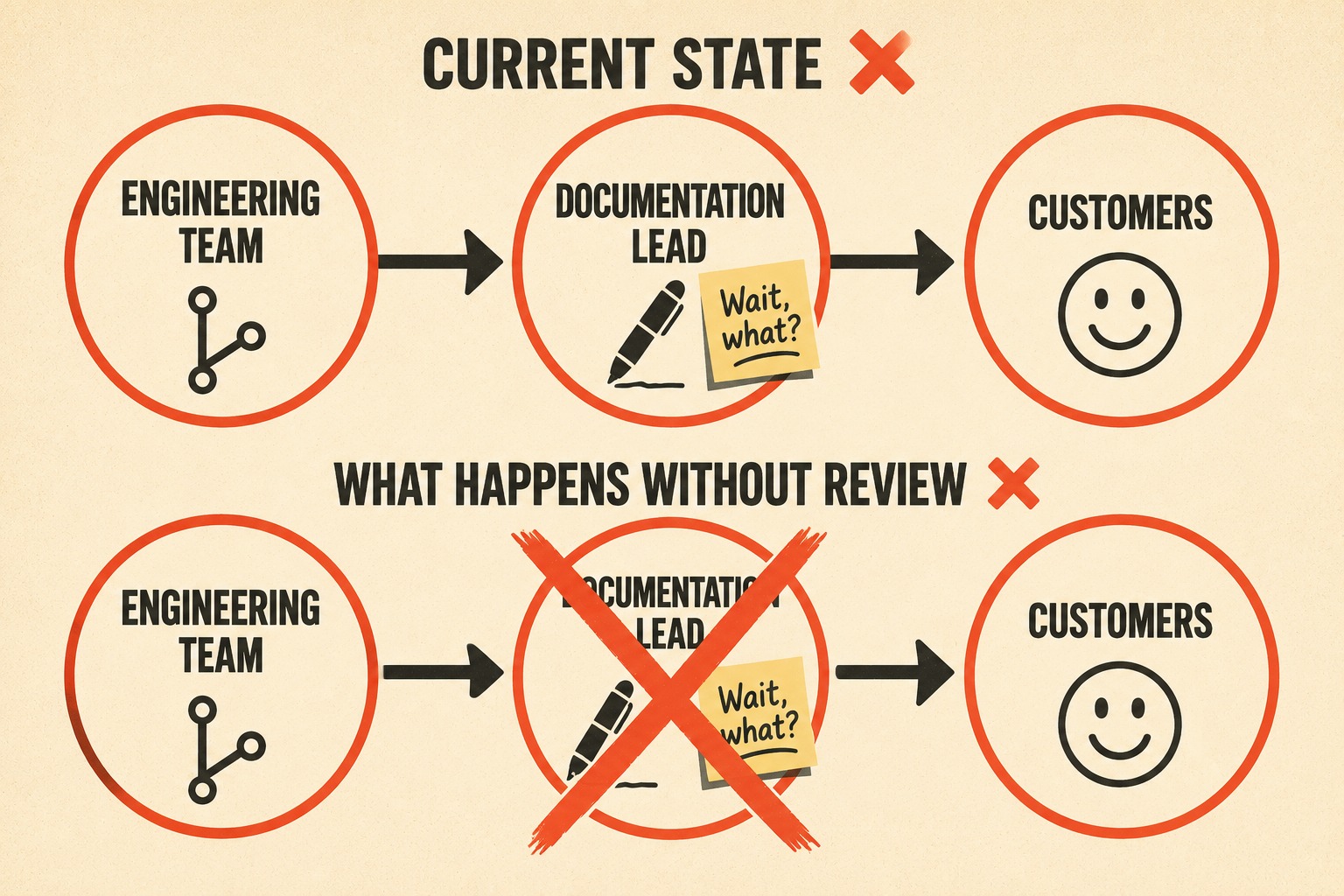
Release notes are often treated as an afterthought, auto-generated from commit messages or written by engineers who do not interact with support tickets. This guarantees a disconnect between what the engineering team thinks they shipped and what the customer experiences. Release notes should be written or reviewed by someone who understands customer impact. The same principle applies to incident updates: communicate early, acknowledge impact, and commit to a follow-up timeline — even when the full picture is not yet clear.
Set a strict review gate. Any release that deprecates functionality, changes default behaviors, or introduces breaking changes must include a customer-impact section written in plain language. If the engineers cannot explain the impact plainly, the release is not ready.
Build a tight feedback loop between your support and documentation teams. If the same question spikes in the support queue after a release, the documentation failed. Support ticket trends should trigger immediate documentation updates, not just internal complaints.
Finally, establish a "negative release" runbook. Draft pre-written templates for documenting rollbacks, hotfixes, and apologies. When the servers are on fire, the team should not be drafting crisis communications from scratch under pressure.
What Not to Do
Do not bury bad news in dense technical prose. When customers are looking for an explanation of why their system broke, they interpret obfuscation as contempt.
Do not frame customer complaints as "misunderstandings." Unless you can definitively prove that the documentation was perfectly clear and the customer genuinely missed it, assume the documentation failed. Blaming the user damages trust permanently.
Do not issue fragmented documentation updates that require customers to piece together the truth from multiple changelog entries, support articles, and forum posts. Centralize the correction in one clear, authoritative location.
When Heroku suffered a major security incident in 2022, their initial communication strategy frustrated users who felt the updates were sparse and difficult to follow, leading to public complaints about their incident management. They eventually published a comprehensive review, but the initial confusion caused unnecessary damage.
The Operational Reality
The reason companies get caught off-guard is that release notes and API docs are often written in a rush or auto-generated from git history with no editorial layer. Doc Holiday generates structured output directly from engineering workflows, but the system is designed to be validated and managed by someone who understands customer context — a technical writer or documentation lead who can flag impact before it ships. The reliability comes from the combination: AI produces the draft at scale, while human oversight ensures it reflects reality and tone-matches the severity. If your team is staffing documentation reactively after releases go live, you are always going to be apologizing in the docs instead of preparing customers in advance.



