Documenting Third-Party Integration Updates in Release Notes


If you have ever tried to explain an upstream dependency change to a frustrated user at 4 p.m. on a Friday, you know the particular pain of integration release notes. You are writing about a system you do not control, explaining a change you did not ask for, based on documentation that is almost certainly incomplete.
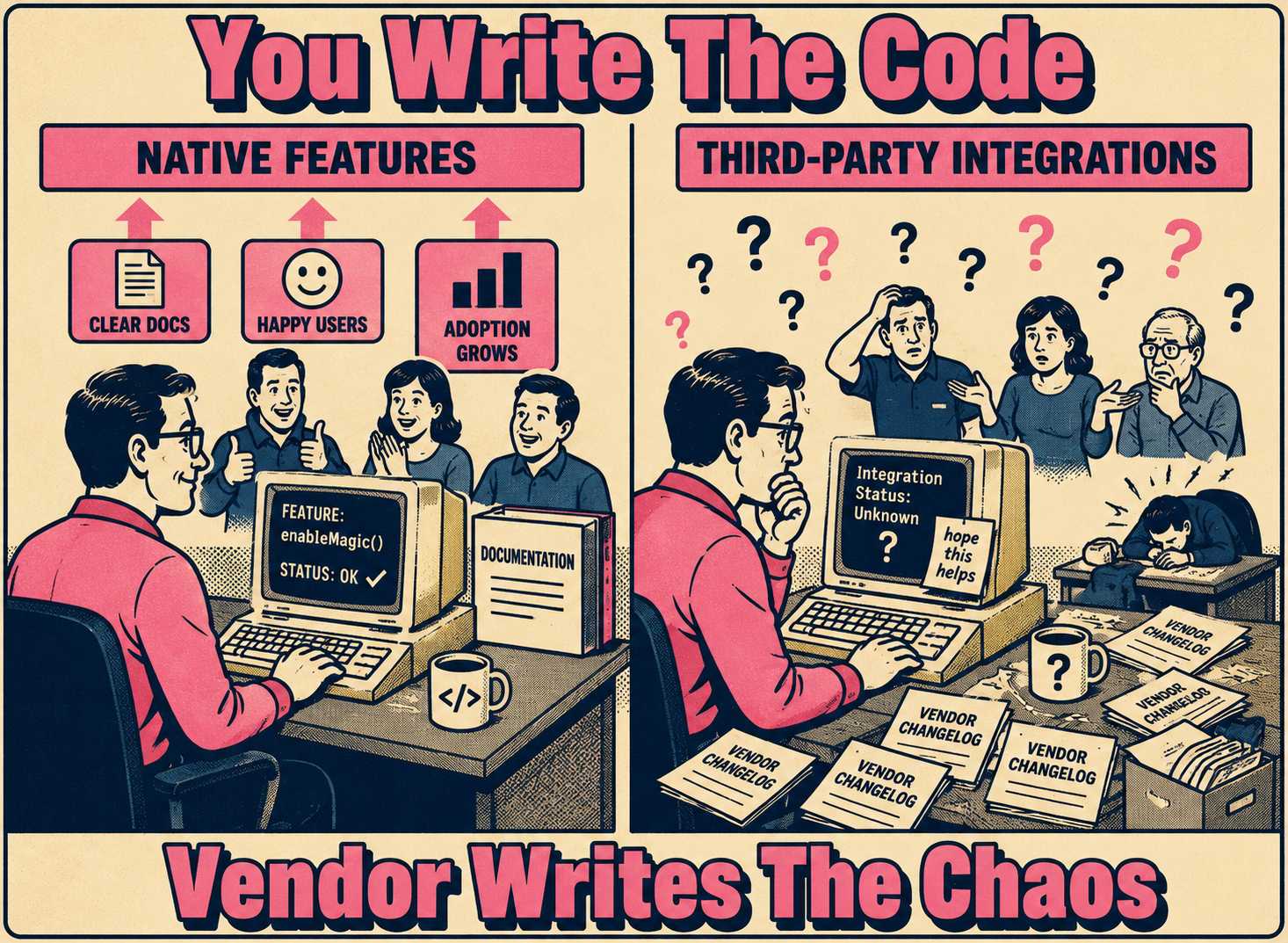
When a vendor ships an update, your team has to translate their technical changelog into your users' reality. This is fundamentally different from documenting native features. With native features, your engineers wrote the code. They know the edge cases. With third-party integrations, you are flying blind. You have limited visibility into the upstream changes, and you are entirely dependent on the vendor's release notes. If those notes are vague, your notes will be vague.
Worse, users rarely understand the boundary between your software and the vendor's. When an OAuth deprecation breaks their login flow, they do not blame the identity provider. They blame you. Your release notes have to bridge that gap, explaining what changed, why it changed, and what the user actually needs to do about it, without sounding defensive or alarmist.
Why Integration Updates Are Harder to Document Than Anything Else
The core problem is asymmetric information. When your team builds a feature, the engineers who built it can describe the edge cases, the design decisions, and the failure modes. When a vendor updates their API, you get a changelog entry and a migration guide, if you are lucky. The rest is archaeology.
Stripe's API versioning is a useful example here. They maintain backward compatibility across every version since 2011 and publish detailed changelogs for each breaking change, which is genuinely excellent practice. And yet, even with Stripe's unusually thorough documentation, upgrading a webhook endpoint requires careful coordination: creating a new endpoint, running both versions in parallel, testing the new one before retiring the old one — all documented in their migration guide. Now multiply that complexity by every integration your platform supports. The documentation problem scales faster than the engineering problem.
There is also the attribution problem. Users do not experience your software and your vendor's software as separate systems. They experience your product. When Atlassian deprecated its Connect framework and began requiring migration to Forge, every third-party app built on Connect had to communicate that change to their own users, even though the change originated entirely with Atlassian. The downstream teams had to write release notes explaining a decision they did not make, on a timeline they did not set, with migration steps that depended on Atlassian's own roadmap.
Research on API documentation quality confirms this is a systemic problem. A 2015 study of API documentation practices found that documentation failures are common even among well-resourced teams, and that the gap between what documentation promises and what the API actually does is one of the primary sources of developer frustration. When you are writing release notes for an integration update, you are often working from documentation that has exactly this kind of gap.
What Every Integration Update Note Actually Needs
Every time you document an integration update, you are answering a specific set of questions for your users. Miss one, and you generate support tickets.
The table below summarizes the core components and why each one matters:
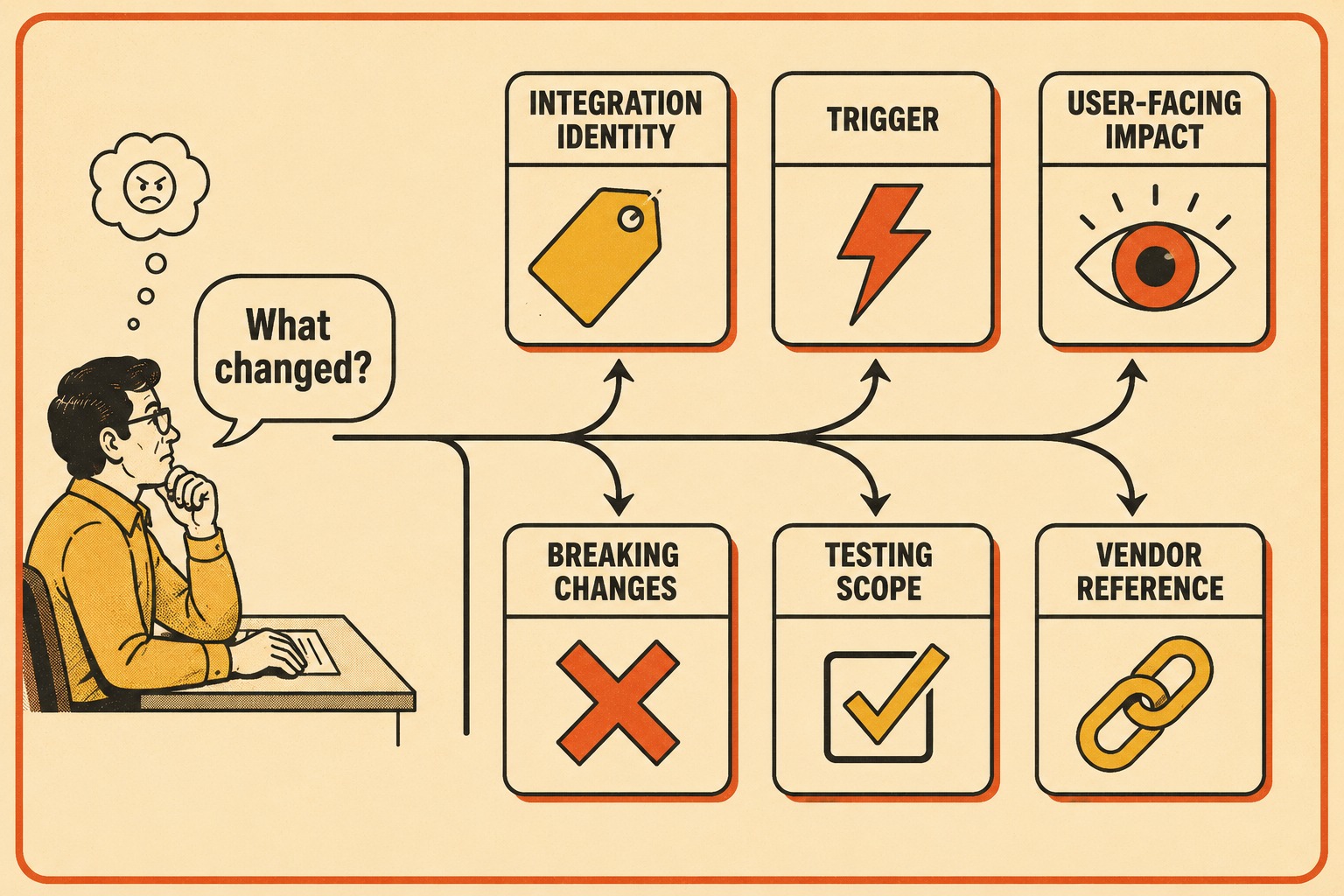
The version number matters more than most teams realize. Stripe now follows a named release process alongside monthly minor releases, specifically because developers told them they needed predictability in their engineering roadmaps. When you document an update, naming the version anchors your users in time and gives them something concrete to reference when they are debugging.
The trigger is equally important. Users are much more forgiving of breaking changes when they understand the vendor forced your hand. When Twilio extended the end-of-life date for its Notify API, it published a clear notice explaining the reason and pointing to migration resources. That kind of transparency, even when the news is bad, builds more trust than silence.
Handling the Unknown
Most integration updates involve a heavy dose of uncertainty. You updated the dependency because you had to, you tested the happy path, and you are crossing your fingers about the rest.
The trick is framing. Instead of writing, "We had to update this or the integration would break," write, "We updated to support the latest security standards." Frame the update around the benefit, even when the benefit is just continued functionality. The underlying reality is the same; the user experience of reading it is not.
When you know there are edge cases you could not test, say so clearly but calmly. "If you rely on advanced features A, B, or C, we recommend testing this update in your staging environment before deploying to production." This is not a confession of incompetence. It is a professional recommendation, and users who rely on those features will thank you for it.
The Keep a Changelog project, which has become something of an informal standard for open-source versioning, puts it well: changelogs are for humans, not machines, and the goal is to make it easy for users to see precisely what changed between versions. That principle applies just as much when the changelog is about a vendor's change as when it is about your own.
Research on software documentation confirms that the most valuable information in a changelog is not the change itself, but the reasoning behind it and what users need to do to keep their integrations running. If your release note answers those two questions, it is doing its job.
When Silence Is the Right Choice
Not every change needs a release note. If you bump a minor dependency version and there is no user-facing impact, writing a note about it creates noise without adding value.
Silent updates are the norm for pure maintenance work. If the change does not alter behavior, require new permissions, or break existing workflows, let it pass quietly. The Microsoft FluidFramework team distinguishes between "breaking changes" (which require documentation in every major release) and "upcoming changes" (which are flagged in advance so users can prepare), and they explicitly do not document internal refactors that have no downstream impact.
Transparency is mandatory, though, for security fixes that change behavior, breaking changes even if they are vendor-driven, and any update that requires new user permissions or scopes. Research on silent security patches is instructive here: patches that go undocumented cause delays in downstream software updates, because maintainers of dependent systems have no way of knowing a security-relevant change was made. If your update closes a security gap, say so. Users deserve to know.
Extracting Useful Information From Thin Vendor Docs
Sometimes the vendor's documentation is genuinely useless. They drop a major version bump with a changelog that says, "Bug fixes and performance improvements." (You know who you are.)
When the official docs are thin, you have to dig. Check their developer forums. Look at the commit history if the integration is open source. If you have a support contract, escalate the issue and ask specifically what breaking changes are included in this release. GitHub's automatic release notes feature, which generates changelogs from merged pull requests, is a useful model here: it forces teams to label changes by type, which makes it much easier to identify what actually needs to be communicated.
When you finally piece together the reality of the update, write the release note your vendor should have written. Translate their technical language into operational reality for your users. If the vendor says, "Deprecated implicit grant flows," you say, "Updated authentication to require explicit user approval, which improves security for all users." The technical fact is the same. The user-facing version is actually useful.
Scaling This for Teams With Many Integrations
If you manage a platform with dozens of integrations, the process described above breaks down quickly. You cannot manually research and write bespoke release notes for every minor dependency bump across fifty different third-party services.
Batching helps. Group minor updates into a single "Integration Maintenance" section in your release notes. Reserve individual entries for major version upgrades, breaking changes, and anything that requires user action. The Anchore team ran into exactly this problem when frequent dependency updates were generating release notes that were "pretty empty aside from dependency bumps," and they developed a tiered system: core dependency changes get treated as enhancements, minor dependency bumps get collapsed into a single section, and internal tooling changes are excluded entirely.
The deeper problem is that automation alone does not solve the documentation quality issue. A technical writer who has worked with automated release note generation puts it plainly: quality release notes for public consumption require expert human intervention, because the semantic tags developers apply to commits are often wrong, and the difference between a change that affects users and one that does not requires product knowledge that no automation currently has.
That is where a tool like Doc Holiday fits into the workflow — not as a complete solution, but as a useful first step. It generates structured baseline drafts from dependency updates, vendor changelogs, and commit history, then passes those drafts to the technical writer or product lead who can validate user impact. That person adds the context only a human would know: whether this change affects power users, whether it requires a heads-up to customer success, whether staging testing is recommended. The draft gets the mechanical work out of the way; the rest of the release notes process — review, validation, communication decisions — still requires the people who understand the product and the user base.
Automation handles the parts that are genuinely automatable. The judgment calls stay with the humans who are equipped to make them.



