How to Automate Help Scout Documentation Updates After Software Releases


A team ships a minor release on a Tuesday afternoon. The CI/CD pipeline runs, the tests pass, and the code hits production.
Nothing breaks. The engineers move on to the next sprint.
But an invisible clock starts ticking. Somewhere in the product, a button has moved, a parameter has been renamed, or a setup flow has been streamlined. On Thursday, a customer will try to configure that feature. They will open your Help Scout knowledge base. They will look at an article that features a screenshot from three versions ago and instructions that no longer match the UI.
They will get frustrated, and they will file a support ticket.
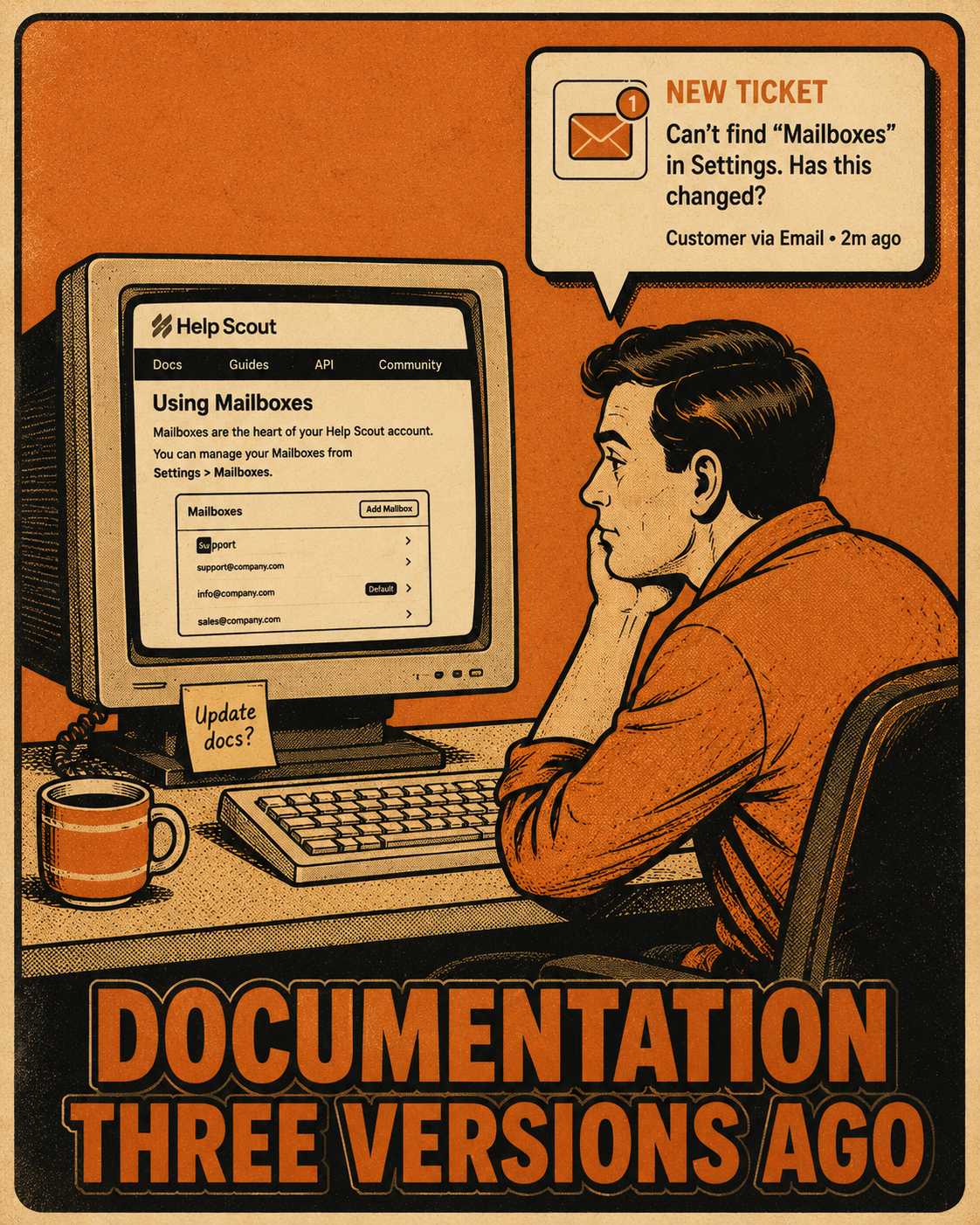
The problem here isn't that your technical writers are lazy. The problem is that your Help Scout documentation is not natively connected to your engineering workflows. When you ship a release, nothing automatically tells Help Scout what changed. The gap between what your product does and what your documentation says it does—documentation drift—widens with every commit.
The Gap Between Shipping and Explaining
For a long time, the standard approach to keeping documentation current was brute force.
Release notes come in. Someone—usually a technical writer or a product manager—cross-references those notes against the Help Scout categories. They manually identify the affected articles. They rewrite the necessary sections. They take new screenshots. They verify that the code examples still work. Then they hit publish.
This works fine if you ship quarterly releases with a small set of documentation.
It breaks entirely at scale. A team shipping weekly averages four to eight user-facing changes per week, which can affect dozens of help articles. If you are deploying daily, the math is catastrophic. You are accumulating documentation debt faster than you can pay it down.
The standard explanation is that teams just don't prioritize documentation. That is a lazy analysis. Teams don't prioritize lots of things. Documentation drift happens because the codebase and the help center do not talk to each other. They exist in separate operational universes.
How the Manual Process Actually Breaks
When documentation is treated as a post-release chore, it decays.
Support teams know the docs are wrong because they field the same questions every day. But they often lack the time or the access to fix the articles in Help Scout. They might drop a note in Slack or file a Jira ticket, but the engineers who could fix the technical details are busy shipping the next feature.
The direct cost is measurable. If 30% of your support tickets are questions your docs should already answer, you are spending thousands of dollars per quarter on a problem that documentation updates would eliminate. The indirect cost is worse. When customers follow a guide and fail, they stop trusting your help center. They stop reading it entirely. Every simple question becomes a support ticket.
You cannot solve a systems problem by telling people to work harder. The solution is not to demand more manual updates. The solution is to connect the systems.
Wiring the Release to the Help Scout API
The operational fix is to connect your release workflow directly to Help Scout's API.
When you do this, documentation updates are generated from the same source of truth that engineering uses to ship. Release notes, changelogs, and API references become inputs to an automated pipeline that drafts updated Help Scout articles.
Here is what that looks like in practice.
Engineering ships a release. A changelog is automatically generated from the commits, Jira tickets, or release metadata.
An automated system parses those changes. It identifies which Help Scout articles are affected by the new release.
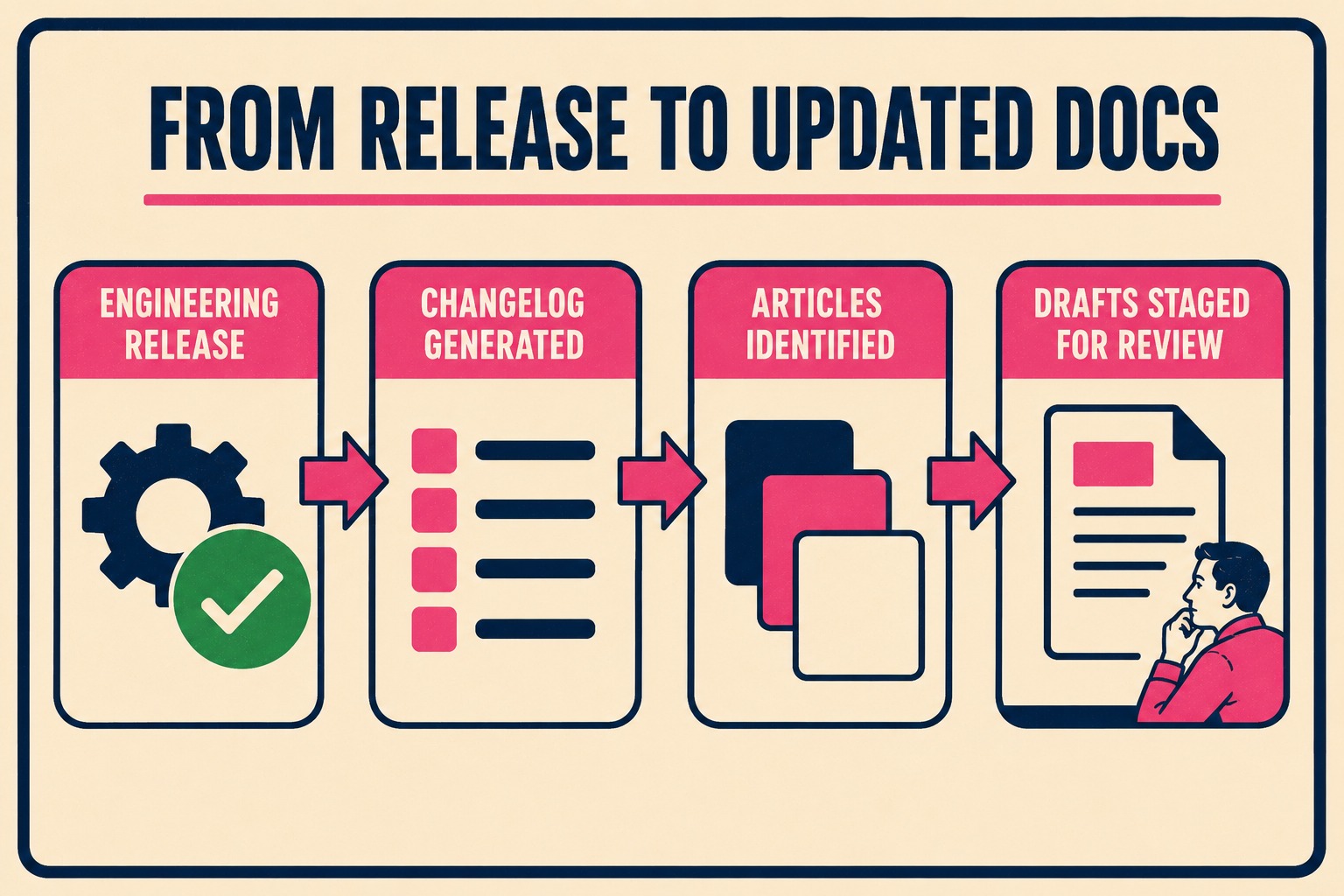
The system uses the Help Scout Docs API to programmatically pull the existing articles. It generates updated drafts that incorporate the new parameters, the changed UI flows, or the deprecated features.
It does not publish them immediately. It stages them for review.
The New Role of the Technical Writer
This is where the conversation usually turns to workforce reduction. If the system is writing the drafts, do we still need the writers?
Yes. But you need them doing different work.
Automated drafts are faster and more consistent than starting from scratch. But an AI model does not understand the historical context of why a specific API was designed as a workaround for a legacy client in 2022. It does not know your brand's specific tone.
A skilled technical writer still needs to verify accuracy. They need to ensure the article fits Help Scout's structure. They need to catch the edge cases the system missed.
The writer's job shifts from "rewrite 40 articles from scratch" to "review 40 drafts and fix what's wrong."
If your team has been asked to reduce documentation headcount, or is already operating lean, this approach lets fewer writers cover more surface area. The right move is not to eliminate the function entirely. It is to give your best writer the structure to manage output at scale. Someone still needs to own the system, review the drafts, and make judgment calls. This is workforce transformation, not displacement.
When you connect your release workflow to Help Scout's API, you are generating updated documentation directly from the same metadata engineering uses to ship. Doc Holiday generates release notes, changelogs, and API references from engineering workflows, then provides the structure to validate, manage, and scale that output. It works best when a skilled technical writer is running it—reviewing drafts, catching errors, and ensuring quality—not operating unsupervised. If your team is already lean or has been asked to do more with less, this is the system that makes that feasible without sacrificing accuracy.



