Why Your Salesforce Knowledge Base is Always Out of Date (and How to Fix It)


The reality of managing a B2B SaaS support team is that your documentation is almost certainly behind. You know it, your agents know it, and unfortunately, your customers know it.
When a customer service leader is told to keep their Salesforce Knowledge Base current, the immediate instinct is to look at headcount. If releases are shipping faster than articles can be written, the math suggests you need more writers. But the math is wrong. Most Salesforce Knowledge Base staleness is a workflow problem, not a people problem.
Adding more writers to a broken workflow just means you have more people waiting for information that arrives too late. To actually fix documentation drift, you have to look at the structural bottlenecks between engineering outputs and customer-facing knowledge.
Why Salesforce Knowledge Goes Stale
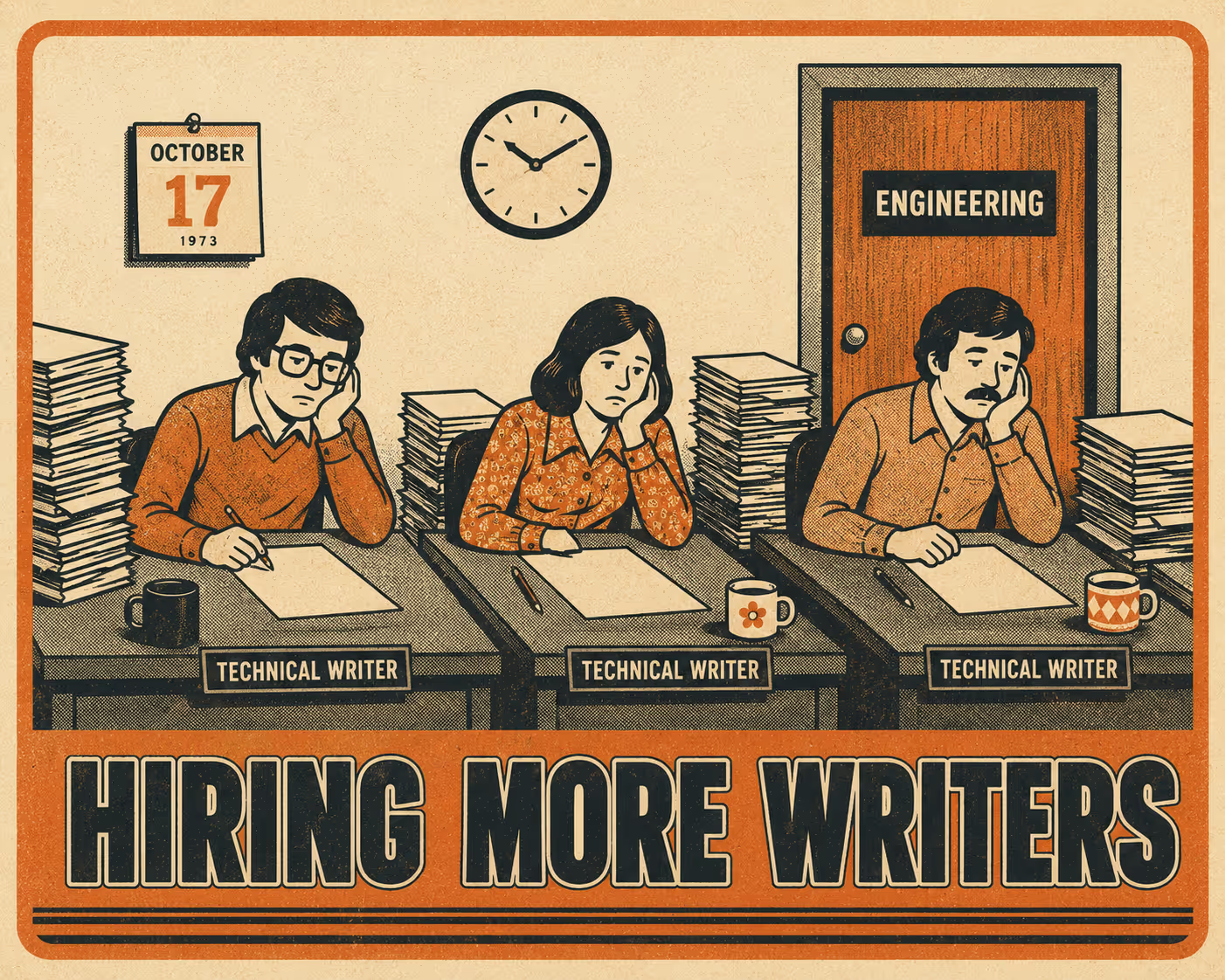
The gap between what your product does and what your documentation says it does is called documentation drift. It happens because modern software development moves at a pace that traditional technical writing workflows were never designed to match.
The core issue is release velocity. High-performing engineering teams deploy code frequently, often multiple times a week (DORA, 2024). Meanwhile, the documentation process remains largely manual. Releases ship faster than articles can be written, creating an immediate backlog that compounds with every sprint.
This velocity mismatch is made worse by a fundamental communication gap: the silent handoff. Engineering teams often don't loop in support until post-release. A feature goes live, a customer asks a question about it, and the support agent discovers the change at the exact moment they need to explain it. As project management research notes, silent handoffs—where work transfers between teams without explicit acknowledgment—are the single most common cause of timeline slippage in cross-team projects (Quire, 2026).
There's also the cascade problem. Updating a Salesforce Knowledge Base isn't just about writing one new article. A single feature change might require manual updates across multiple related articles, troubleshooting guides, and FAQs. When tracking these dependencies relies on human memory, things get missed. And once an article is wrong, it tends to stay wrong for a long time.
The Hidden Cost of Stale Documentation
Outdated documentation isn't just an administrative annoyance. It carries a measurable financial and operational cost that rarely shows up on a single line item.
The most immediate impact is increased ticket volume. When customers try to self-serve and find outdated answers, they fail and open a ticket instead. Gartner research found that only 14% of customer service issues are fully resolved in self-service, and in 43% of self-service failures, customers simply couldn't find content relevant to their issue (Gartner, 2024). Every one of those failures is a ticket. And since the median cost per contact for assisted channels is $13.50 compared to $1.84 for self-service (Gartner, 2024), the math on stale documentation gets ugly fast.
Internally, the damage compounds. Support agents end up giving conflicting information because they're relying on different, outdated sources or their own tribal knowledge. This inconsistency erodes customer trust in ways that are hard to recover from. It also drastically slows down onboarding. New support hires rely heavily on the knowledge base to get up to speed. When that resource is unreliable, they have to constantly interrupt senior team members for clarification—a dynamic that can cost engineering and support organizations hundreds of thousands of dollars annually in lost productivity (Decode Agency, 2026).
Why Adding More Writers Doesn't Solve It
If the problem is that documentation is behind, hiring more technical writers seems like the logical solution. But this approach fundamentally misunderstands where the bottleneck is.
The problem is that engineering outputs—release notes, changelogs, API updates, pull requests—live in entirely separate systems from Salesforce Knowledge. Engineers work in Git, Jira, or Linear. Support works in Salesforce. Even the fastest, most talented technical writers cannot document what they don't know about.
Research on software release notes confirms this: most release notes list only a fraction of the actual changes made in a given release, and the content varies significantly both between software systems and across versions of the same system (Abebe, Ali & Hassan, 2016). If writers are working from incomplete, delayed, or poorly translated information from engineering, their output will be delayed regardless of how many of them there are.
Adding headcount doesn't fix the information gap. It just means you have more people waiting in the same queue. You aren't paying them to write; you're paying them to be investigative journalists inside your own company.
What Actually Works
To fix the staleness problem, you have to bridge the gap between where code lives and where knowledge lives. This requires treating documentation with the same rigor as code—an approach often called "Docs-as-Code," where documentation is versioned, reviewed, and deployed through the same pipelines as software (Squarespace Engineering, 2025).
Three structural changes make this possible.
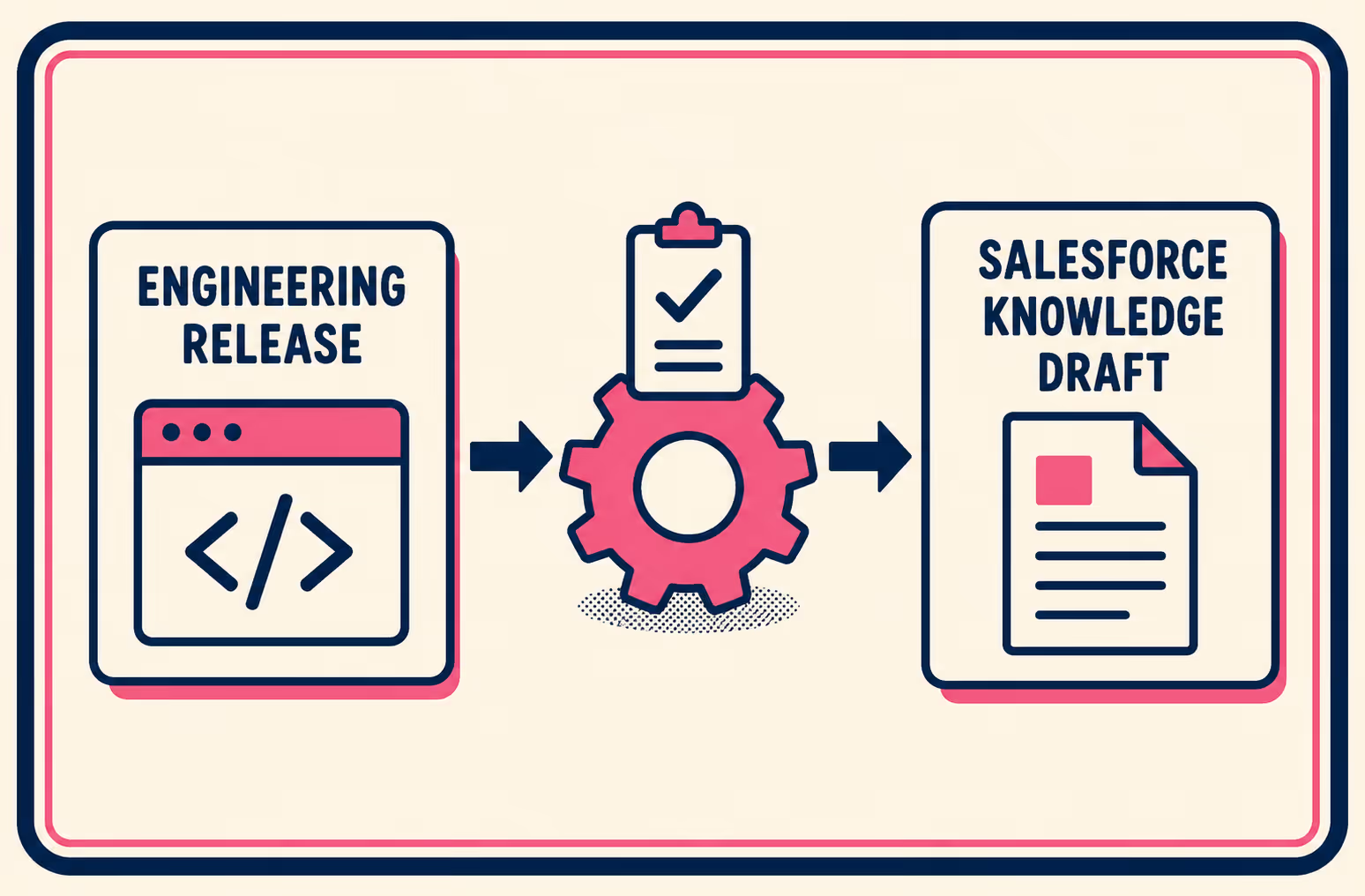
The first is automated ingestion. When a feature is marked "done" in Jira or merged in GitHub, that event should automatically trigger the creation of a draft in Salesforce Knowledge, pre-populated with the technical details of the change. This eliminates the manual handoff entirely. Writers receive a draft with context already in it, rather than a blank page and a vague Slack message.
The second is structured validation workflows. These automated drafts shouldn't go live immediately. Salesforce Knowledge supports robust approval processes that route drafts to the right Subject Matter Expert before publishing (Salesforce Help, 2024). A technical writer or product manager reviews the draft for accuracy and tone, then approves or edits before it goes live. Human judgment stays in the loop; it just gets applied at the right moment rather than at every moment.
The third is version control that ties Knowledge updates to specific releases. Nothing ships undocumented. By linking the documentation lifecycle directly to the release cycle, you ensure the knowledge base evolves synchronously with the product.
The Role of a Senior Technical Writer in This System
Automation doesn't replace your technical writers. It elevates them—which is a polite way of saying it finally lets them do the job they were actually hired for.
When you remove the toil of chasing down release notes and manually drafting basic updates, the role of the technical writer shifts from reactive scribe to proactive knowledge manager. In an automated system, a senior technical writer manages the automation infrastructure itself. They define the templates and taxonomy that ensure the knowledge base remains organized and searchable. They act as the quality gate, validating automated outputs for accuracy, clarity, and brand tone before anything goes live.
Instead of writing every article from scratch, they are editing and refining. Instead of being the last to know about a release, they are embedded in the release process. This is the infrastructure that lets one senior writer do the work of three—not because they're working faster, but because the system is no longer working against them.
Closing the Gap
Fixing Salesforce Knowledge Base staleness requires moving away from manual, reactive processes and toward automation that connects engineering reality with customer support needs.
Doc Holiday generates the kind of structured release documentation that can feed directly into Salesforce Knowledge article drafts. It bridges the gap between your engineering tools and your support platform, giving your team a validation workflow to ensure nothing goes live without human review. It's the infrastructure that transforms your knowledge base from a constant source of technical debt into a reliable, up-to-date asset—and it's the difference between a support team that's always catching up and one that's always ready.



