The Practical Guide to Release Notes That Don't Suck


Your release is scheduled for tomorrow morning. Someone just pinged the engineering lead asking who is writing the release notes. Nobody has started. Nobody wants to. The person who did it last time is on vacation, and the person before that quit.
So someone pulls up the Jira board, copies a list of ticket titles, pastes them into a document, and hits publish. The result is a changelog that reads like a machine-generated audit log: "Fixed bug in auth flow," "Updated dependency," "Refactored user service."
This is how most companies handle release notes. It's also why most users ignore them.
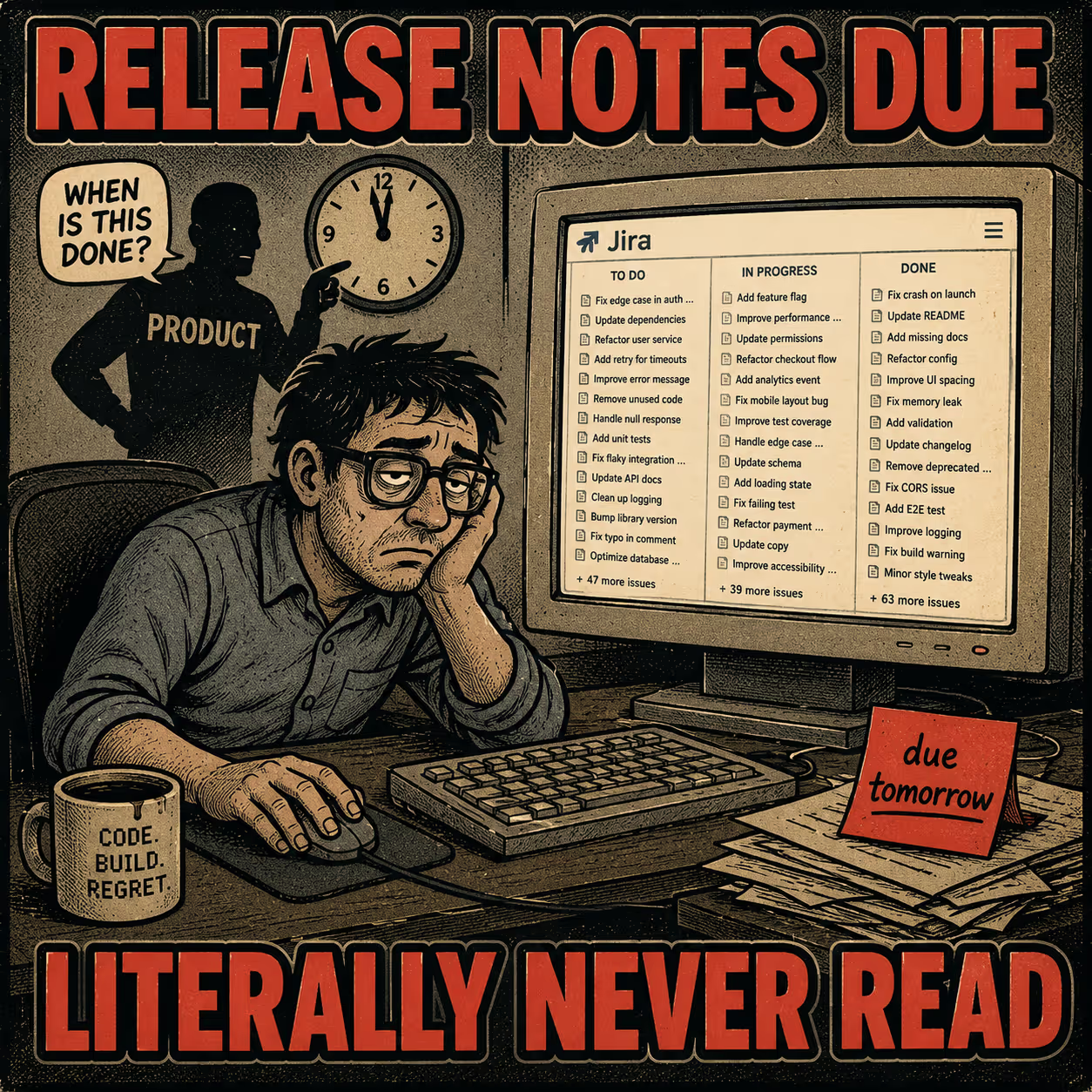
When release notes are treated as an administrative chore, they become an administrative artifact. But when treated as a product surface, they become one of the most effective ways to build trust, reduce support tickets, and drive feature adoption. A 2021 empirical study of 32,425 release notes across 1,000 GitHub projects found that well-formed release notes positively impact software evolution and user satisfaction, yet there remains a significant discrepancy between what producers write and what users actually need.
The solution isn't to write more release notes. It's to write them differently. Here's how the best product-led companies do it, and what's actually worth copying.
What the Best Changelogs Have in Common
The companies with genuinely excellent release notes don't treat them as a compliance exercise. They treat them as a product surface with a real audience. That shift in framing changes everything about how they're written.
Stripe is the gold standard for developer documentation, and their changelog reflects that. In late 2024, Stripe redesigned their API release process to separate major breaking changes (which they name after plants, like "Acacia") from monthly feature enhancements. The structural choice worth copying: Stripe explicitly separates the "what changed" from the "how to upgrade." Migration instructions are their own distinct, scannable section. If a change requires action, the reader knows exactly where to look.
Notion takes a different approach for a different audience. Their releases page is heavily visual, relying on screenshots and animations rather than dense text. More importantly, they group changes by user outcome rather than technical component. Instead of "Database Updates," they use headers like "Better ways to organize your work." They translate the engineering output into the user's vocabulary, which is harder than it sounds.
GitHub handles an immense volume of updates across dozens of product areas, and their changelog stays navigable because of one structural discipline: every entry is tagged by type (New Release, Improvement, Retired) and by product area (Copilot, Application Security, Client Apps). A developer working on supply chain security can scan the entire list and read only what's relevant to them. The taxonomy does the filtering work so the reader doesn't have to.
Vercel builds products for frontend developers, and their changelog reflects that audience's need for immediate context. Almost every entry includes inline code snippets and a direct link to the relevant documentation page. They don't just tell you a new API is available; they show you the code to use it. They also attribute changes to specific engineers, which humanizes the platform in a way that generic "the team" language never does.
Linear is famous for its changelog, which reads less like a technical document and more like a letter from the product team. In a post about their philosophy, Linear co-founder Karri Saarinen explained that they rotate writing responsibility within the team, usually having the person who built the feature write the note. The structural choice worth copying: Linear prominently features one to three larger changes at the top with rich context, then collects all the minor fixes in a single scannable section at the bottom. They don't treat all updates equally, which means readers don't have to treat them equally either.
Superhuman takes feature storytelling further than most. Their updates page treats every release as a mini-narrative. The specific heading worth stealing: "How is this different?" It forces the writer to explain the delta between the old state and the new state, which is exactly what the user is trying to figure out.
Figma pairs almost every significant update with a visual asset: a screenshot, a GIF, or a short video. Their release notes adhere to the principle that showing beats telling, which is particularly effective for UI-heavy products where the change is easier to see than describe.
Slack uses a highly consistent structure for their desktop app release notes: version number, date, category, description. They inject personality into the descriptions, which makes the format memorable. The consistency is the real structural contribution, though. Users know exactly where to look for information because the format never changes.
Three Things That Show Up in Every Good Changelog
If you strip away the specific design choices, three structural principles appear across all of these examples.
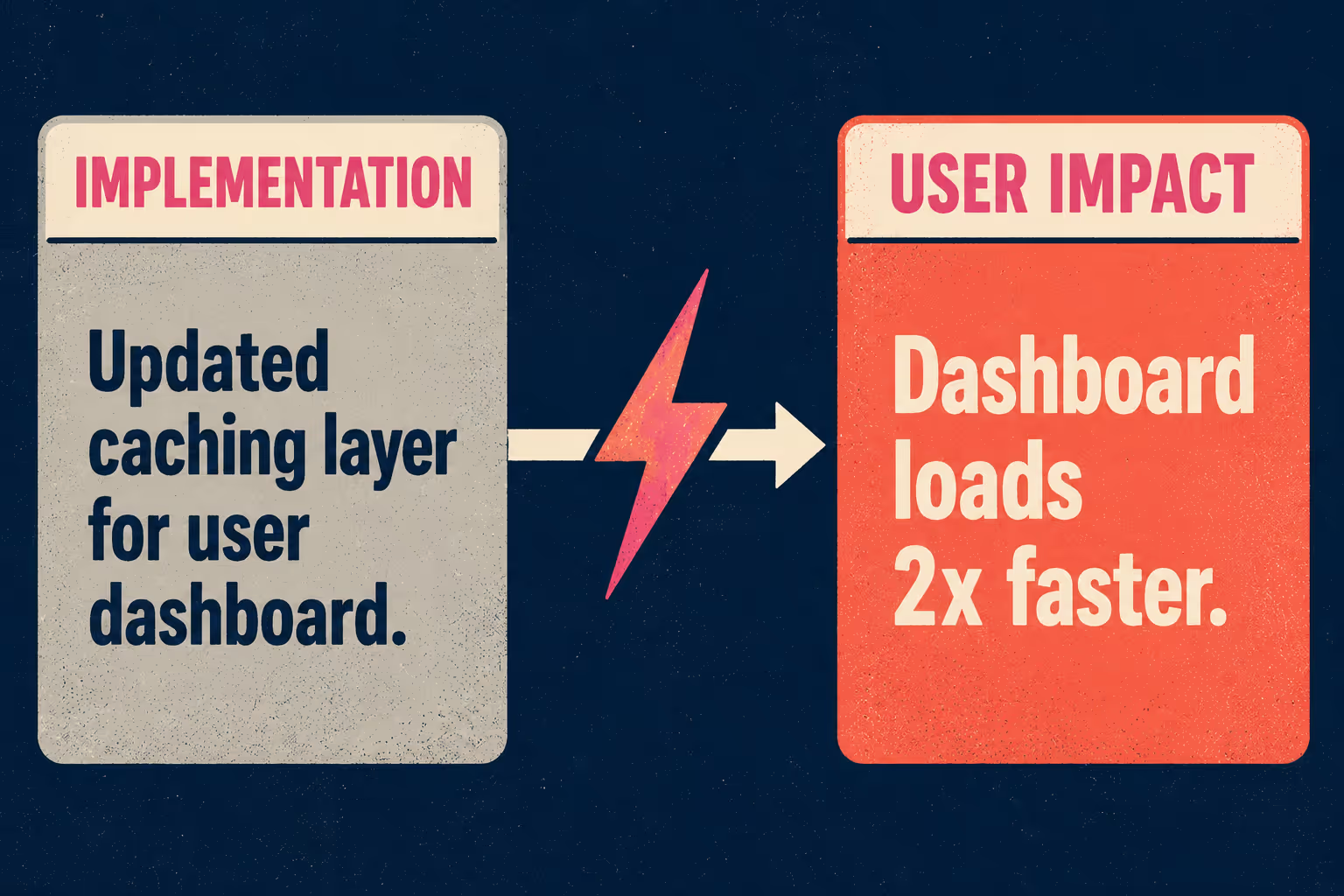
The first is separating what changed from why it matters. A 2020 study on software documentation quality emphasizes that good documentation must be carefully designed in content and style to be effective. When you write "Updated the caching layer for the user dashboard," you're describing the implementation. The user doesn't care about the caching layer. They care that the dashboard loads twice as fast. Lead with the value, follow with the implementation details if necessary. Superhuman's "How is this different?" heading is a forcing function for this principle.
The second is consistent formatting. The Keep a Changelog standard, widely adopted in the open-source community, is built on the premise that changelogs are for humans, not machines. The standard recommends grouping changes by type: Added, Changed, Deprecated, Removed, Fixed, and Security. Whether you use this taxonomy or invent your own (like GitHub's tags), the key is consistency. If your formatting changes every week depending on who wrote the notes, users will stop trying to parse them.
The third is linking to deeper documentation rather than cramming everything into one note. A meta-study cited by Stack Overflow found that documentation takes up roughly 11% of developers' work hours, and that good documentation significantly improves code quality and productivity. Release notes are the entry point, not the destination. Write a concise summary, and link to the updated documentation for users who need the deep dive.
The Part Nobody Talks About
It's easy to look at Stripe or Linear and say, "We should do that." It's much harder to actually do it.
The operational reality is that most companies don't have the resources these examples represent. The teams writing Stripe's and Linear's release notes are often dedicated content specialists working inside well-funded documentation operations. For leaner teams, the challenge is producing similar quality without similar headcount.
When you ask an engineer to write release notes on top of their sprint deliverables, you get Jira exports. Research on practitioners' expectations shows that effective release notes draw heavily on existing artifacts: issues (29% of content), pull requests (32%), and commits (19%). All of that information already exists in your engineering workflow. The problem is that nobody has time to synthesize it.
This is where automated documentation generation becomes relevant. The job is to eliminate the blank page, with human judgment applied to the draft rather than to the gathering of raw material.
Doc Holiday generates structured release notes, API references, and changelogs directly from engineering workflows, ingesting the PRs, commits, and issues that already exist. A technical writer or product manager then reviews and refines the draft before publishing. The AI handles the administrative work of gathering context, grouping changes, and producing an initial narrative. The human handles tone, accuracy, and the judgment calls about what actually matters to the user. The goal is to give one skilled person the structure to do what used to require three.



