How to Update Google Drive Documentation Automatically After a Release


Here is what usually happens: a release ships on Thursday afternoon. Someone files a ticket to update the documentation. The ticket sits in the backlog until the following Tuesday, at which point a product manager or technical writer opens the relevant Google Doc, tries to remember what changed, and writes something that is approximately correct. Two weeks later, a customer support rep finds a discrepancy between the doc and the product, and the cycle starts again.
Google Drive is the default documentation home for most software teams because it is familiar, collaborative, and accessible to non-technical stakeholders. Product managers, sales teams, and customer success reps already live in it. You don't have to convince anyone to open a link. That's a real advantage, and it's worth preserving.
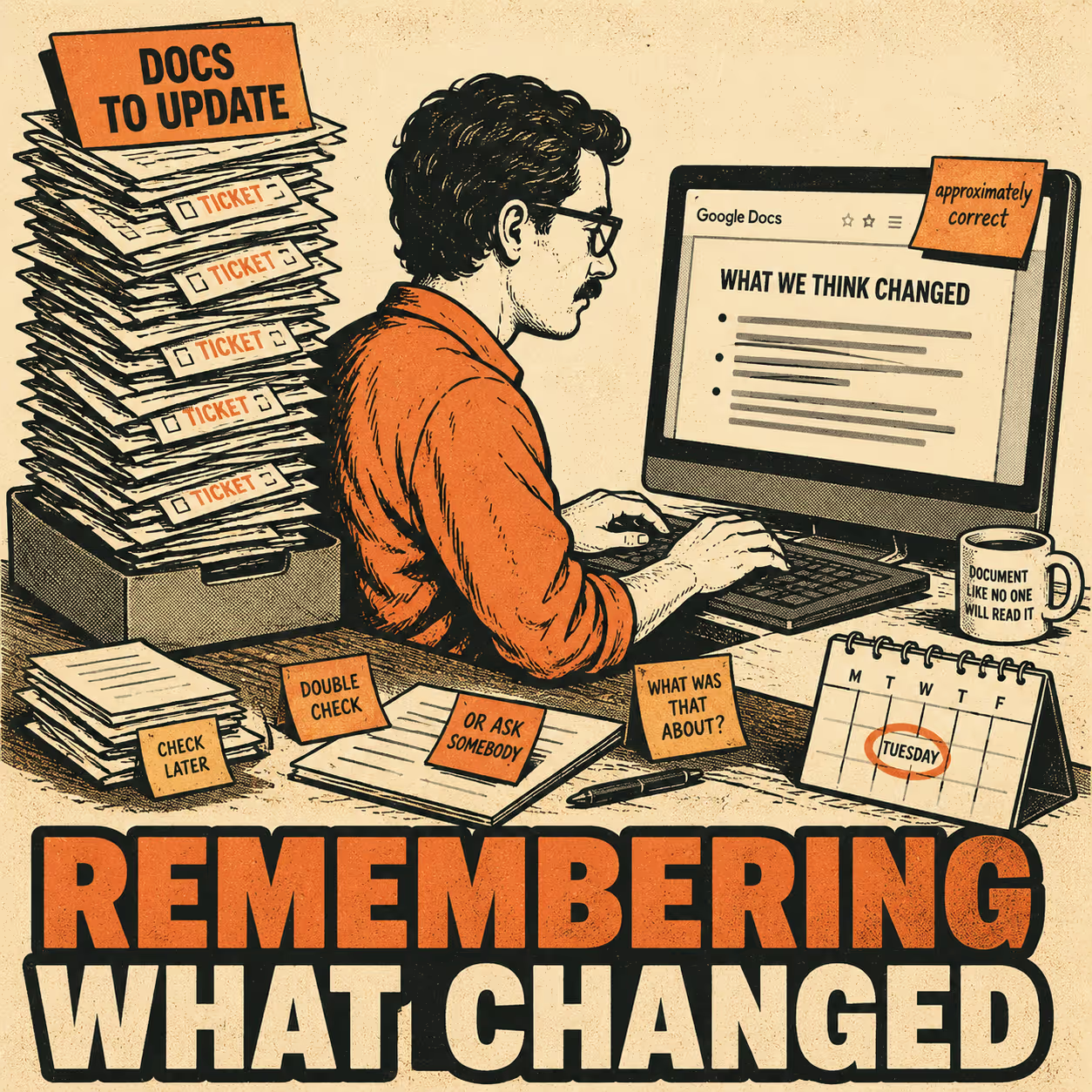
The problem is the manual authoring process. Documentation updates lag behind releases, become stale, get skipped under deadline pressure, and introduce inconsistencies when multiple people edit the same docs. A 2022 mapping study published in Information and Software Technology found that documentation being "out-of-sync with the software" was one of the most consistently reported challenges in Agile and DevOps environments, alongside documentation being treated as waste and productivity being measured by working software only. A separate empirical study analyzing over 3,000 GitHub projects found that 28.9% of the most popular projects currently contain at least one outdated reference, and 82.3% of projects were outdated at some point in their history. The references were typically stale for years before anyone noticed.
The fix is to treat Drive as an output destination and automate the input layer. Here is how to do that, from the simplest approach to the most durable one.
Start with a Script and a CI Hook
The most direct approach is to use the Google Docs API combined with a CI/CD trigger. When a pull request is merged or a release tag is pushed, a job in your pipeline calls a script that formats the changelog and appends it to a specific Google Doc.
This requires setting up a Google Cloud service account, enabling the Docs and Drive APIs, and managing OAuth credentials. The script has to handle document IDs, text insertion indices, and formatting requests. It is not glamorous work. And it is brittle: if someone manually edits the document and changes the structure, your script might insert content in the wrong place.
But it works. It gets the raw data from your repository into a Google Doc without human intervention, which is the entire point.
GitLab's Changelog API shows how far this can go on the source side. By adding structured commit trailers (like Changelog: added or Changelog: removed), you can have the pipeline call the API on every tagged release, generate a Markdown changelog automatically, and commit it back to the repository. From there, a second step can push that Markdown to Google Drive. The pipeline handles both the generation and the distribution.
Zapier, n8n, and the No-Code Middle Ground
If maintaining custom API scripts sounds like too much overhead, automation platforms like Zapier and n8n can bridge your release management tools with Google Drive without requiring a dedicated engineering investment.
Tools like Linear, Jira, and GitHub Releases can trigger webhooks when a new release is created. You catch those webhooks in Zapier or n8n and route the payload to a Google Docs action. The n8n ecosystem includes a community node specifically for converting Markdown to Google Docs, handling the complex formatting translation (headers, bold text, lists, tables) that the raw API requires.
This approach is more durable than custom scripts because the automation platform manages the API complexity. You map fields from your release payload to the Google Docs action, and the platform handles the rest. The tradeoff is that you're still dependent on the quality of the input. If your developers write vague commit messages or sparse release notes, the automation will faithfully distribute that vagueness to every stakeholder who opens the resulting document.
Templated Generation for Consistency at Scale
One level up from simple appending is templated generation: creating a new, structured Google Doc for each release based on a predefined template, populated programmatically from release metadata.
The template defines the structure. A summary section, a list of new features, a list of bug fixes, a section for known issues. The automation script populates these sections by parsing the metadata from your issue tracker and version control system. Commits tagged with feat: go into the features section; commits tagged with fix: go into bug fixes. The result is a document that looks the same for every release, which makes it dramatically easier for stakeholders to find what they need.
Templated generation also lets you manage permissions programmatically. When the document is created, the script uses the Drive API to set sharing permissions, ensuring the right people have access from the moment it exists. No more "can you share that doc with me?" emails after a release.
The table below summarizes the three approaches and when each makes sense:
The Docs-as-Code Shift
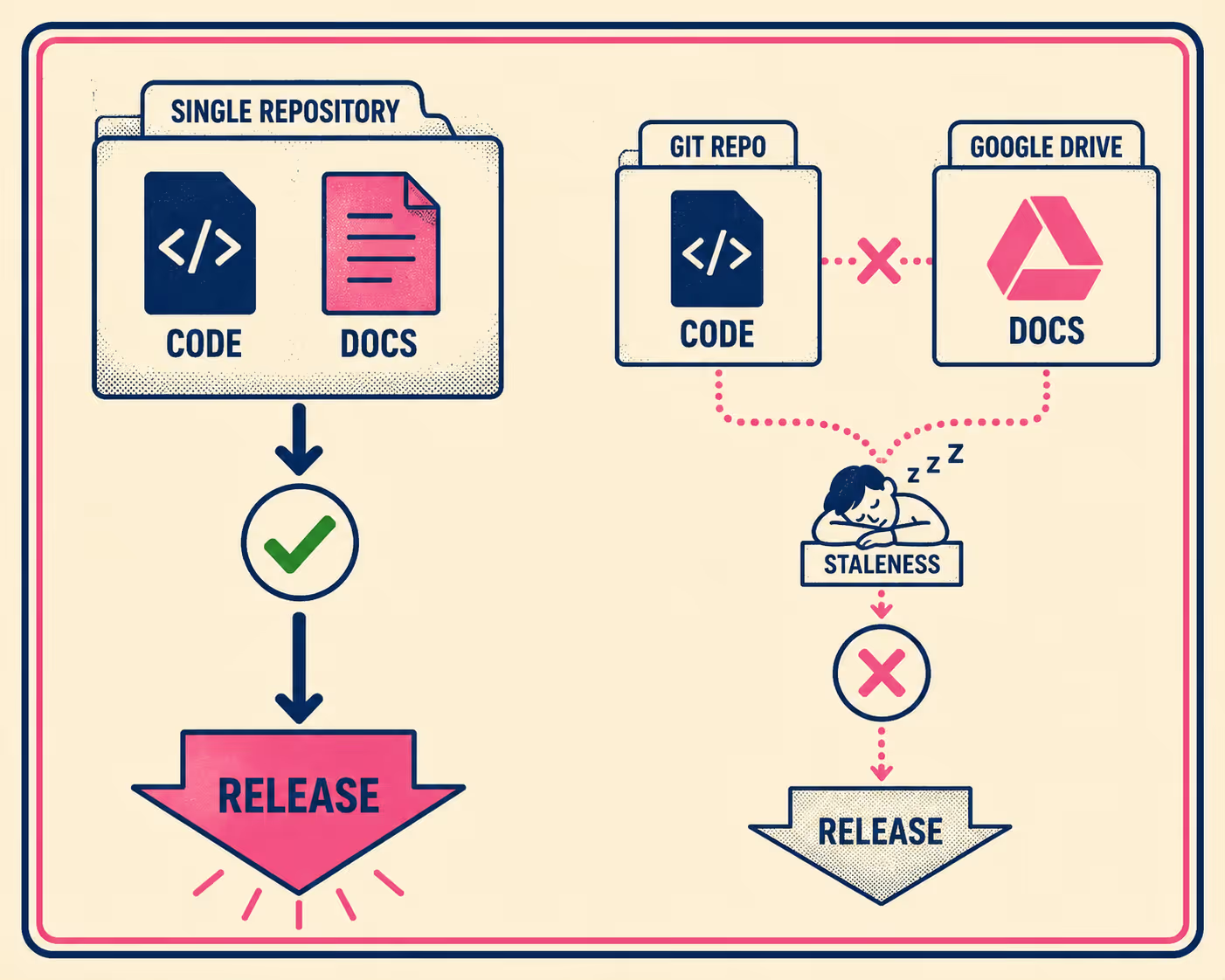
The most durable approach is to stop treating Google Drive as the authoring environment and start treating it as the distribution channel.
In a docs-as-code workflow, documentation is written in plain text (Markdown), stored in the same repository as the source code, and reviewed alongside code changes in pull requests. When a developer ships a feature, they include the documentation update in the same PR. The CI/CD pipeline builds the documentation and deploys it. Google Drive becomes one of several output destinations, not the place where documentation is written.
This solves the staleness problem at its root. Because the documentation lives in the repository, it is updated simultaneously with the code. If a feature is removed, the documentation is removed in the same commit. The Squarespace Domains engineering team described this dynamic directly: "Less friction leads to more collaboration and, ultimately, better communication within and beyond our team."
The docs-as-code approach also gives you a meaningful audit trail. You can see exactly which documentation changed with which release, who reviewed it, and when it was approved.
Where Things Go Wrong
Automating Google Drive updates introduces its own complications. Document versioning requires care: the Drive API provides endpoints for managing revisions, but ensuring that automated updates don't overwrite critical manual edits takes deliberate design. Formatting consistency is harder than it looks, especially when converting Markdown to native Google Docs styling. And orphaned documents accumulate quickly if you're generating a new doc per release without a naming convention or folder structure.
The deeper obstacle is the quality of the source material. Research consistently finds that developers deprioritize documentation under deadline pressure, and that documentation is frequently viewed as unnecessary overhead. This is where traditional automation hits a wall: a script can move text from a commit to a Google Doc, but it cannot make a vague commit message useful.
This is exactly where modern AI systems change the equation. Recent work on LLM-powered release note generation (including the SmartNote system, accepted at FSE 2025) demonstrates that AI models can synthesize code diffs, commit messages, and pull request details to generate structured, context-aware documentation. Instead of demanding perfect input from engineers, these systems extract meaning from the messy reality of software development. They bridge the gap between what developers actually write and what stakeholders need to read, turning fragmented technical artifacts into coherent release notes.
Where This Leaves You
Start with a lightweight CI script if you have the engineering capacity. Use Zapier or n8n if you don't. Adopt a docs-as-code approach if you want the problem to stay solved. The approaches are compatible: you can start with a script and graduate to a full pipeline as your release cadence grows.
The manual authoring process is the bottleneck. Drive is just where the bottleneck is most visible.
If you want a documentation engine that extracts meaning from your engineering workflow and publishes structured release notes wherever stakeholders need them, including Google Drive, Doc Holiday is built for exactly that.



