How to Structure Release Notes for Multiple Audiences Without Producing Four Documents


If you ran a mid-sized software company, and a million eager users, developers, and executives showed up at your corporate headquarters demanding to know exactly what changed in your latest release, you would have four options.
You could write a single, highly technical changelog that alienates the executives and confuses the end users. You could write a fluffy marketing email that infuriates the developers and leaves the support team guessing. You could force your technical writers to maintain four separate versions of the same document, burning hours of headcount on redundant work. Or, you could just stop writing release notes altogether and let everyone figure it out on their own.
Most teams choose a miserable compromise between the first two options. They write generic release notes that serve no one well, or they skip certain audiences entirely because maintaining multiple versions is unsustainable. Research confirms this: a 2024 survey of practitioners found that different roles want fundamentally different things from the same release document. Project managers wanted new features. Developers wanted breaking changes and migration paths. Support teams wanted known issues and workarounds. The same document, written generically, fails all three.
Anyway. We can all now ship code faster than ever, and seem to be having trouble figuring out how to tell people what we actually shipped.
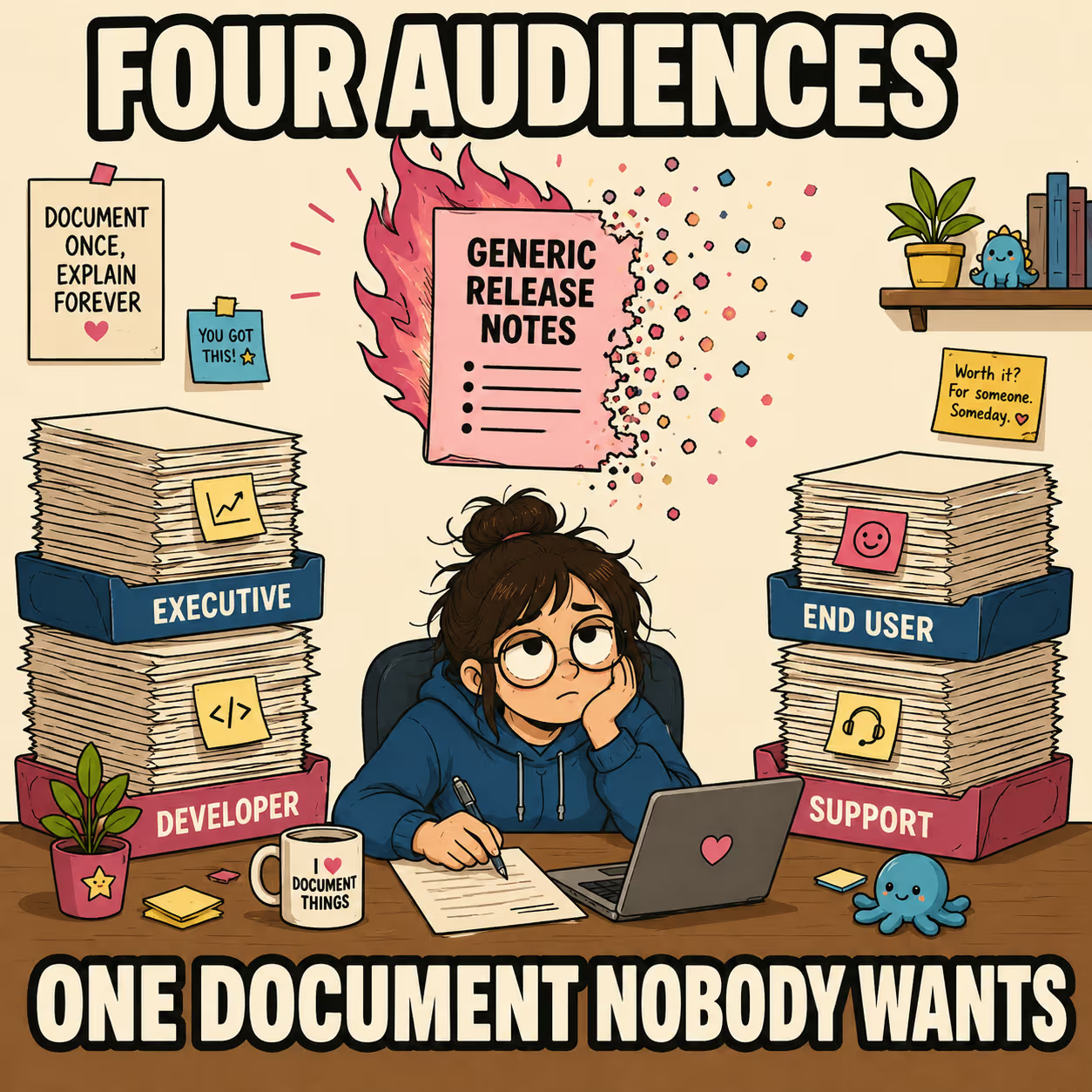
The answer is a tiered structure within a single document. You can serve executives, end users, developers, and support teams simultaneously without producing four separate documents. You just have to stop treating release notes like a chronological dump of Jira tickets and start treating them like a segmented communication tool.
Keep a Changelog has been making this point since 2014: changelogs are for humans, not machines. The problem is that "humans" is not a monolithic category, and a single flat list of changes serves none of them particularly well.
What Goes In Each Tier
The structure has four layers. Each one is written for a different reader, but they all live in the same document.
The executive summary sits at the top and runs two to three sentences. Business impact in plain language: what changed, why it matters to customers or revenue, what the next quarter looks like. No feature lists. No ticket numbers. No technical jargon. If a major architectural overhaul improves system latency by 40%, the executive summary does not mention the database migration. It mentions that the platform can now handle enterprise-scale traffic without degradation, opening up new sales opportunities. The executive summary pulls from all subsequent sections but rewrites the information entirely for business context.
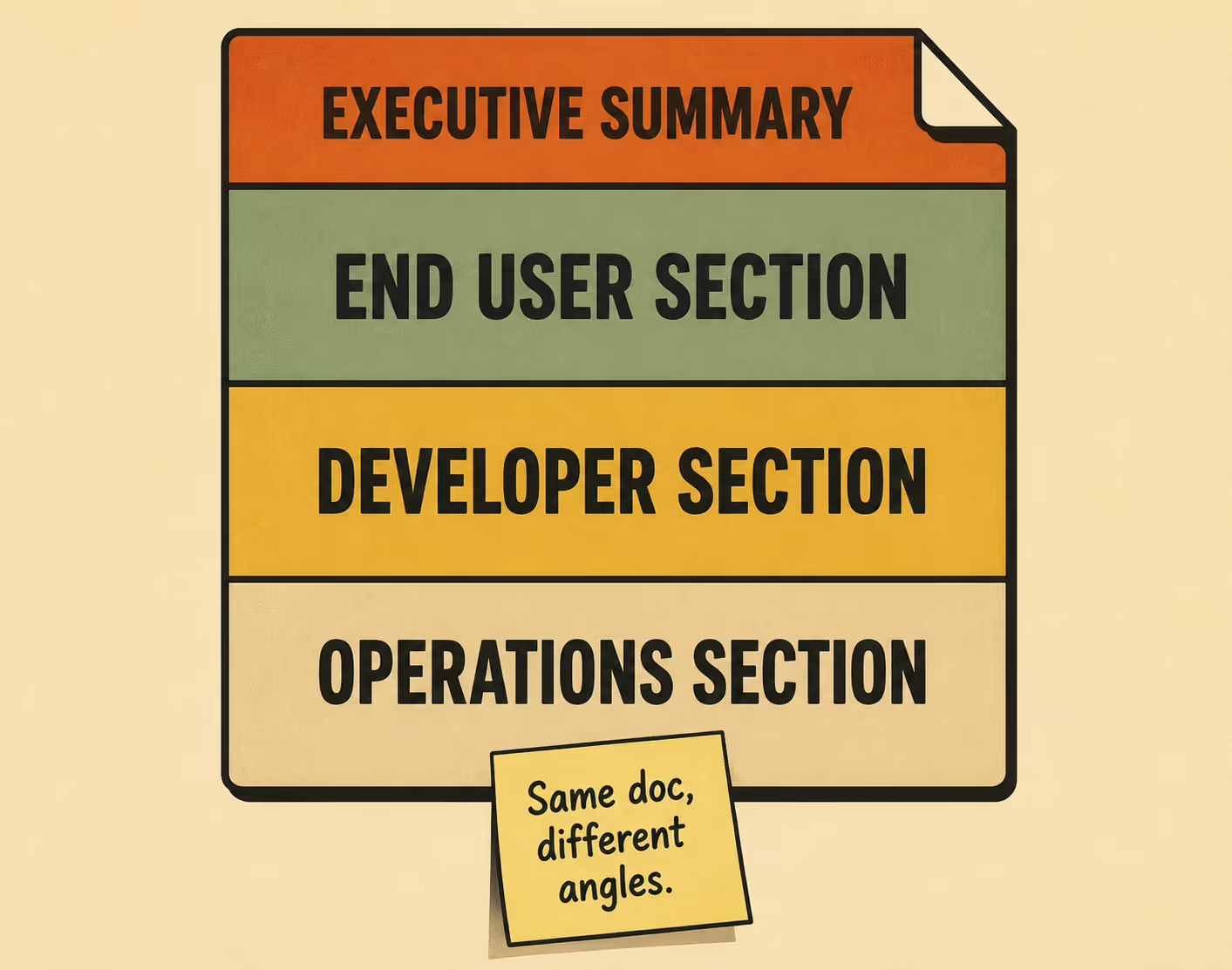
The end user section is strictly for customer-facing changes, written in outcome language rather than implementation language. "You can now export reports directly to PDF" is outcome language. "We added a new PDF generation API endpoint" is implementation language. Include screenshots or video links where helpful. Exclude backend changes, deprecations, and infrastructure updates. The end user does not care that you refactored the authentication service unless it changes how they log in. If a feature has both user-facing and technical implications, it appears here framed around the user's new capability, and it appears again later framed around the technical mechanics.
The developer and integration section leads with breaking changes, always. New endpoints, updated parameters, deprecated methods, and migration paths belong here. Link directly to the updated API documentation. Assume the reader is technical but hasn't been in your Slack channels for the last three months. They need the context of the change, not just the diff. As InfoQ's analysis of API breaking changes notes, the unpredictability of how breaking changes are communicated across APIs makes consumers wary of taking on even reasonable major version upgrades. Clear, structured communication about what broke and how to fix it is the only way to maintain trust. Keep a Changelog puts it plainly: when people upgrade from one version to another, it should be painfully clear when something will break.
The operations and support section is the one everyone forgets, which is why support queues fill up with the "I had no idea we shipped that" problem. What do support teams need to field questions about this release? Known issues, workarounds, rollback plans, and customer-facing error messages that changed. When a release goes out, the support team is the front line. If they don't know what changed, they can't help the users who are confused by the changes.
The empirical study by Abebe, Ali, and Hassan found that most release notes list only a selected number of addressed issues, often between 6% and 26% of all changes in a given release. That selective curation is appropriate. The problem is that the selection criteria are usually implicit, and the curation is usually done for one audience at the expense of the others.
Where This Breaks Down In Practice
The tiered structure is straightforward in theory. The friction is in execution.
For teams writing release notes in Markdown by hand, the structure works at small scale. It breaks at larger scale, and the transition point is usually when you have more than two audience types to serve. When you try to hand-write segmented documentation for four different audiences, the maintenance burden becomes overwhelming. The 2020 empirical study on release note production and usage found that developers view the process of writing release notes as tedious and time-consuming, which is one reason automated generation tools have attracted significant research attention in recent years.
The realistic options for most teams are structured templates, tagging systems in your issue tracker, or automation that pulls from engineered metadata. The Conventional Commits specification is one approach: by structuring commit messages with typed prefixes (feat, fix, breaking change), teams create machine-readable metadata that can be used to populate audience-specific sections automatically. The structure has to exist somewhere upstream of the document for the document to be segmented correctly.
For teams that have reduced documentation headcount or are operating leaner, the tiered structure becomes even more essential. It is the framework that lets automation work. A system that generates release notes from engineering workflows can only produce useful, segmented output if the structure is defined in advance. Without it, you get a flat list of changes that no one reads.
The alternative to structured release notes isn't better unstructured release notes. It's incomplete information reaching the wrong people at the wrong time. Executives making resource decisions based on a technical changelog they can't parse. Developers hunting through marketing copy for the breaking change that just broke their integration. Support teams fielding questions about a feature they never knew shipped.
With Doc Holiday, a trained writer or product manager works with AI-assisted generation to produce release notes, API references, and changelogs directly from engineering workflows. The human validates and publishes; the system handles the generation and segmentation work, outputting content in formats that already map to these audience tiers. The structure described here is what makes that handoff scalable.



