Stop Manually Copying Github Releases Into Notion


Every engineering team that uses Notion as their central documentation hub eventually hits the same wall. The product ships, the GitHub release is tagged, and then someone has to manually copy, paste, and reformat that information into a Notion database so the rest of the company knows what happened. When teams ship weekly or daily, that manual sync becomes a recurring task that takes time away from core engineering work.
According to a 2026 GitBook survey, 30% of teams say keeping documentation in sync with the product is their number one workflow challenge — nearly double the runner-up (Why documentation is the hidden bottleneck in fintech growth). This is not a new problem. A systematic mapping study published in Information and Software Technology found that documentation being "out-of-sync with the software" is one of the primary documented challenges in continuous software development, and recommended that teams adopt modern tools to retrieve and transform information into documentation rather than maintaining it manually (A mapping study on documentation in Continuous Software Development).
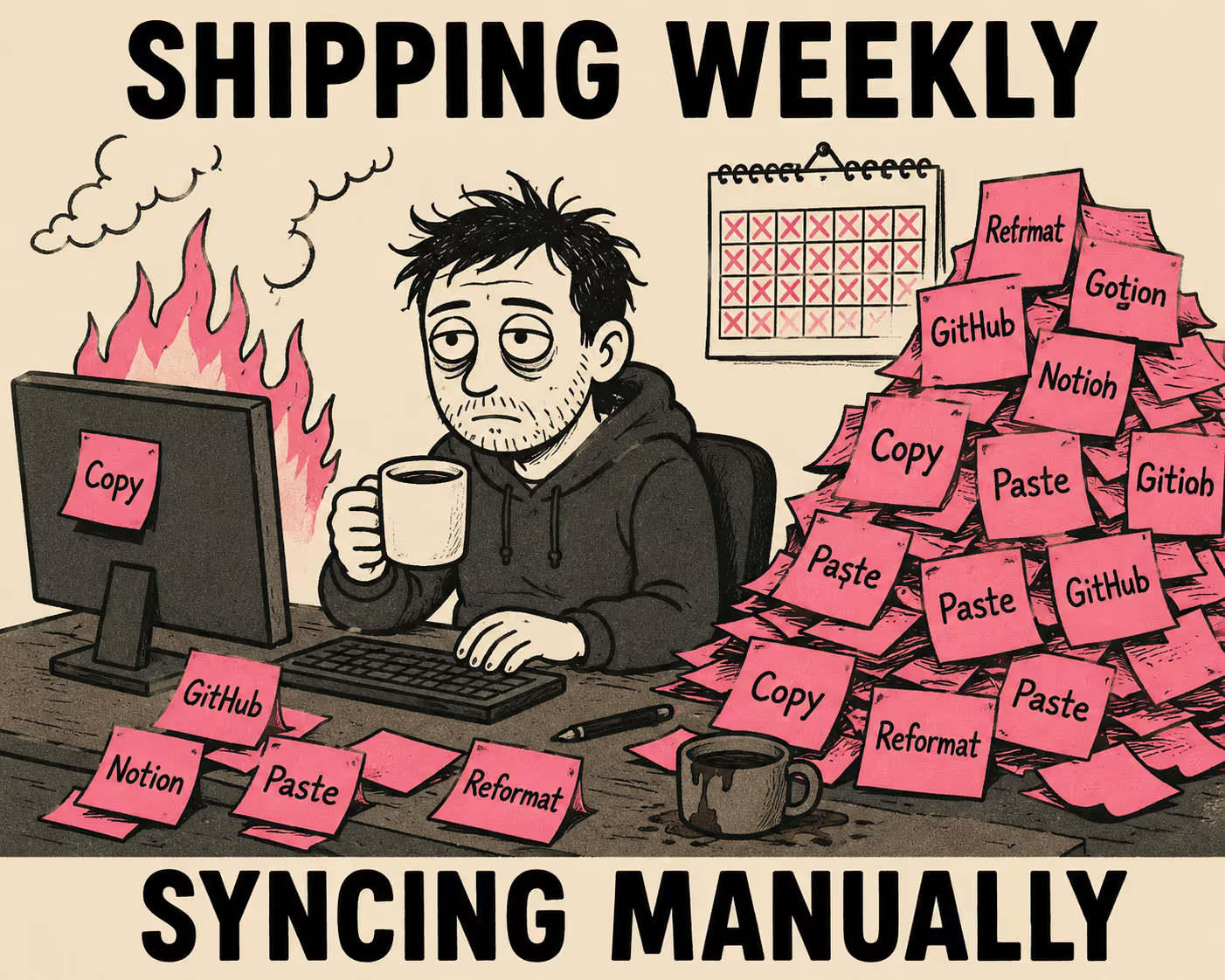
Engineering managers usually try to solve this by building a bridge between GitHub and Notion. They look for native integrations, wire up Zapier workflows, or write custom GitHub Actions. This article walks through what each of those approaches actually involves, where they break down, and why the most durable solution is not building a better bridge at all.
What Notion's Native GitHub Integration Can and Cannot Do
The first place most teams look is Notion's native GitHub integration. It is a powerful tool for linking pull requests and issues directly into Notion databases. It syncs properties including title, description, PR or issue number, assignees, state, creator, and timestamps (Connect GitHub).
The integration has a significant blind spot: it does not support GitHub releases. You can sync the pull requests that make up a release, but you cannot trigger a Notion database entry when a new release is published. Labels and tags are also not supported in synced databases. There is also a one-workspace-per-GitHub-organization constraint, which creates friction for teams with multiple workspaces.
If your goal is to maintain a high-level changelog or release tracker in Notion, the native integration will not get you there. You need to look at third-party automation.
The No-Code Route with Zapier and Make
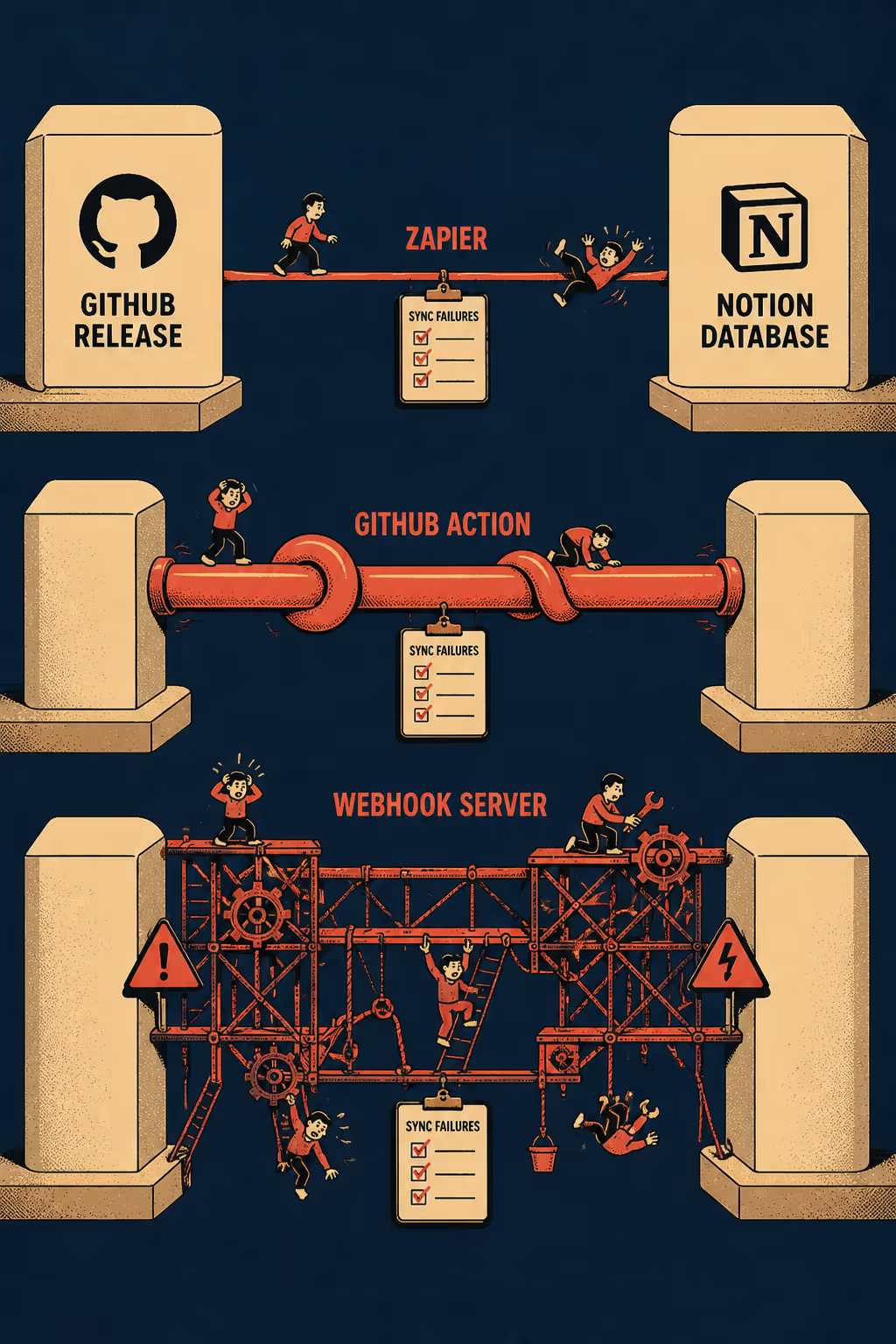
When native tools fail, Zapier and Make.com are the standard fallbacks. Both platforms expose a "Watch Releases" trigger for GitHub and actions to create pages or database items in Notion (GitHub + Notion Integration) (GitHub and Notion Integration).
The setup is genuinely fast — typically 15 to 30 minutes to configure, no code required. You map the GitHub release fields to Notion database properties, authenticate both services, and the workflow runs automatically whenever a release is published. For teams that need a simple release log — title, tag, author, timestamp, and a link back to GitHub — this approach handles the requirement with minimal overhead.
The friction emerges when you try to sync the release body. GitHub release bodies are written in Markdown. Notion's API, which these tools use under the hood, expects content to be structured as rich text blocks (Working with page content). Zapier's ability to convert raw Markdown into Notion blocks is limited, and Notion's API enforces a strict 2,000-character limit per rich text block (Request limits). If your release notes are long, the automation will either fail silently, truncate the content, or require complex workarounds to chunk the text into multiple API calls.
There is also the polling delay. Zapier's free and standard plans check for new GitHub releases every 15 minutes rather than responding to webhooks in real time. For most teams this is acceptable, but it is worth knowing.
The table below summarizes what each field-level sync looks like across the main approaches:
Custom GitHub Actions and Webhook Scripts
For teams that need full control over field mapping, the next step is writing custom automation. The most common pattern is a GitHub Action that listens for the on: release: types: [published] event and posts directly to the Notion API using a stored secret.
There are community-built actions available for this purpose, such as infinitaslearning/notion-release-notes, which creates a new Notion database entry each time it runs (infinitaslearning/notion-release-notes). The action requires a pre-existing Notion database with a specific schema (Name, Date, Tags), an internal integration token from Notion's developer portal, and the database shared explicitly with that integration. It works well for simple release tracking.
The limitations are real, however. The action has not been updated in four years. It does not sync asset files or the pre-release flag. And because it depends on a companion changelog builder action to generate the body content, you are actually chaining two third-party dependencies together.
Writing a custom script from scratch gives you total control. You can parse the GitHub release payload, chunk the Markdown body into blocks that respect Notion's 2,000-character limit, map assets to a multi-select or rich text property, and handle edge cases like hotfixes or rollbacks. The Notion API rate limit is an average of three requests per second per integration token (Request limits), which is not a bottleneck for release-triggered automation but matters if you are backfilling historical releases.
The trade-off is the maintenance burden. A large-scale empirical study of GitHub Actions workflows across 200 mature open-source projects found that workflow files generate significant extra workload for developers, with bug fixing and CI/CD improvements being the major drivers — what the researchers called "the hidden costs of automation" (How to Automate Release Notes From Github Workflows). When the engineer who built the custom Notion sync script leaves the team, everyone else inherits a fragile integration that requires ongoing attention whenever GitHub or Notion updates their APIs.
GitHub webhooks offer an alternative to polling-based approaches. The release event fires when a release is published, delivering the full payload to your server. Your server must respond within 10 seconds or GitHub terminates the connection and marks the delivery as failed (Best practices for using webhooks). This means you need an async processing queue — tools like Hookdeck, RQ, or RabbitMQ — to handle the payload without blocking. You also need to validate the webhook signature to prevent replay attacks, manage redelivery of missed webhooks when your server is down, and maintain the server infrastructure itself. For most teams, this is significantly more operational overhead than the problem warrants.
The Sync Problem Is a Symptom
Whether you use Zapier, Make, a custom GitHub Action, or a webhook server, you are trying to solve a sync problem. These automated solutions are valuable and often necessary, but they inherently face challenges when bridging two distinct systems with different data models and API constraints.
The root cause of these sync challenges is that release notes are often treated as an afterthought — written once for GitHub and then piped elsewhere. This approach violates the core principle of Docs as Code, which advocates for documentation to live alongside the codebase in version control, reviewed and published through the same workflows as the code itself (Docs as Code).
The right question is not just "how do we get GitHub release data into Notion?" The right question is "where does this content actually originate, and can we generate both outputs from the same source?"
If your release notes are generated from pull requests, commit messages, or an internal changelog workflow — which is increasingly common with tools like semantic-release and Conventional Commits — you can generate both the GitHub release and the Notion entry from the same structured input. That eliminates drift and makes the sync problem irrelevant because there is no copy to keep in sync. There is only one generation step.
Generating From the Source
Doc Holiday generates release notes, changelogs, and API documentation directly from engineering workflows. It treats GitHub as a data source, ingesting code, commit, and pull request details to produce structured, narrative notes.
If your team is already generating structured release content, Doc Holiday can output it in formats ready for Notion import or direct API posting. Crucially, this process is managed by a technical writer or documentation lead whose human judgment is essential to the workflow. The automation drafts the content, but the human expert validates the output, ensures it meets the team's standards, and makes the final editorial decisions before publishing.
The setup is not a fragile integration bridge. It is documentation infrastructure that produces the artifacts your systems consume. By moving the generation upstream — to the same source material that already drives your GitHub release — you gain a practical efficiency boost and ensure your Notion workspace always reflects what actually shipped.



