How to Keep Notion Release Notes Current When Engineering Ships From Gitlab


It is 2:00 PM on a Thursday, and the support team is asking if the new API rate limits are live yet. The engineering team merged the code on Tuesday. The deployment went out Wednesday morning. But the customer-facing release notes in Notion still say the feature is "coming soon."
This is a failure of architecture, not communication.
When engineering ships from GitLab, the truth of what happened lives in commits, merge requests, and Jira tickets. But the documentation that stakeholders actually read lives in Notion. Because there is no automatic pull between the two, someone has to manually bridge the gap. They dig through the commit history, decipher the pull requests, and translate engineering shorthand into customer-ready prose.
By the time they finish, engineering has already shipped three more things. The documentation is perpetually stale, and the manual sync is breaking down.
This is a known pattern. A 2024 empirical study of software release notes found that production challenges — specifically the difficulty of automating and standardizing the process — account for nearly half of all release note issues. When the process is manual, producers tend to overlook critical information, especially regarding breaking changes. An earlier large-scale study of 32,425 release notes from 1,000 projects found that release notes are frequently neglected by stakeholders, and that significant discrepancies exist between what engineering teams write and what customers actually need.
If your team uses Notion as its workspace of record, abandoning it is not the answer. The editor is flexible, stakeholders are already there, and it works well for collaboration. The goal is to fix the pipeline feeding it.
Here is how teams are actually solving this.
The Webhook Approach, and Where It Runs Out of Road
The most common first attempt at automation is wiring up a webhook using Zapier or Make.
GitLab has robust webhook support that fires an HTTP POST request whenever a specific event occurs — a merge request being merged, a pipeline succeeding, a deployment completing. You catch that payload in Zapier, parse out the basic details, and create a new database item in Notion.
This works if your definition of "current" means knowing that something shipped. It gives you a real-time feed of activity with almost no engineering overhead.
But it breaks down on the details. Webhooks carry metadata, not context. A webhook can tell Notion that a merge request titled "Fix rate limit bug" was merged at 10:15 AM. It cannot explain what the bug was, how the new rate limit works, or what customers need to change in their code. You still need a human to read the webhook output, figure out what it means, and write the actual release note. The webhook just tells them when to start digging.
There is also a practical ceiling: Notion's API enforces an average of three requests per second. If a deployment includes dozens of commits, a naive webhook integration will hit those limits and fail silently. And because Notion does not natively emit webhooks itself, automation tools like Zapier have to poll for changes rather than react to them — which introduces latency and can miss updates in high-velocity environments.
The Custom Script Approach, and What It Actually Costs
When webhooks prove too shallow, teams often build custom scripts.
A script running on a cron job or triggered by a CI/CD pipeline (a system that automatically builds, tests, and deploys code) can use the GitLab API to pull rich context. It can grab the merge request description, fetch the linked Jira ticket, pull the original commit messages, and format it all into a clean Notion page using the Notion API.
This gives you much better data. You are no longer just logging events; you are assembling the raw materials for a release note.
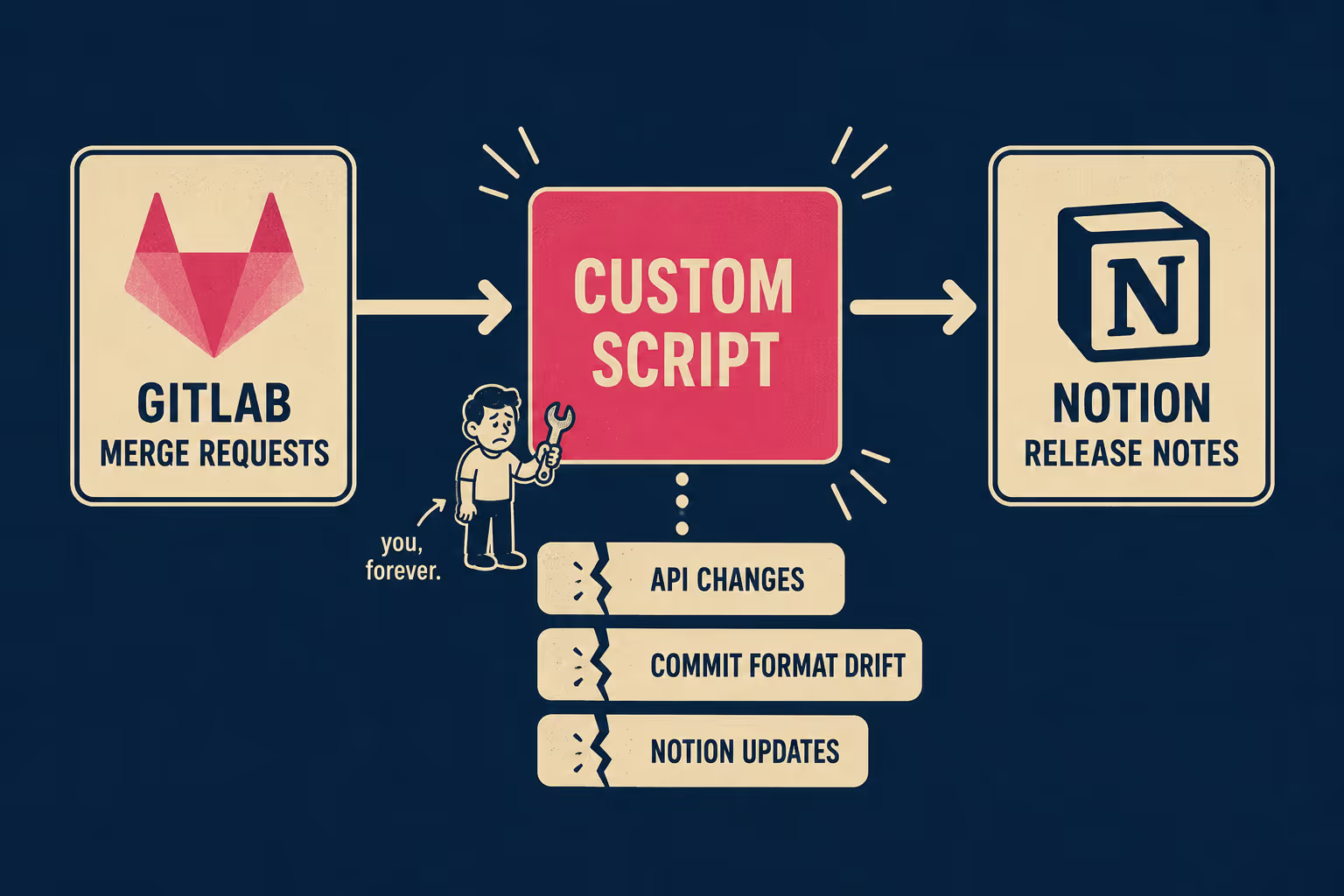
The trade-off is maintenance. You are now maintaining an internal software product just to write your documentation. When GitLab changes its API payload, your script breaks. When Notion updates its block structure, your script breaks. When an engineer formats their commit message slightly differently, the script fails to parse it. GitLab's own documentation team uses a full CI/CD pipeline to keep their docs current — which is a reasonable investment when documentation is your product, but a significant one when it is a side task.
You have traded the manual labor of writing release notes for the manual labor of maintaining the script that writes the release notes. For some teams, that trade is worth it. For most, it just moves the bottleneck.
What a Purpose-Built Pipeline Actually Generates
The fundamental problem with both webhooks and custom scripts is that they treat documentation as a data transfer problem. They move text from GitLab to Notion. But release notes are not just data; they are explanations.
Research into automated release note generation has shown that natural language processing can analyze unstructured commit logs, categorize changes, identify breaking updates, and produce readable summaries with minimal human labor. More recent work using transformer-based models fine-tuned on commit messages, pull request titles, and issue descriptions has demonstrated automated traceability link recovery — the ability to connect a release note entry back to the specific commit, PR, and ticket that produced it.
This is what a purpose-built engineering-to-documentation pipeline produces. From commit history, PR metadata, Jira references, and deploy events, it generates a structured draft: feature descriptions, bug fixes categorized by severity, breaking change callouts, and links back to the source. Not a log dump. A draft.
This is what Doc Holiday produces automatically.
When a release goes out, Doc Holiday reads the engineering workflow and generates a complete first draft directly in Notion. It does the archaeological dig: finds the Jira ticket, reads the commit message, structures the output into something a customer can actually read.
But it does not publish blindly. The value of this approach is that it keeps the editorial layer intact. A technical writer or product manager reviews the generated draft in Notion, edits for clarity and customer impact, and publishes. The automation handles the assembly; the human handles the nuance. That is not a workaround for AI limitations — it is the right model. Unmanaged automation produces inconsistent output; managed automation scales.
How Your Release Cadence Changes the Answer
Every team's situation is different, and the right approach depends on two variables: how often you ship, and where your actual bottleneck is.
If you ship daily and stakeholders need a high-level log of what went out, a Zapier webhook might be enough. The data is thin, but the cadence is fast and the expectations are modest.
If you ship weekly and have engineering capacity to maintain internal tooling, a custom script can pull the context you need. The investment is real, but it is manageable if someone owns it.
If you ship on milestones and the bottleneck is not the data pull but the editorial process — if the reason your Notion release notes are stale is that nobody has time to dig through GitLab and write them — then you need a pipeline that generates the draft for you.
The goal is a system where the release notes in Notion actually reflect what shipped, without engineering having to stop and write prose. Whether you get there with a webhook, a script, or a pipeline depends on your cadence, your team's capacity, and how much of the editorial layer you want to keep.



