How to Write Rollback Documentation That Actually Works


At 14:02 on July 2, 2019, a team of Cloudflare engineers was staring at a global outage. CPU usage had spiked to nearly 100% across their entire network. The cause was a single WAF rule with a poorly written regular expression. The fix was straightforward: disable the WAF globally. But getting there took five more minutes because the internal control panel required authentication through a service that was also down. The team had to use a bypass mechanism that, as their postmortem put it, "wasn't frequently used."
That is the problem with rollback documentation in a single sentence. The procedure exists. The bypass exists. But nobody has practiced it under the conditions where it matters.
Rollback documentation is uniquely hard because it has to work when everything else is failing. The people executing it are stressed and moving fast. They do not have time to read context. They need the exact command, the exact threshold, the exact person to call. If your runbook requires interpretation, it will fail.
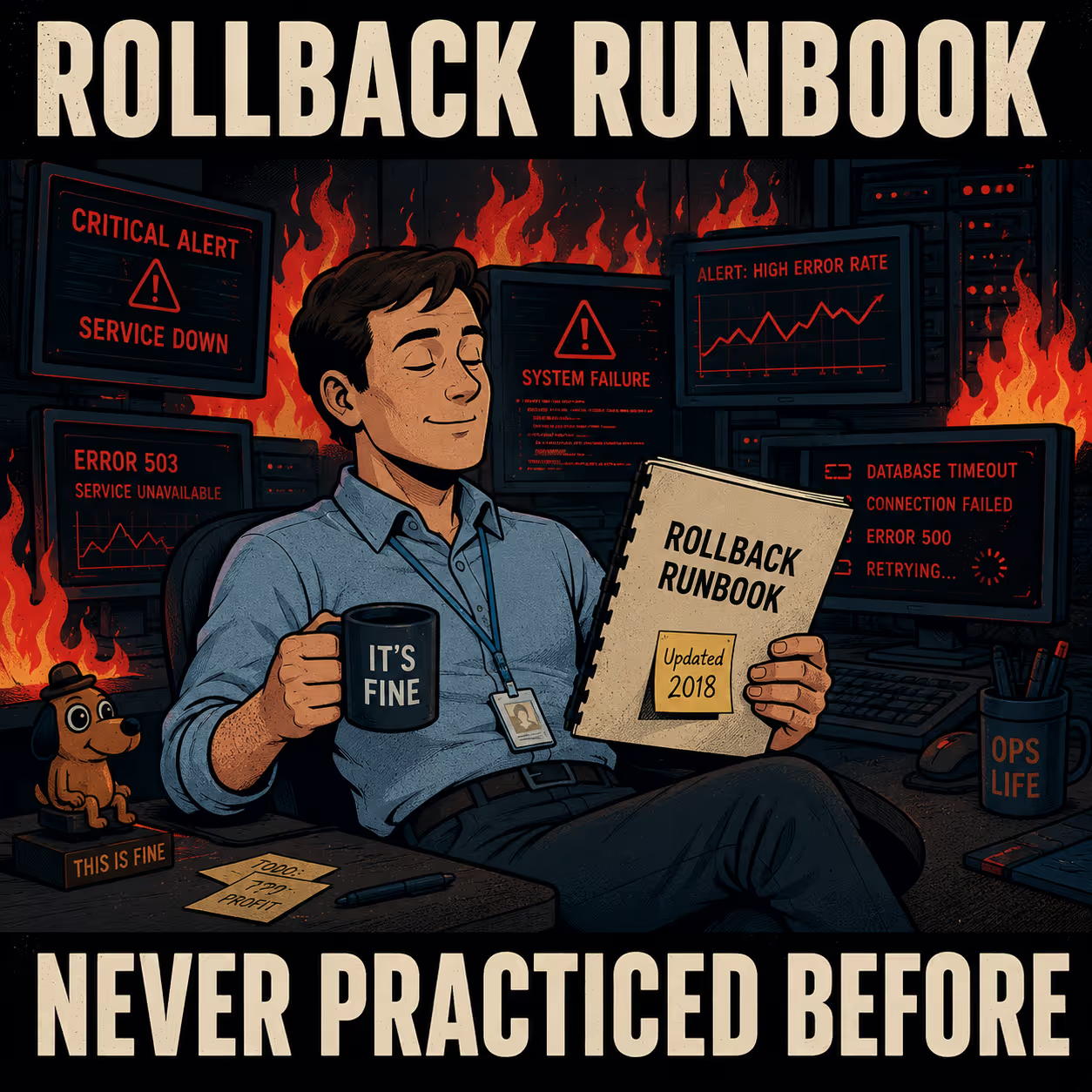
Here is what actually needs to be documented, and when.
Before the Incident Happens
The most important rollback documentation is written before anything goes wrong. This is also the documentation that most teams skip.
A rollback runbook is not the same as release documentation. Release documentation explains what changed. A rollback runbook explains how to undo it, in what order, and under what conditions. These are different documents with different audiences and different shelf lives. Conflating them is how you end up with a runbook that takes three pages to get to the first actionable step.
Trigger criteria. The single most valuable thing you can document before a rollback is the decision to roll back. Who makes the call? Based on what? If the answer is "it depends" or "the team discusses it," you have a problem. Under pressure, ambiguous criteria produce hesitation. Hesitation extends outages. AWS's guidance on migration rollbacks recommends a "timebox rule": define a specific window for problem identification and root cause analysis, and if you cannot clearly articulate the problem and a path to resolution within that window, initiate rollback. The specific duration matters less than having one.
Version compatibility. Document what can safely roll back to what, and what breaks if you skip versions. This is especially critical for database migrations. A schema change that adds a non-nullable column cannot simply be reversed if data has been written to that column during the failed release window. Harness's documentation on database rollback strategies identifies data loss and schema evolution as the two most common failure modes in database rollbacks, precisely because teams document the migration but not the reverse path.
Third-party integrations. Your application code rolls back. Your API dependencies do not. If your new release calls a new version of an external API, and you roll back the code, you need to document whether the old code is still compatible with the current API state. Stripe's approach to API versioning is instructive here: they pin clients to specific API versions and maintain compatibility going back years. Most third-party APIs do not. Document the specific version dependencies your rollback relies on, and what happens if those dependencies have moved.
Authority and escalation. Document who has the authority to trigger a rollback and how to reach them. This sounds obvious. It is routinely missing. The DORA 2023 State of DevOps Report found that high-quality documentation leads to 25% higher team performance relative to low-quality documentation, and that SRE practices have 1.4x more impact on organizational performance when high-quality documentation is in place. The authority chain is part of that documentation.
The checklist below captures what belongs in a pre-incident rollback runbook:
While the Rollback Is Happening
During an active incident, documentation shifts from reference material to a live record. The goal is not to write a good document. The goal is to capture enough information that the post-incident review has something to work with.
Maintain a command audit trail. Every command run, every system touched, every result observed. The purpose is reconstruction, not accountability. During a rollback, teams often try multiple approaches before finding the one that works. Without a log, the post-incident review is reconstructed from memory, and memory under stress is unreliable.
Track partial rollbacks. If you are using canary deployments or ring-based rollouts, document which segments have been rolled back and which are still running the failed version. AWS's canary rollback pattern explicitly recommends documenting affected user segments during phased rollbacks, because a partial rollback that is not tracked is indistinguishable from a full rollback that did not work.
Document customer impact in real time. What broke, for whom, and for how long. The engineering team is focused on the fix. The customer support team is fielding questions. Incident.io's research on engineering and customer support coordination found that the gap between these two teams during incidents is one of the most common sources of poor customer communication, and that the fix is structural: give support teams access to the live incident record, not a summary written afterward.
Communicate externally before you are ready to. You do not need to know the root cause to tell customers something is wrong and you are working on it. The Cloudflare 2019 postmortem is a model of this: transparent, specific, and published before all the answers were in. The trust it preserved was worth more than the embarrassment it cost.
After the Rollback
The post-incident review is where rollback documentation either improves or stays broken.
Separate the root cause of the original failure from the root cause of any rollback difficulties. These are two different problems. The bug that caused the deployment to fail is an engineering problem. The runbook that was out of date, the access credentials that had expired, the bypass mechanism nobody had practiced: those are documentation problems. Fixing the bug without fixing the documentation means the next rollback will fail for the same reasons.
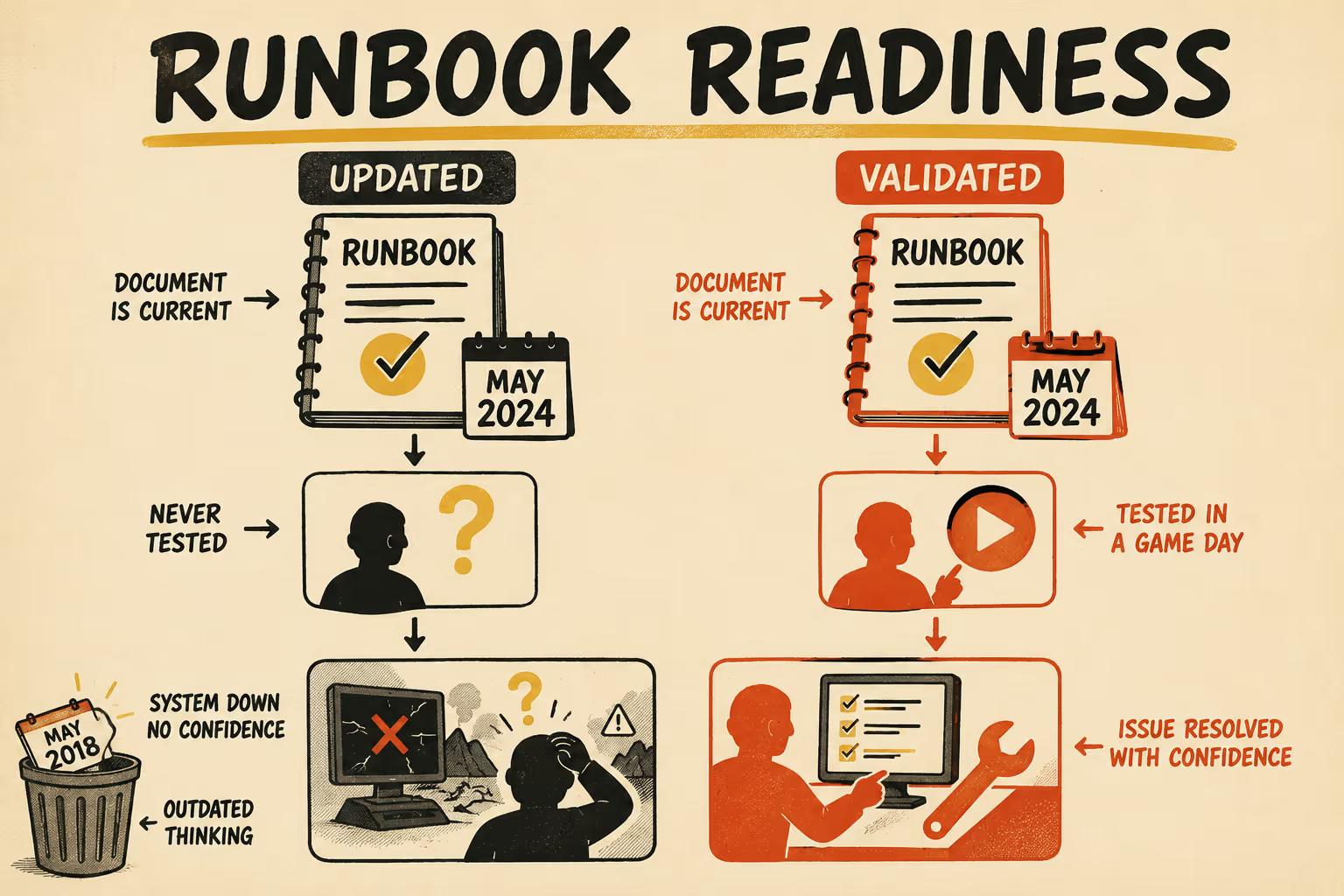
Gremlin's guidance on runbook maintenance makes a useful point: the biggest reason documentation does not get updated is that time was never scheduled to update it. The recommendation is to put two dates in every runbook, when the contents were last updated and when they were last validated, and to schedule quarterly reviews as a baseline. If your system changes frequently enough that runbooks are outdated before the quarterly review, schedule monthly.
The validation point matters more than the update point. A runbook that has been updated but never tested is still a liability. AWS's Well-Architected Reliability Pillar recommends game days specifically to validate that runbooks work under realistic conditions. The Cloudflare team discovered their bypass mechanism was "not frequently used" during a live incident. A game day would have discovered it first.
Teams that handle rollbacks well assign clear ownership and treat rollback runbooks as first-class artifacts that get reviewed and updated after every release cycle, not just after failures. The ACM Queue article on SRE documentation frames this as a production readiness requirement: a service is not ready for production if its rollback procedure has not been validated. That is a higher bar than most teams hold themselves to.
The Part Nobody Wants to Admit
Rollback documentation often does not exist because nobody is specifically responsible for it. It falls between release management, incident response, and technical writing. Each team assumes another team owns it.
The documentation that does exist is often written after an incident, when the team is exhausted and the details are already fading. It captures what happened, not what to do next time. That is a postmortem, not a runbook.
Rollback documentation is only useful if the people executing the rollback have actually read it before the incident. If your runbook has never been tested in a drill, it is not documentation. It is a liability. The best rollback documentation is short, tested under realistic conditions, and written for someone who is stressed and moving fast.
Doc Holiday generates release documentation, changelogs, and API references directly from engineering workflows, which means the version history and compatibility matrix your team needs for rollback planning is already being tracked and structured. The platform gives you a framework to maintain rollback runbooks that stay current with every release, not just when someone remembers to update them after an incident.



