How Engineering Teams Can Generate Release Notes Directly From Slack Release Threads


If you want to know what actually shipped in the last release, don't look at the Jira tickets. Don't look at the pull requests. Don't look at the official release notes, which were probably written by someone who had to ask three different people what the tickets meant.
Look at the Slack release thread.
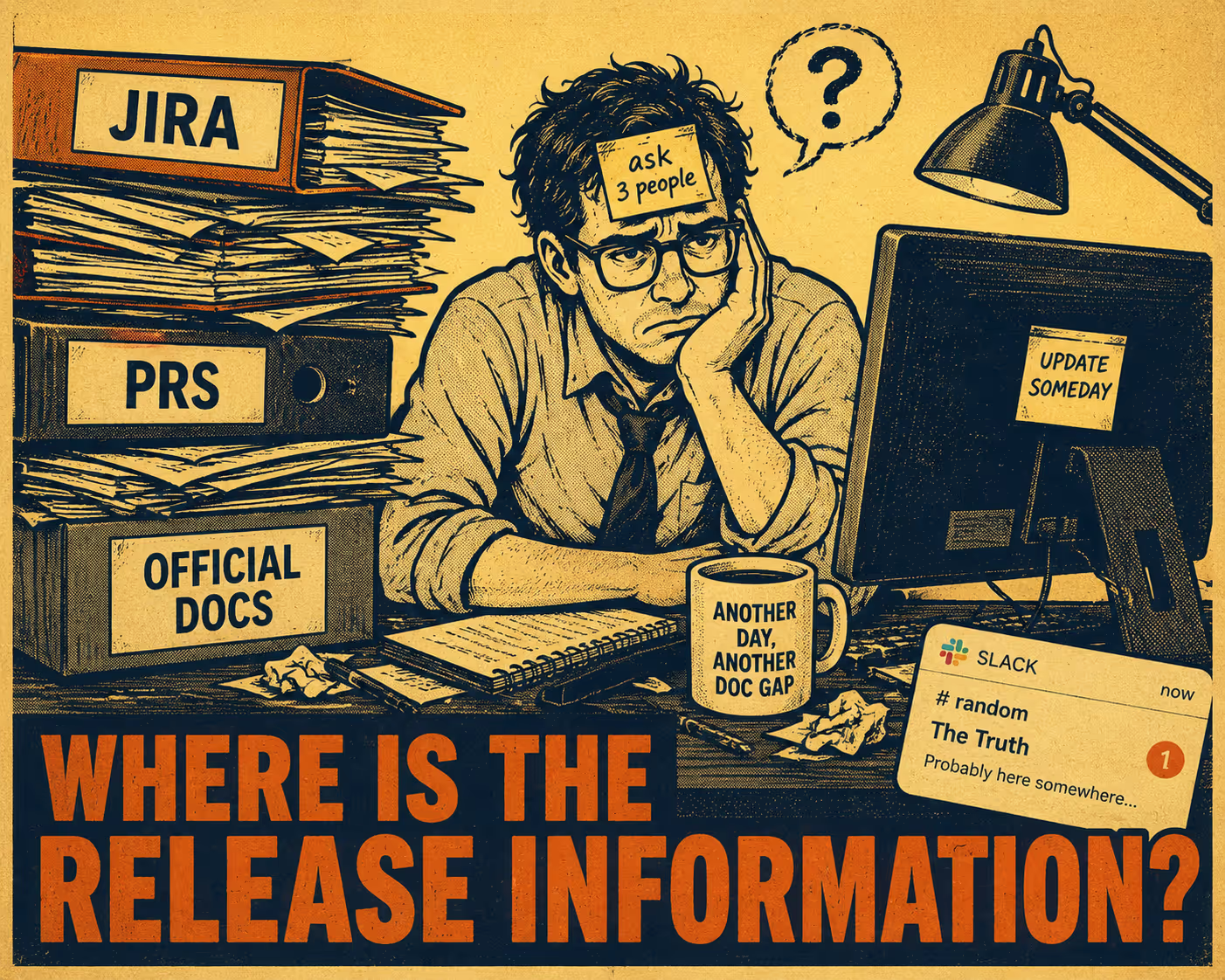
That's where the truth lives. The release thread is where the engineer who built the feature explains what it actually does, where the support lead asks if it fixes that one weird edge case for that one angry customer, and where the product manager confirms the business value. It is a real-time, high-fidelity record of the software as research into developer chat communities confirms. The language is informal, but it is accurate.
The problem isn't that the information doesn't exist. The problem is that it's trapped in a conversation.
You can generate structured release notes directly from those Slack threads. The rest of this article explains how.
Why Slack Threads Are Better Source Material Than You Think
Most release note workflows start from the wrong place. They start from Jira tickets, which are written before the feature is built and often don't reflect what actually shipped. They start from commit messages, which are written for engineers and assume you know what the code does. They start from pull request descriptions, which are written in a hurry.
Slack release threads are different. They are written after the work is done, by the people who did it, in response to questions from people who need to understand it. Research into software release note production consistently finds that one of the hardest problems in writing release notes is completeness, specifically that producers tend to overlook information rather than include inaccurate details. The Slack thread, because it is driven by real-time questions and answers, tends to surface exactly the things that would otherwise be overlooked: the edge cases, the migration notes, the "by the way, this changes how X works" warnings.
Slack's own engineering team uses dedicated deploy channels as the primary coordination mechanism for releases, treating the channel as a historical record of everything that has taken place. The deploy thread becomes the authoritative source for what happened and when. That is the raw material.
The challenge is converting it into structured documentation. A typical release thread contains the exact details of a breaking change right next to a string of emoji reactions and a side conversation about whether the staging environment is healthy. To turn that into documentation, you have to separate the extractable content from the thread noise.
The extractable content is: feature descriptions, bug fix summaries, resolved ticket references, deployment confirmations, and edge case warnings. The noise is: deployment bot spam, emoji reactions, status pings, and the scheduling discussion about who is handling the rollback if something goes wrong.
Getting the Data Out, and Knowing What to Do With It
The mechanics of extraction are straightforward. Slack's API provides the conversations.replies method, which retrieves all messages in a thread given a channel ID and a thread timestamp. You can filter by time range, paginate through long threads, and retrieve message metadata including the author, timestamp, and any attached files or links.
What you get back is a flat list of messages. The structure you need to impose on top of that is the hard part.
Simple keyword matching breaks down quickly. An engineer writing "fixed the auth bug from last sprint" is describing a bug fix, but so is "the token expiration issue should be resolved now" and "that thing where users got logged out randomly is gone." The surface forms are completely different. The same is true for feature announcements: "we shipped the new export flow" and "the CSV download is live" are the same kind of information, but a regex looking for "shipped" would miss the second one.
This is where language models become genuinely useful. They are well-suited to summarizing conversational text and categorizing it by intent. Production-grade LLM summarization systems have demonstrated that this kind of structured extraction from conversational data is reliable when the prompting is designed carefully. You feed the raw thread into the model with a prompt that asks it to identify and categorize the changes, and it does a reasonable job of pulling out the signal.
The output you want is a structured draft: a list of features, a list of fixes, a list of breaking changes, each with a short description in plain language. That draft is the input to the validation step, not the final output.
Building the Pipeline
The pipeline architecture has a few standard shapes.
The simplest is a scheduled job. At the end of each release cycle, a script pulls the messages from the designated release channel, filters for threads that match a release pattern (a specific bot message, a naming convention, a label), and sends the thread content to an LLM for summarization. The output goes into a draft document.
A more responsive version uses Slack webhooks or event subscriptions to trigger the extraction in real time. When a deployment confirmation message appears in the release channel, the pipeline fires. This is useful for teams that do continuous deployment and want release notes that keep pace with the release cadence.
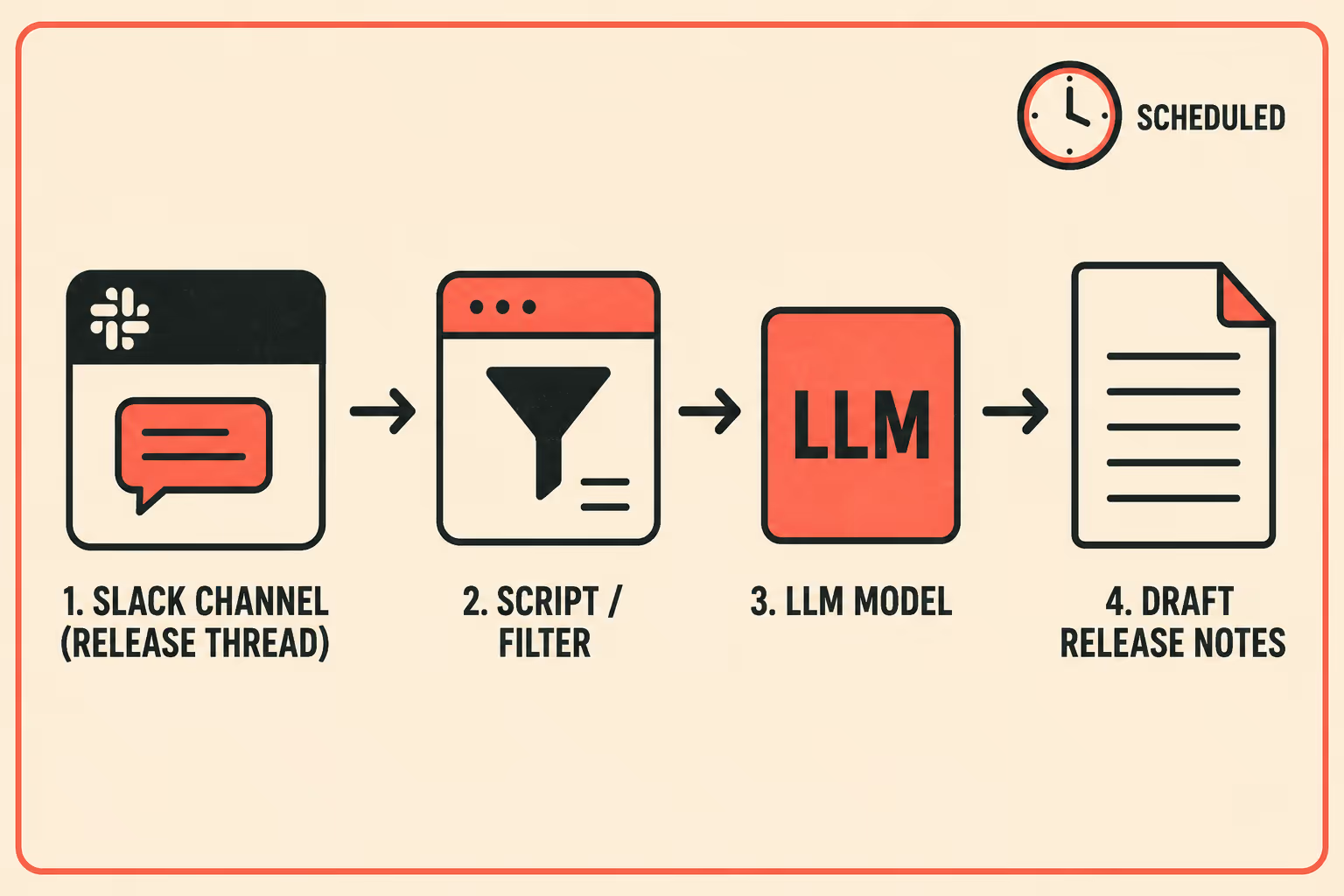
The most integrated version connects the pipeline to the CI/CD system directly. The deployment event in GitHub Actions or CircleCI triggers the extraction, which means the release notes are generated as part of the deployment process, not as a separate step afterward. Automated release note generation research has shown that models perform best when they have access to structured information alongside conversational context, so combining the Slack thread with the commit history or pull request list gives the model more to work with.
In all three cases, the model's job is the same: summarize the thread, categorize the changes, and draft the text. The human's job is to review that draft before it goes anywhere.
The Part Everyone Gets Wrong
Teams that try this often make the same mistake: they treat the LLM output as the release notes.
It isn't. It's a draft.
Empirical studies of release note issues find that the most common problems are not inaccurate details but missing ones. The LLM will summarize what's in the thread. If the thread doesn't mention that a configuration parameter was renamed, the model won't know to include it. If an engineer mentioned a breaking change in passing and the thread moved on quickly, the model might not weight it appropriately.
This is why the validation step is not optional. A technical writer or release manager needs to read the draft, compare it against the thread, and check for anything that got dropped. They also need to translate the draft into the audience's language. Engineers writing in a Slack thread are writing for other engineers. The customer-facing release notes need to explain the impact, not the implementation.
The ownership question matters here too. Research on release note production identifies unclear responsibility as one of the primary reasons release notes are incomplete or delayed. Someone has to own the validation step. In most teams, that is either a technical writer embedded in the release process, or a release manager who has final sign-off before the notes go public. The pipeline handles the extraction and drafting; the human handles the accuracy and the tone.
What changes is the nature of the work. Instead of starting from a blank page and reconstructing the release from memory and ticket descriptions, the reviewer is editing a draft that already contains the right information in roughly the right structure. That is a fundamentally faster and less error-prone process.
What the Workflow Actually Looks Like
Coordinate the release in Slack, exactly as you always have. The engineers talk to each other, the bots post their status updates, the deploy commander confirms the rollout is complete. None of that changes.
After the thread closes, the pipeline runs. It retrieves the thread, sends it to the model, and produces a structured draft organized by change type: new features, bug fixes, breaking changes, deprecations. The draft lands in a review queue.
A technical writer or release manager opens the draft, reads it against the thread, corrects anything that was missed or mischaracterized, and adjusts the language for the customer audience. They approve it. It publishes.
The manual step of recreating information that already existed is gone. What remains is the judgment step: deciding whether the draft is accurate and whether the language is right. That step is faster, more reliable, and more focused than the blank-page alternative.
Doc Holiday generates release notes directly from engineering workflows, including Slack threads, and structures the validation and publishing process so a technical writer or release manager can review AI-drafted notes, approve changes, and maintain quality without rewriting from scratch.



