How to Automatically Generate Release Notes From Jira Tickets


Every sprint ends the same way. The code ships. The tickets close. And then someone has to turn a list of Jira issues into something a customer can actually read.
That someone is usually not the engineer who wrote the code. It is a product manager, a technical writer, or whoever drew the short straw. They spend an hour or two chasing down context, decoding ticket titles like "Fix the thing" and "API cleanup," and trying to figure out which of the 47 closed issues actually matter to users. Then they write a release note that is either too vague to be useful or too detailed to be read.
The short answer to doing this automatically: Jira already contains most of what you need. The issue type, the fix version, the labels, the description, the linked pull requests. The gap is not data; it is transformation. You need a system that reads that data, filters out the internal plumbing, groups related changes, and writes in customer language instead of ticket language.
That system can be built three ways: with Jira's native automation rules, with a middleware layer like Make or Zapier, or with a purpose-built documentation engine. Which one you need depends on how much control you want over the output and how much time you are willing to spend maintaining the pipeline.
But before any of those options will work, you have to fix your data.
The Difference Between Naive Automation and Structured Transformation
The most common mistake teams make when they first try to automate release notes is treating ticket titles as release note content. They set up a Jira automation rule that triggers when a version is released, pulls all the associated issues, and formats them into a list. The result looks like this:
- Fix null pointer exception in payment service
- Update dependencies
- Add feature flag for new onboarding flow
- Refactor database connection pooling
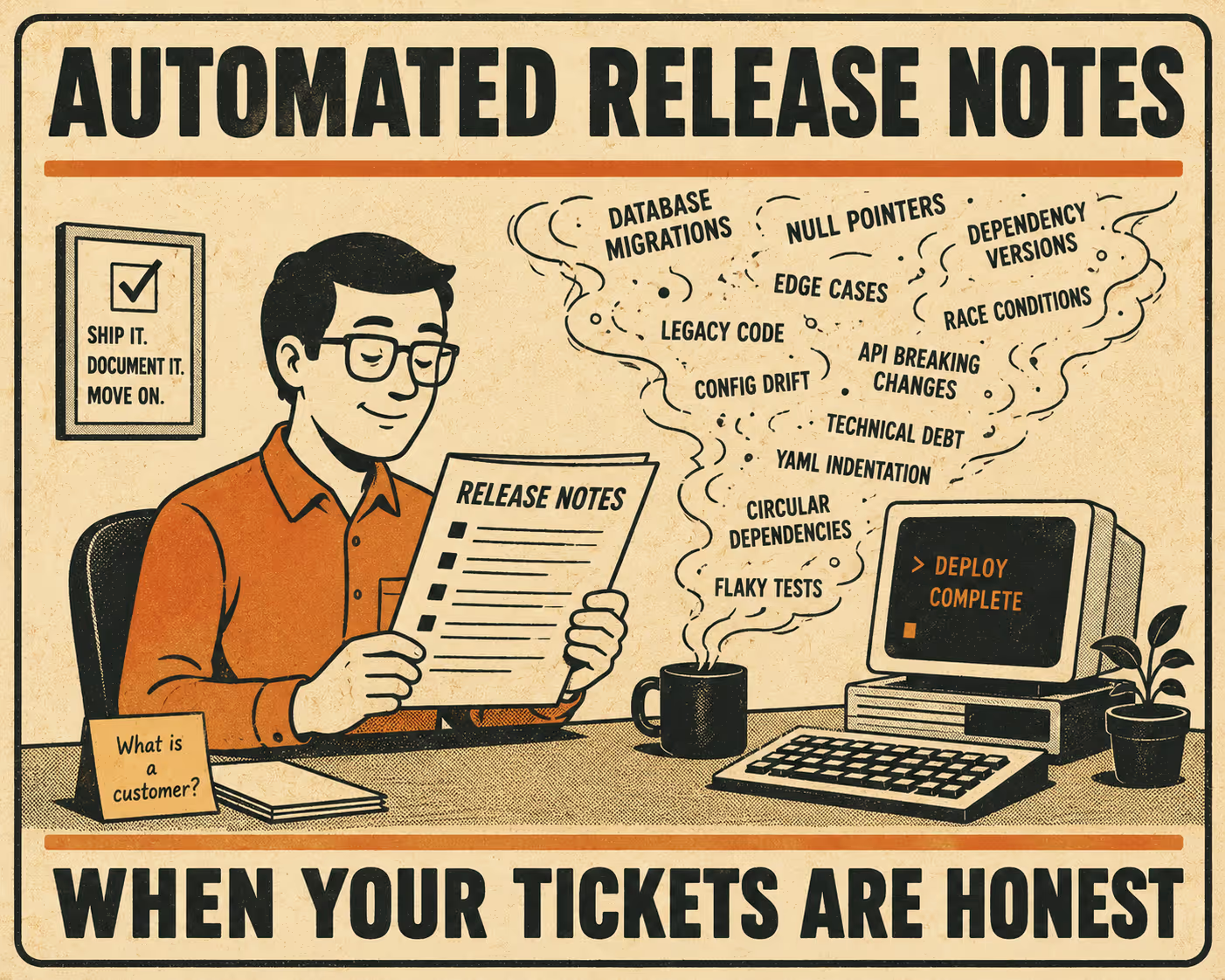
That is a commit log, not a release note. It is internal work made visible. It tells the customer nothing about what changed from their perspective, and it buries the one thing they actually care about (the new onboarding flow) between two items that should never have been published at all.
Structured transformation is different. It starts with the same Jira data but applies mapping logic before generating output. It filters out tickets labeled as internal or infrastructure work. It groups related changes by theme rather than listing them in the order they were closed. It rewrites ticket language into customer language. And it surfaces breaking changes at the top rather than letting them hide in the middle of a bug fix list.
Research on automated release note generation has consistently found that the quality gap between automated and manual notes comes down to this transformation step, not the data collection step. The data is usually there. The interpretation is what is missing.
The Three Implementation Paths
Native Jira automation is the lowest-effort starting point. Jira's built-in automation rules let you trigger actions when a version is marked as Released. Using smart values like {{lookupIssues}}, you can pull all issues associated with a fix version and format them into a message or document. Atlassian's release notes builder can push this data directly into a Confluence template with one click.
The limitation is that native automation is essentially a data pipe. It moves ticket summaries from one place to another. If your ticket summaries are good, the output will be passable. If they are not, you will publish garbage faster.
Middleware integration (Make, Zapier, n8n) gives you more control. You can catch the Jira webhook when a version is released, parse the payload, apply filtering logic, and push formatted Markdown to wherever your documentation lives. A 2026 IEEE case study found that this kind of automated pipeline reduced documentation time by 91% for release notes and 85% for API documentation at the companies studied. The tradeoff is that you are building and maintaining a pipeline. When Jira changes its API or your team changes its labeling conventions, the pipeline breaks.
Purpose-built documentation engines are the most capable option and the one that handles the transformation step properly. These tools do not just move data; they interpret it. Recent work from Peking University on SmartNote, an LLM-powered release note generator, found that systems which aggregate context from code, commits, and pull requests produce release notes that outperform manually written ones on completeness and organization. The same research found that tools relying only on commit messages or ticket titles produce verbose, disorganized output that users disengage from quickly.
The practical implication: if you want release notes that read like a human wrote them, you need a system that understands what changed, not just which tickets closed.
What Breaks and How to Fix It
Automation surfaces data quality problems you did not know you had.
Tickets tagged incorrectly. Bugs filed as features, features filed as tasks, infrastructure work with no label at all. When the automation runs, it either includes everything (too noisy) or misses things (incomplete). The fix is not a better automation rule; it is a team agreement on ticket hygiene enforced at the point of closure. Required fields and definition-of-done checklists help more than any downstream filter.
Internal work leaking into customer-facing notes. Database migrations, dependency updates, and CI/CD changes are real work, but customers do not need to read about them. The fix is a dedicated label (something like customer-facing or changelog-include) that explicitly marks which tickets belong in public release notes. Everything else gets filtered out by default.
Breaking changes buried in routine lists. A breaking API change sitting between two minor bug fixes will be missed. The fix is a dedicated issue type or priority label for breaking changes, with automation configured to surface them at the top of every release note regardless of when the ticket was closed.
Version numbering inconsistencies. If fix versions are applied inconsistently across tickets, the automation cannot reliably group issues by release. The fix is enforcing fix version assignment as part of ticket closure, not as an afterthought.
These are workflow problems, not automation problems. The automation will faithfully reproduce whatever your team puts into Jira. If that data is clean, the output will be clean. If it is not, no amount of prompt engineering will save you.
Getting the Output to the Right Places
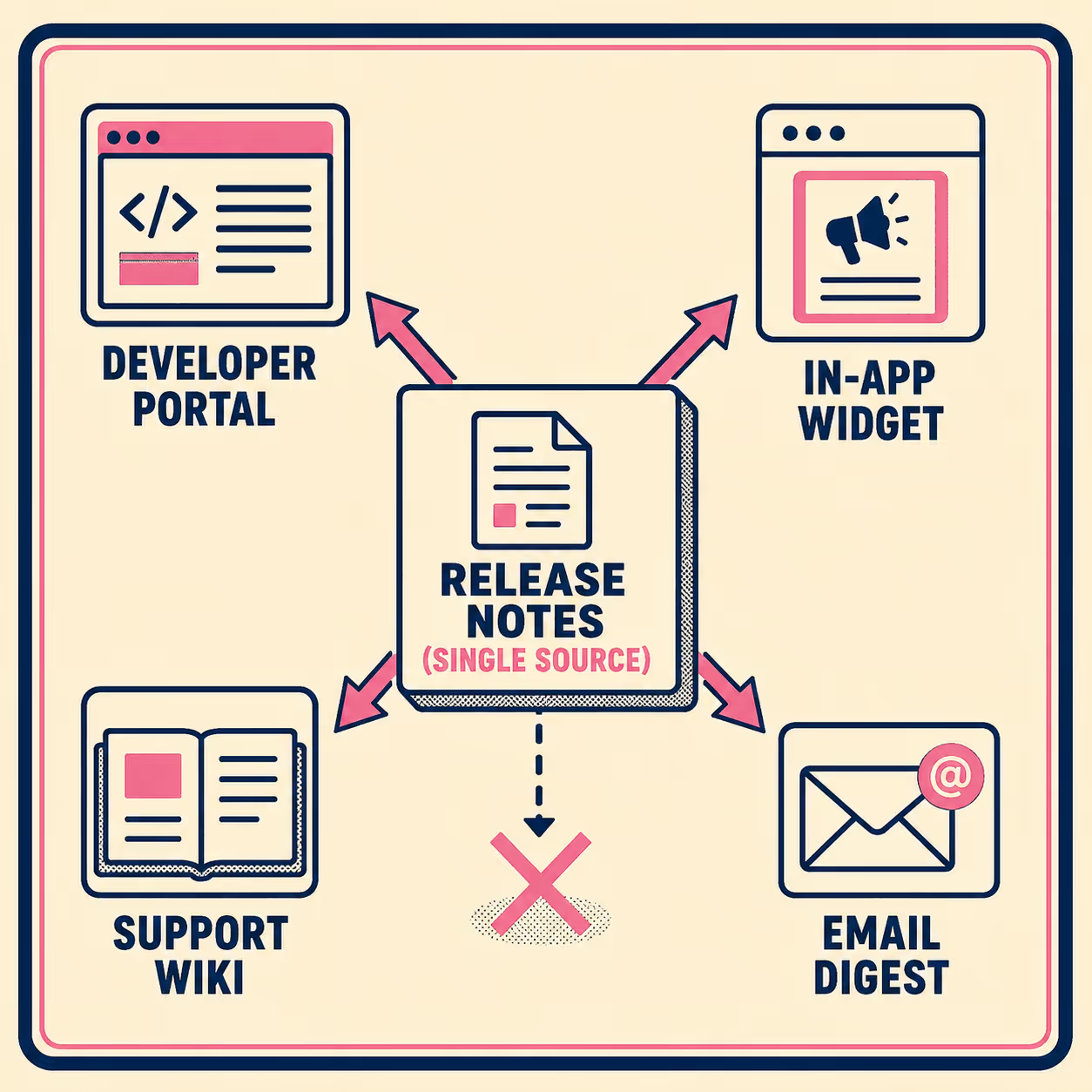
A release note that lives only in Confluence is a release note that most of your users will never read. The operational goal is to write once and distribute everywhere: the developer portal, the in-app changelog widget, the support team's internal wiki, the email digest for users who opted into release updates.
Keep a Changelog offers a useful structural standard here. Its categories (Added, Changed, Deprecated, Removed, Fixed, Security) map reasonably well onto Jira issue types and give you a consistent format that downstream systems can parse. If your release notes follow a predictable structure, it is much easier to automate distribution across channels without manually reformatting for each one.
The risk of skipping this step is that your changelog page gets updated but your in-app widget does not. Or your support team is still answering questions about a bug that shipped fixed three weeks ago because nobody updated the knowledge base. Distribution is where the operational value of automated release notes actually lands.
Anyway.
If you are tired of manually compiling release notes but do not want to spend weeks building and maintaining a custom pipeline, the problem you are solving is not a writing problem. It is a structured transformation problem. You need a system that understands your engineering data and knows how to turn it into customer communication.
Doc Holiday generates release notes, changelogs, and post-release documentation directly from Jira and related engineering workflows. It provides the structure to validate, manage, and distribute that output at scale, without requiring a large team or custom scripting to keep it running.



