How to Automate Zendesk Help Center Updates From Your Release Pipeline


There's a specific kind of Monday morning that support managers know well. A release shipped on Friday. By Monday, the ticket queue has a new cluster: "the button moved," "I can't find the setting," "this doesn't match the screenshot." Someone opens the Help Center to check. The article still describes the old interface. The article will probably still describe the old interface next Monday, too, unless someone remembers to update it.
That someone is usually nobody. Not because the team is negligent, but because updating Zendesk after a deployment is a manual step that sits outside the deployment process. It requires a person to notice the gap, know which article to update, have access to update it, and find the time. All four conditions have to be true simultaneously. They often aren't.
The fix isn't a better checklist or a reminder in the release template. It's connecting the release pipeline directly to the content system so that when code ships, the documentation follows automatically.
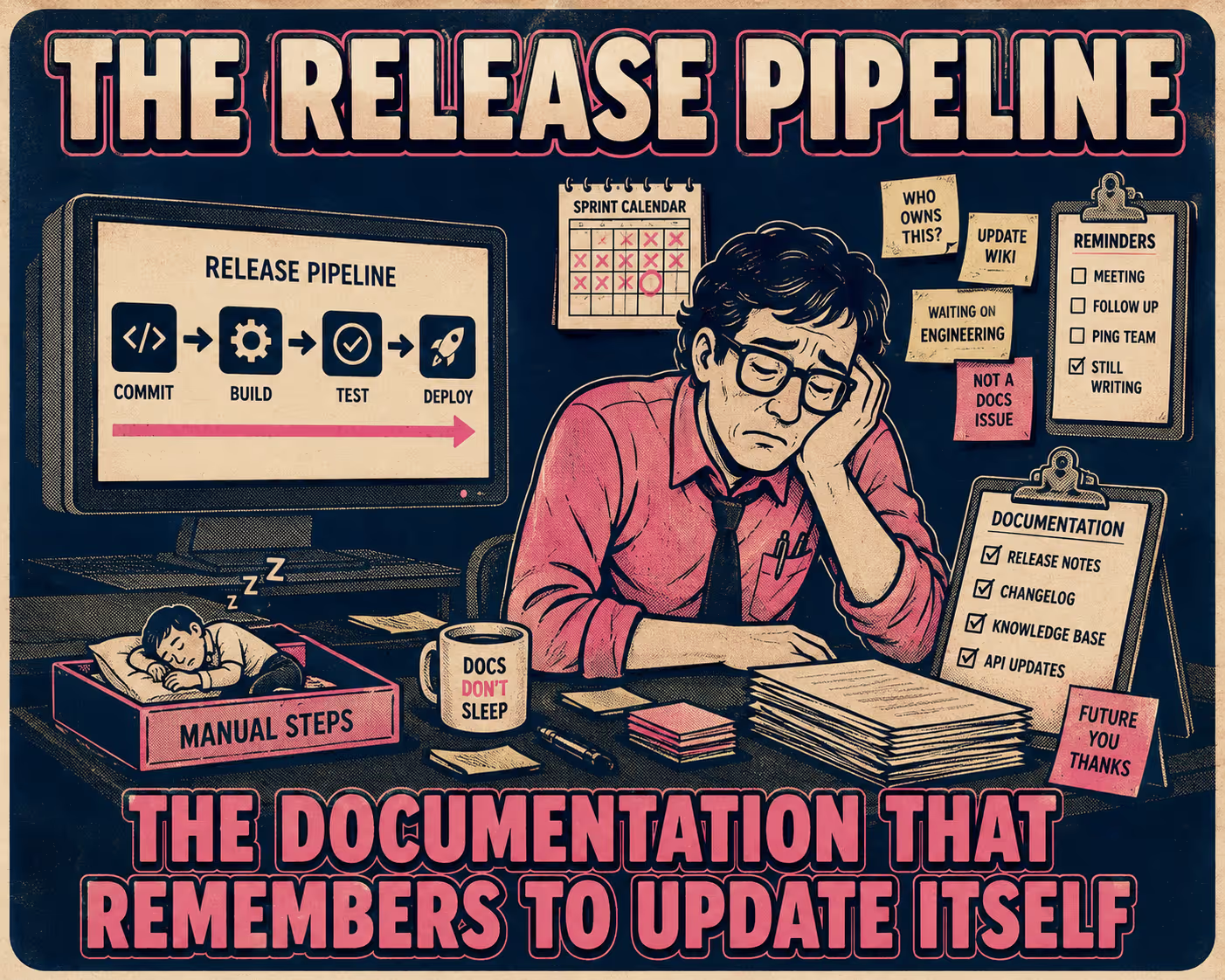
How the Pipeline Actually Connects to Zendesk
The Zendesk Help Center has a REST API. The endpoint you want is PUT /api/v2/help_center/articles/{article_id}/translations/{locale}, which updates the body of an existing article programmatically. That's the output side of the integration. The input side is your CI/CD pipeline.
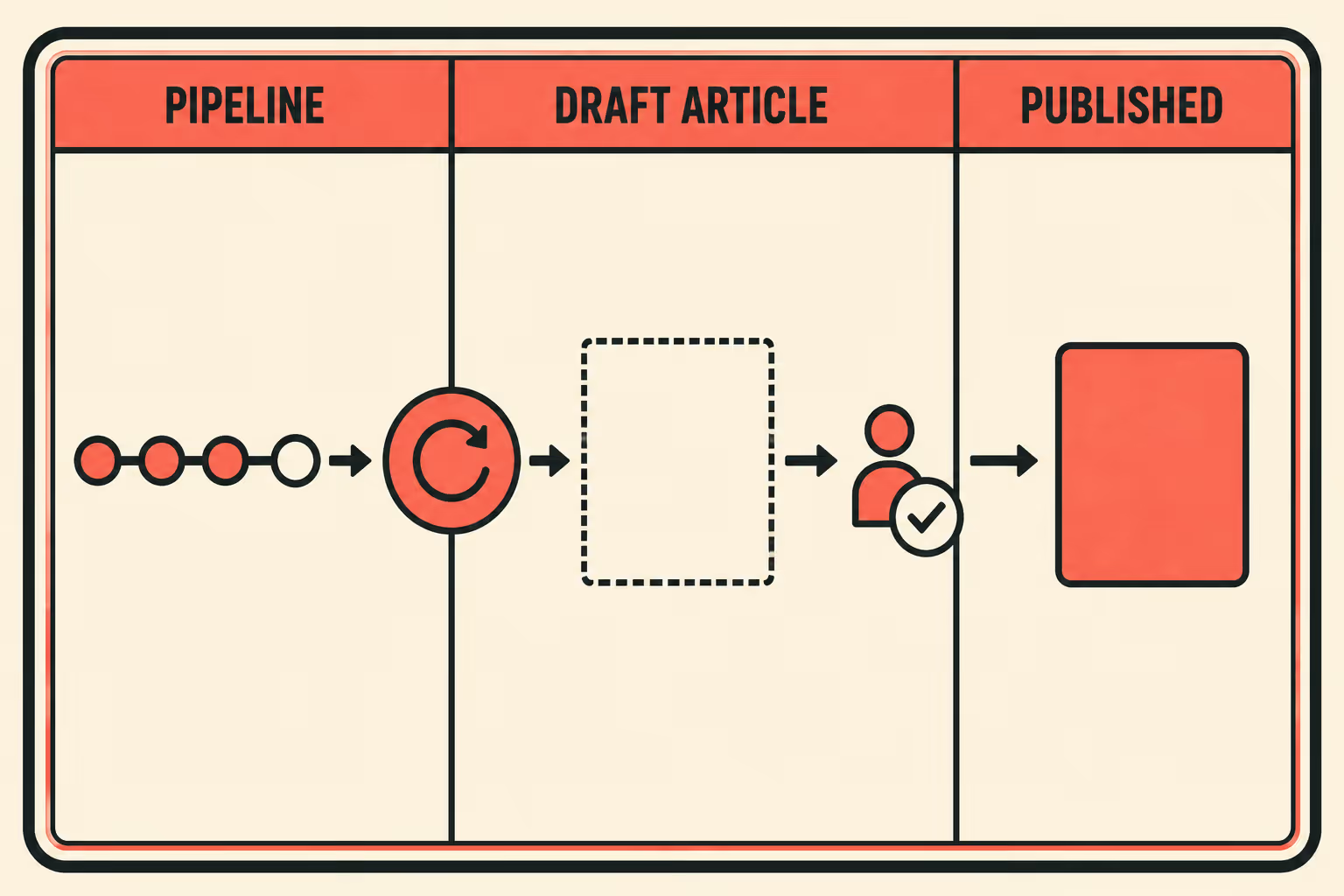
The pattern that works in practice: documentation lives in version control alongside the application code, in Markdown files that map to specific Help Center articles. When a release is tagged, a CI/CD job (a GitHub Actions workflow, a GitLab pipeline, whatever you're already using) parses the changed files, calls the Zendesk API, and pushes the updates. The article in Zendesk reflects the release within minutes, not weeks.
To make this work cleanly, you need to structure your release metadata so it maps to Help Center sections. The most reliable approach is using commit trailers to tag commits with the features they affect. A commit that changes the authentication flow gets tagged Changelog: changed and Feature: authentication. The pipeline parses those trailers, identifies the corresponding Help Center article, and routes the update accordingly. New API endpoints get routed to API reference pages. UI changes get routed to the relevant how-to guides. Deprecation notices get appended to the affected feature articles.
Automating API documentation updates via GitHub Actions and OpenAPI specifications follows the same logic: the workflow triggers when the OpenAPI spec changes, validates the spec, and publishes the updated reference. The trigger is the change, not the calendar.
This is the core idea behind what researchers have called DevDocOps: documentation as a continuous output of the delivery pipeline rather than a separate process that runs in parallel and falls behind. In one documented implementation at a large telecom, the lag time between a product release and its supporting documentation dropped from one to two months to less than two days.
What You Can Safely Publish Without a Human in the Loop
Not everything should go live automatically, and the distinction matters more than most teams realize.
API reference updates are the safest candidates for automatic publication. They're generated from OpenAPI specs or code annotations, they're deterministic, and they can be validated by tooling before they ship. If the spec is correct, the documentation is correct. Same logic applies to deprecation notices, parameter changes, and new endpoint documentation.
UI changes are slightly higher risk but still generally safe for auto-publication, especially when the update is a direct reflection of a screenshot or a step-by-step procedure that maps to a specific UI state.
Conceptual articles are where you want a human in the loop. A guide explaining why a feature exists, or how to think about using it strategically, requires judgment that a pipeline can't provide. The pipeline can flag that a related feature changed and that the article might need updating; it shouldn't publish the update without review.
The practical implementation for high-risk articles: push the update to Zendesk as a draft rather than a published article. Zendesk's Team Publishing feature puts those drafts into a "Ready for review" state, which routes them to a technical writer or product manager for approval before they go live. The pipeline does the work; the human makes the call.
The Version Conflict You Will Eventually Hit
At some point, someone will edit an article directly in Zendesk to fix a typo or clarify a step, and the next deployment will overwrite their edit. This is not a hypothetical. It will happen.
The solution is a strict source-of-truth hierarchy. If an article is managed by the pipeline, the repository is the source of truth. Edits made directly in Zendesk are not authoritative. The article should say so, ideally with a banner: "This article is generated from the codebase. Changes made here will be overwritten on the next release."
For hybrid articles (where the pipeline provides the structure but humans provide the narrative), the pattern is templating: the pipeline updates specific data blocks within the article while leaving the human-authored sections untouched. This requires more upfront design, but it's the only way to avoid a permanent tug-of-war between automation and manual editing.
The research on documentation drift is pretty clear that divergence between what the code does and what the documentation says is one of the most persistent quality problems in software systems. It compounds over time. A source-of-truth hierarchy doesn't eliminate the problem, but it makes the problem visible and tractable instead of invisible and growing.
How You Know If Any of This Is Working
Three metrics are worth instrumenting.
Time from release to article update is the most direct signal. Before automation, this number is probably measured in days or weeks. After automation, it should be measured in minutes. If it isn't, something in the pipeline is breaking.
The second metric is harder to instrument but more meaningful: the volume of support tickets that reference a mismatch between the product and the documentation. These are the "this doesn't match what I see" tickets. A Gartner study of over 8,000 customer journeys found that 70% of customers attempt to use self-service tools, but only 9% can fully resolve their issues. Stale content is a significant part of that gap. When the documentation is current, that ticket category shrinks. When it grows after a release, you have a documentation gap.
The third metric is the percentage of documentation updates that publish without manual intervention. This is the ROI number for leadership. If 80% of updates are going through automatically and 20% are going through a human review queue, you've reclaimed most of the manual labor while keeping the high-risk updates under control.
Anyway. The underlying problem isn't that teams don't care about documentation. It's that documentation has historically been structured for manual production, not for pipeline delivery. When the output of the release process (release notes, API references, changelogs) is already structured for direct publication, connecting it to Zendesk becomes an integration problem rather than a content problem. Teams that use Doc Holiday start with documentation artifacts that are already shaped for the pipeline — release notes, API references, and changelogs structured for direct publication — along with the validation framework to route them into Zendesk without rebuilding a manual review process for every release.



